3
88 AhnLab TrusGuard Installation Guide
Step 2: Register TrusAnalyzer in TrusGuard
Step: System > Log
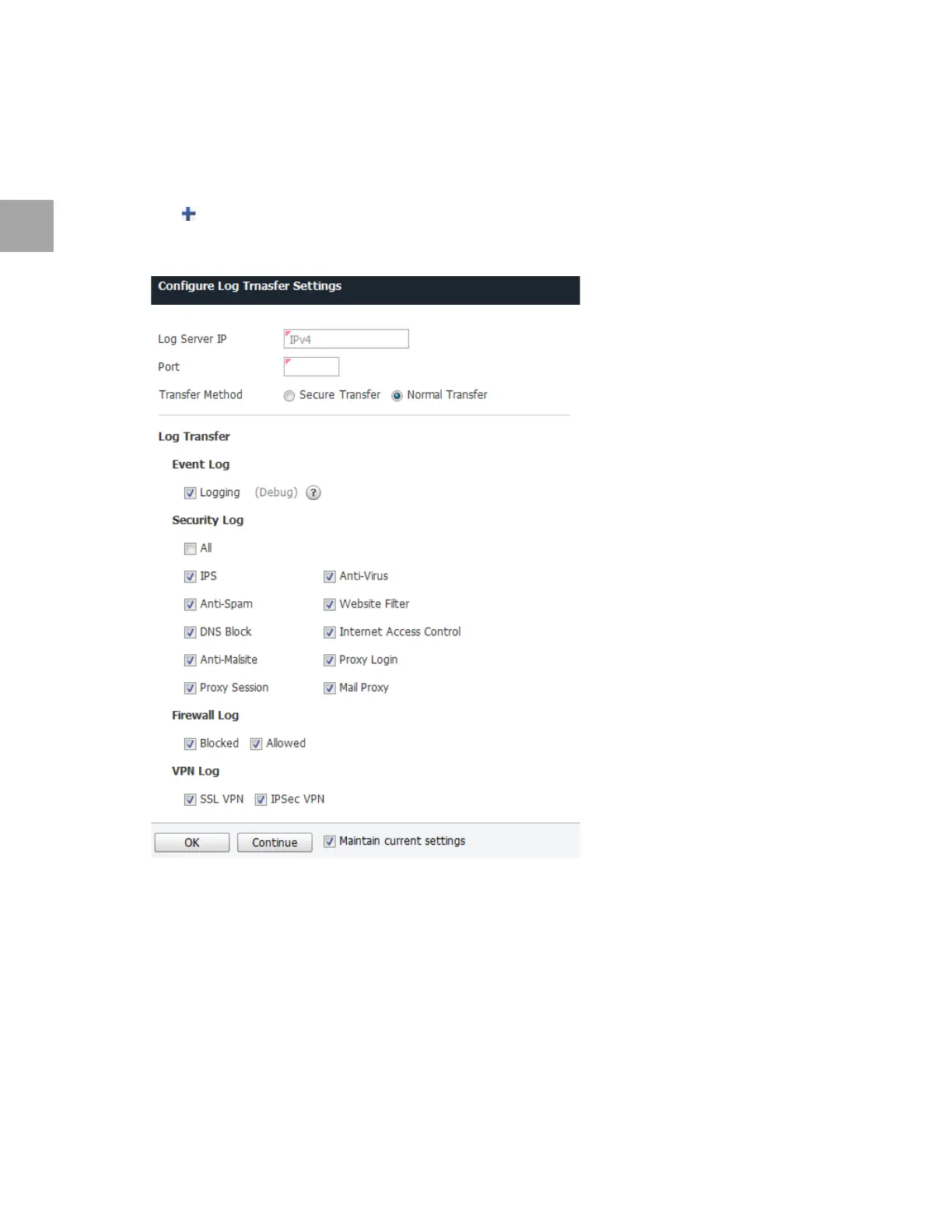
Set the remote log server connection as below.
1 Click
.
2 Specify the settings in Add Log Server
.
• Items not selected in the local server cannot be used even if selected in a newly added server.
• Enter
the TrusAnalyzer’s IP address in Log Server IP.
• En
ter the Port number.
▪ Syslog/DTLS: 516
▪ Syslog: 514
3 Click OK.
4 Click App
ly.



 To Next Page