Page 38
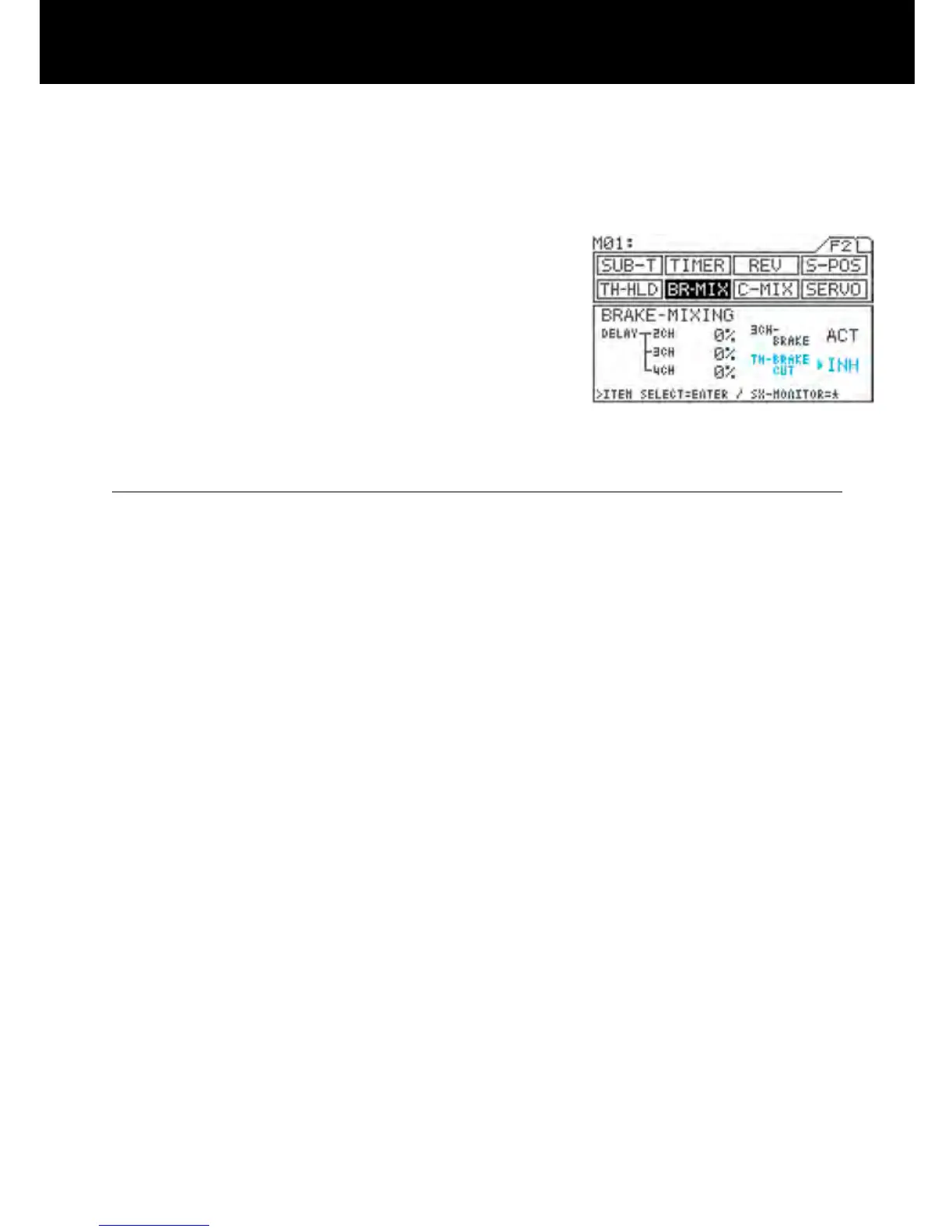
4) Setting INH/ACT setting for TH-BRAKE CUT.
Move u to the right of TH-BRAKE CUT with the
ENTER key, and then select INH or ACT by pressing
the Inc.+ or Dec.- key.
* If intended not to use brake side of the throttle
channel (2CH), servo operation can be disabled
on the brake side by selecting ACT. This reduces
the time lag of servo operation compared to that
when using the throttle channel (2CH) for brak
-
ing.
IMPORTANT
- Do not use the TH-BRK CUT function when 2CH is selected.
- Be sure to set the menu as 4channel! If 2CH is selected, function can be used partially.
- Select 4CH (through the SET-UP menu) and Be sure to set the 3CH-BRAKE rst, before the adjusting linkage.
(Before adjusting REV, EPA, and SUB-T.)



 To Next Page