14
INTRODUCTION
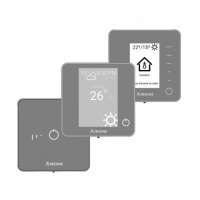
Airzone systems enable the management of Master and Zone interfaces. Master thermostats enable mode management or
define the efficiency level with the Eco-Adapt function.
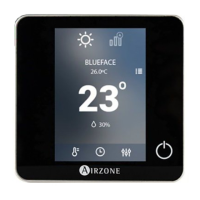
It is recommended the use of a Blueface thermostat as Master Interface, this enables time schedule management and more
unique functionalities.
Remember: This system only admits one Master thermostat.
To distinguish a Master Interface from a Zone Interface, check the next points.
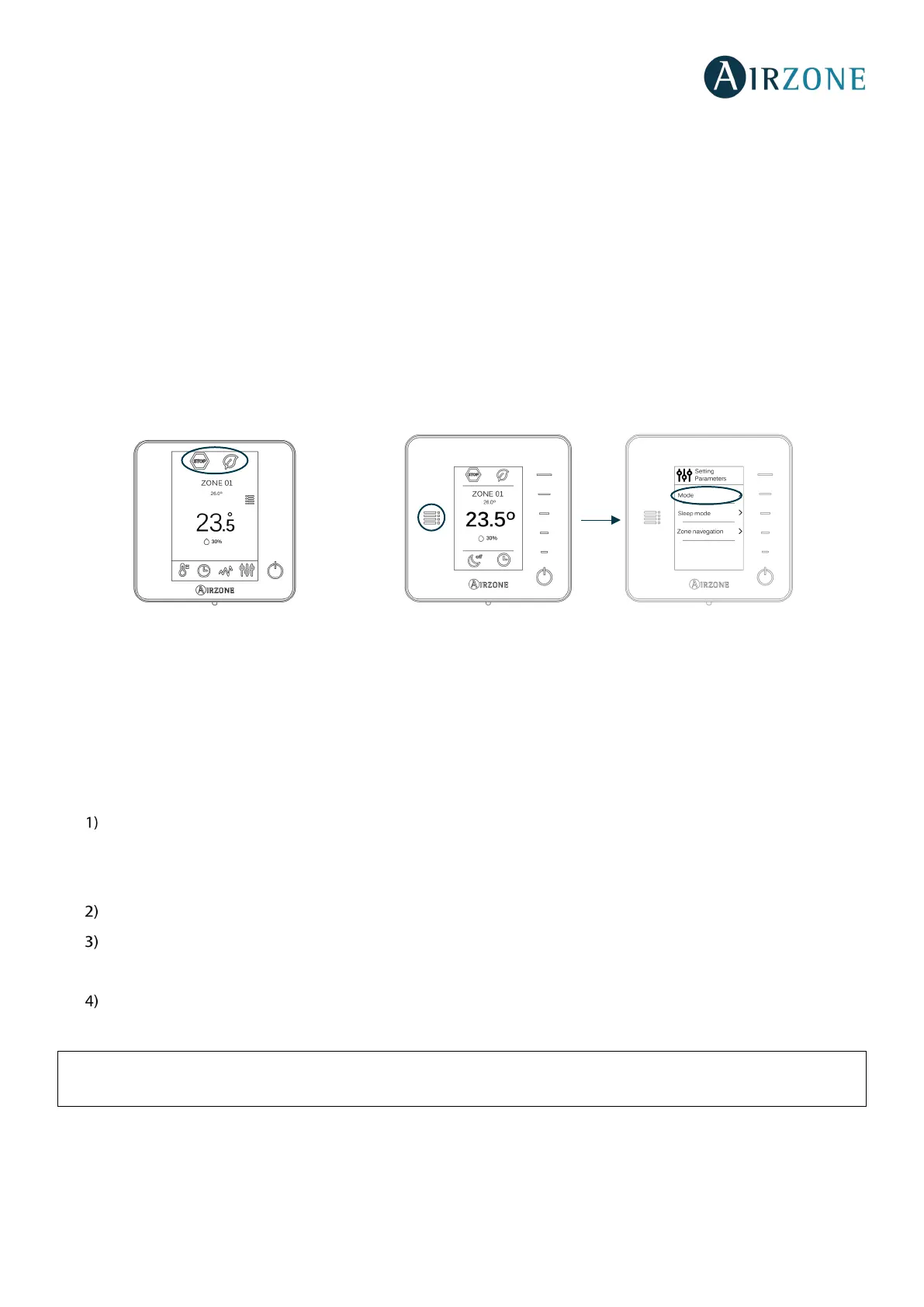
- Blueface Master: Mode and Eco-Adapt icons shown in white color.
- Blueface Zone: Mode and Eco-Adapt icons shown in gray color.
- Think Master: Accessing the settings menu, Operation Mode is available.
- Think Zone: Accessing the settings menu, Operation Mode is unavailable.
SYSTEM INSTALLATION
Before the Airzone system commissioning, please check:
• The system is going to control works correctly without the Airzone system installed.
Important: For installations with radiant surfaces only, it is recommended the installation of buffer tanks.
In order to install the Airzone system, carefully follow these steps:
Connect all the necessary elements (see sections Assembly and Connection).
- Connect all the elements of the system (thermostats, modules, etc.)
- Power the main board.
Check all the assembly and the connection are correct (see section Assembly and Connection evaluation).
Configure the system.
- Configure all the thermostats (see sections System Start-up and Advanced settings).
If you have any other doubt, check the user and installation manuals.
Access all our technical documents and the self-diagnosis section, check the most FAQs, certificates,
watch our videos and read our declaration of conformity at: myzone.airzone.es/productos/


 To Next Page