43
ADVANCED SETTINGS
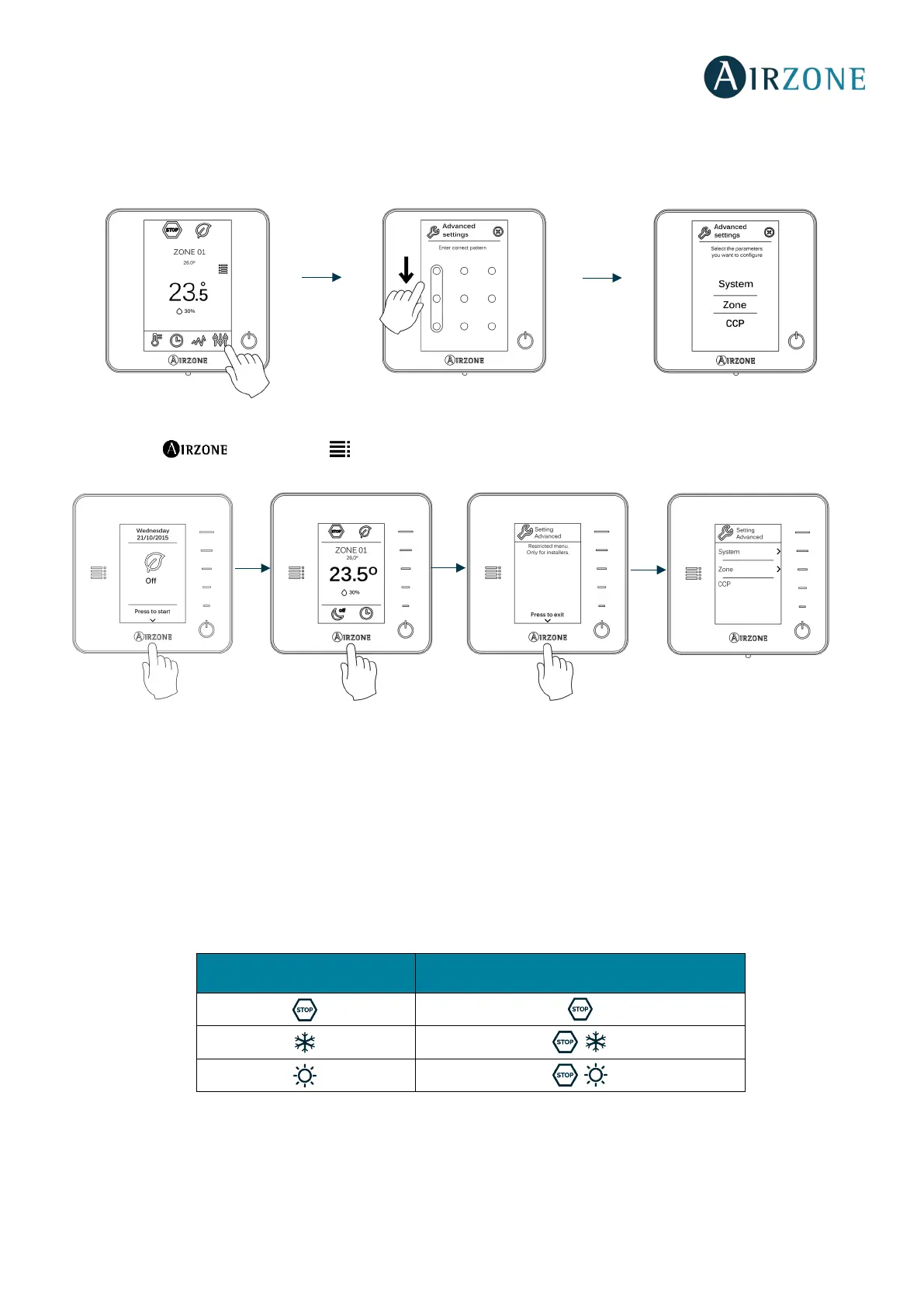
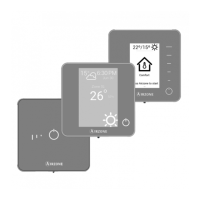
To access the advanced configuration menu of the thermostat and Blueface Think follow the following steps:
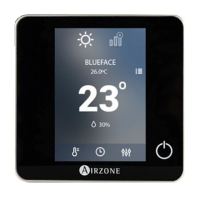
Blueface
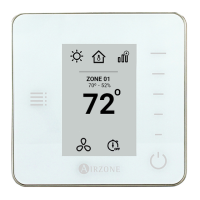
Think
Important: Use to confirm and to return.
From this menu you can change the system and zone parameters.
SYSTEM PARAMETERS
• System address. Defines the number of the system within your installation. The value 1 is shown by default. The
system will display the available values (max = 247).
If the system has address 1 and there is a production control board (AZX6CCP) in the installation, it is possible to
activate Supermaster feature which imposes the operating mode of system 1 to the rest of the systems connected to
the AZX6CCP:
• Temperature range. Selects the highest temperature in heating mode (19-30 ºC) and the lowest temperature in
cooling mode (18-26 ºC). It is also possible to disable some of the modes. The highest temperature by default is 30ºC.
The lowest temperature by default is 18ºC.
• Hysteresis configuration. Defines the temperature differential between room temperature and set-point
temperature required to start applying the RadianT Algorithm. In installations with radiators, set this value to 0ºC. It is
set to 2ºC by default.
Available operation modes:
Rest of the systems


 To Next Page