48
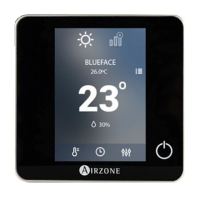
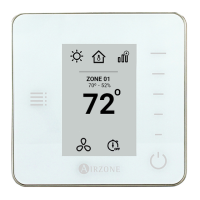
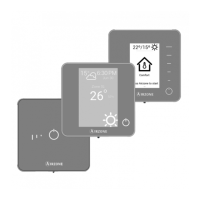
Blueface and Think Thermostats Errors
If any type of anomaly is detected, the word "Error" is displayed on the screensaver of these devices. You may find the following
errors:
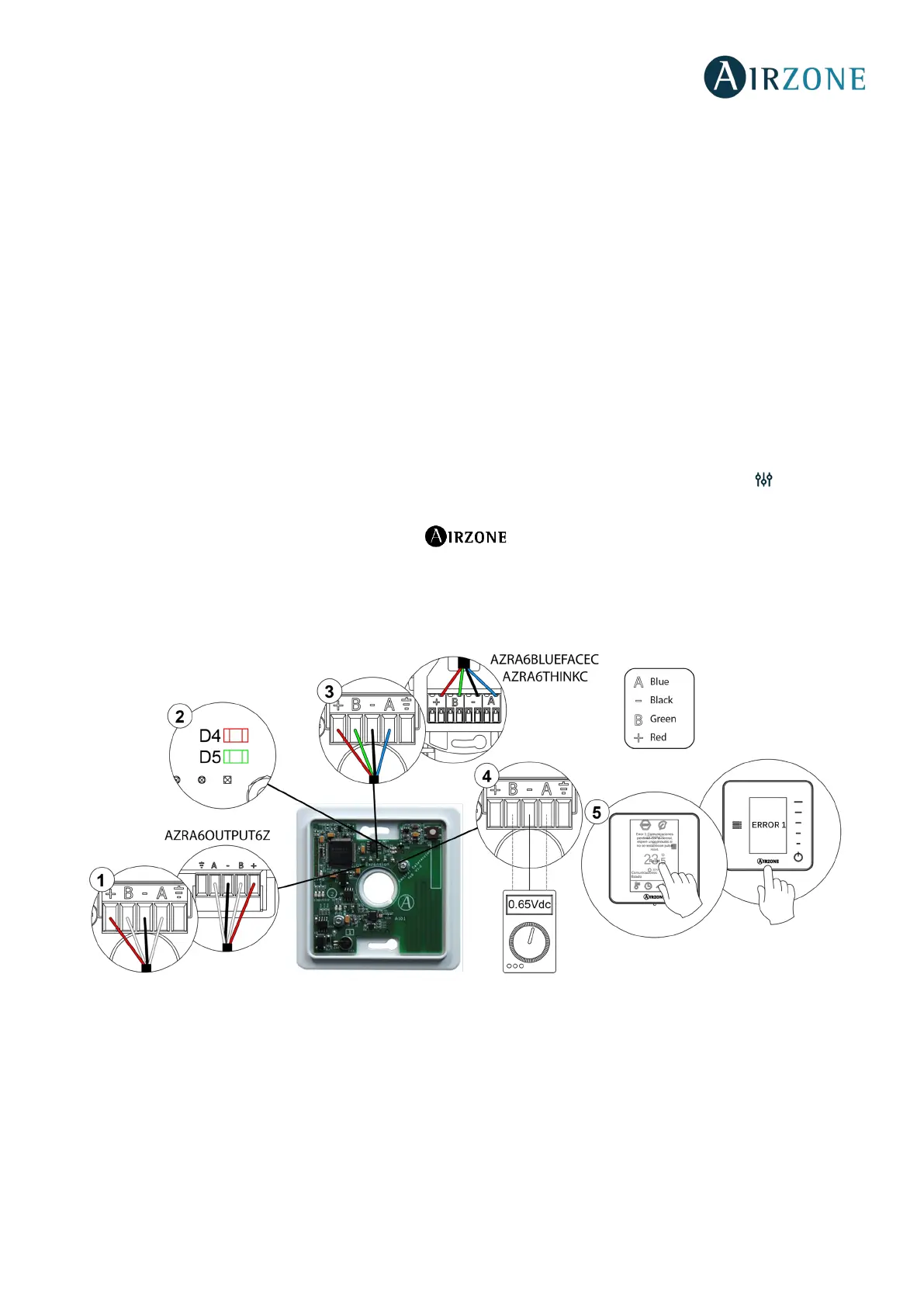
Error 1: Wired thermostat-Main control board communication error
This incident blocks the control of the zone. Check this error is not common to all thermostats. If so, verify the proper operation
of the main board. To solve this incident check:
1. Main control board status: Correctly powered.
2. Main control board status: Airzone connection bus LEDs are operating properly.
3. Connection: Verify the polarity of the main control board and thermostat connectors.
4. Wiring: Disconnect the terminal from the Airzone connection bus and check that the voltage between the poles (A/-)
and (B/-) is about 0.65 Vdc.
5. Restart the zone and re-associate it with the system:
- Blueface thermostats: Press on Reset to restart the device. If the error persists, press and hold on and reset the
thermostat. Configure the system.
- Think thermostats: To do this, press and hold on and restart the start-up configuration process.
6. Restart system: If the system is restarted, this error may be displayed in the thermostats at the beginning of the process.
This message should disappear after around 30 seconds.


 To Next Page