38
ASSEMBLY AND CONNECTION EVALUATION
Check the following aspects:
- The state of the LEDs of the main control board and the rest of control elements. Check the self-diagnose section of
the data sheet of the elements.
- If all the thermostats are powered.
-
SYSTEM START-UP
Once the system is installed and all the elements are correctly connected, it is time to power the system.
Follow the steps described in the following sections to configure all thermostats.
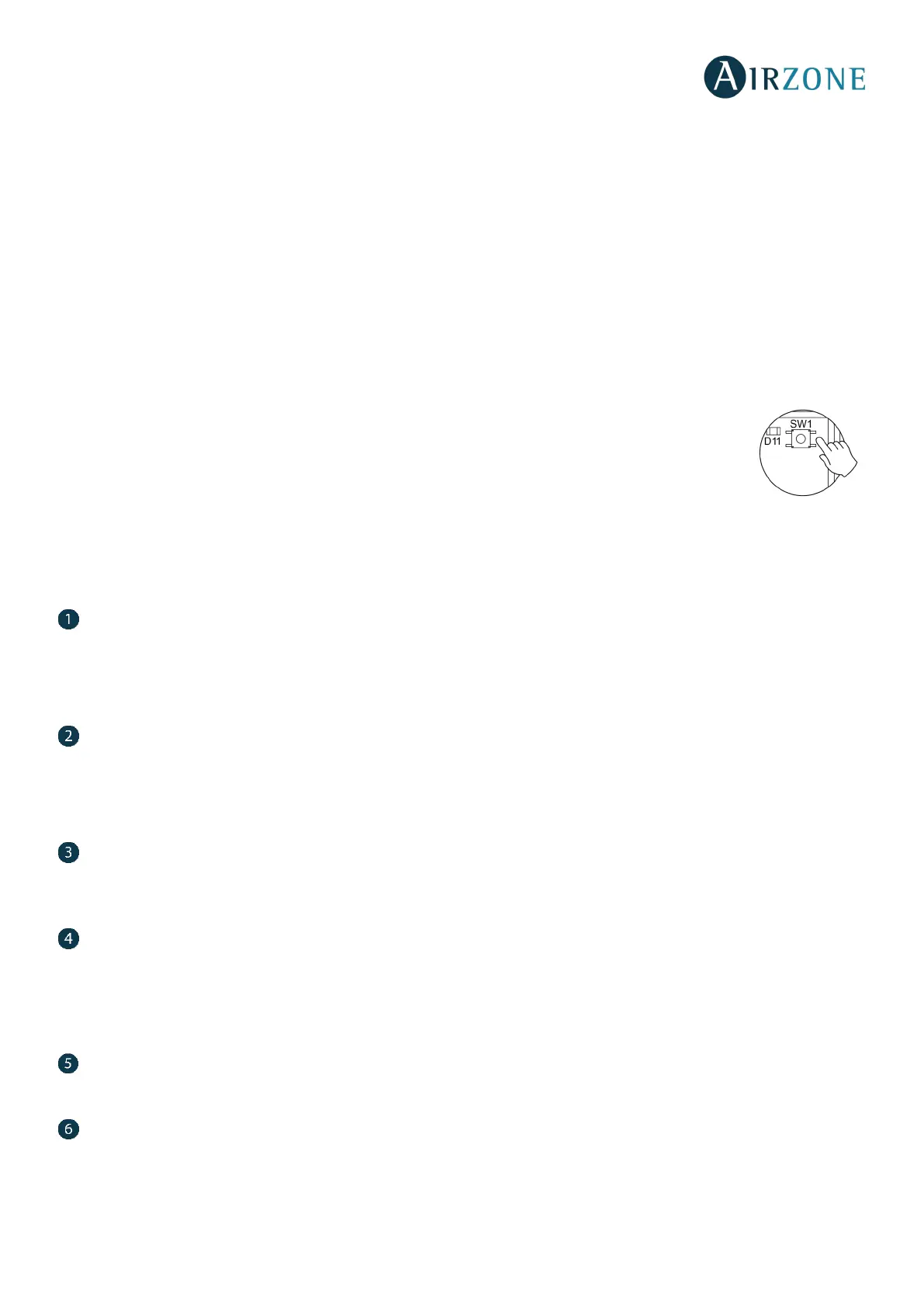
Reset system: To reset the whole system, press and hold on SW1 (on the main control board) until the LED 19 stops blinking (Fig. 60).
IMPORTANT: To associate wireless thermostats, you must open previously the wireless association module.
To do that, press on SW1. The LED D19 will remain steady red (Fig. 45). Once open, you have 15 minutes to
make the association. If that period of time expires, start the process over again. Remember not to open
more than one module at the same time, it may alter the process.
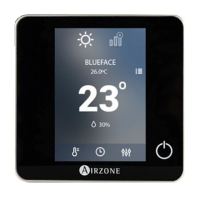
You can also open the channel association radio through the Blueface and Think (see section System
parameters)
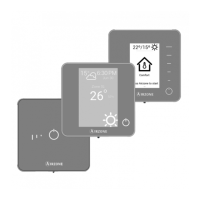
AIRZONE BLUEFACE AND AIRZONE THINK SETUP
Important: Once you start the process, it cannot be interrupted.
Language/Country
Select your language and country. These are the available languages: Spanish, English, French, Italian, Portuguese and German.
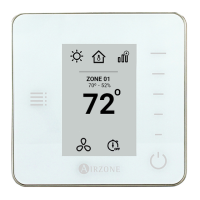
To associate a wireless Think, press Airzone to start seeking and then confirm the wireless association. Verify the range is
correct (30% minimum) and confirm.
Zone address
Select the zone associated to the thermostat. Each zone corresponds to a radiant element relay output. For example, zone 1
will control the relay output O1 of the control module of radiant elements (AZRA6OUTPUT8Z).
Important: In case of having a production control board (AZX6CCP) the system is able to work with up to 8 zones.
Associated outputs
If necessary, the system allows you to associate more than one control output to a zone. It is possible to control multiple outputs
from the same thermostat.
Thermostat configuration
Select the operation of the thermostat:
- Master: Controls all the parameters of the installation.
- Zone: Controls all the parameters of the zone.
Control stages
Enables/Disables the radiant stage with cooling and heating modes.
Other settings
Access the advanced settings (system address, temperature range, etc.) to change other settings or activate the basic function
if you want to (see Advanced Settings, zone parameters).


 To Next Page