55
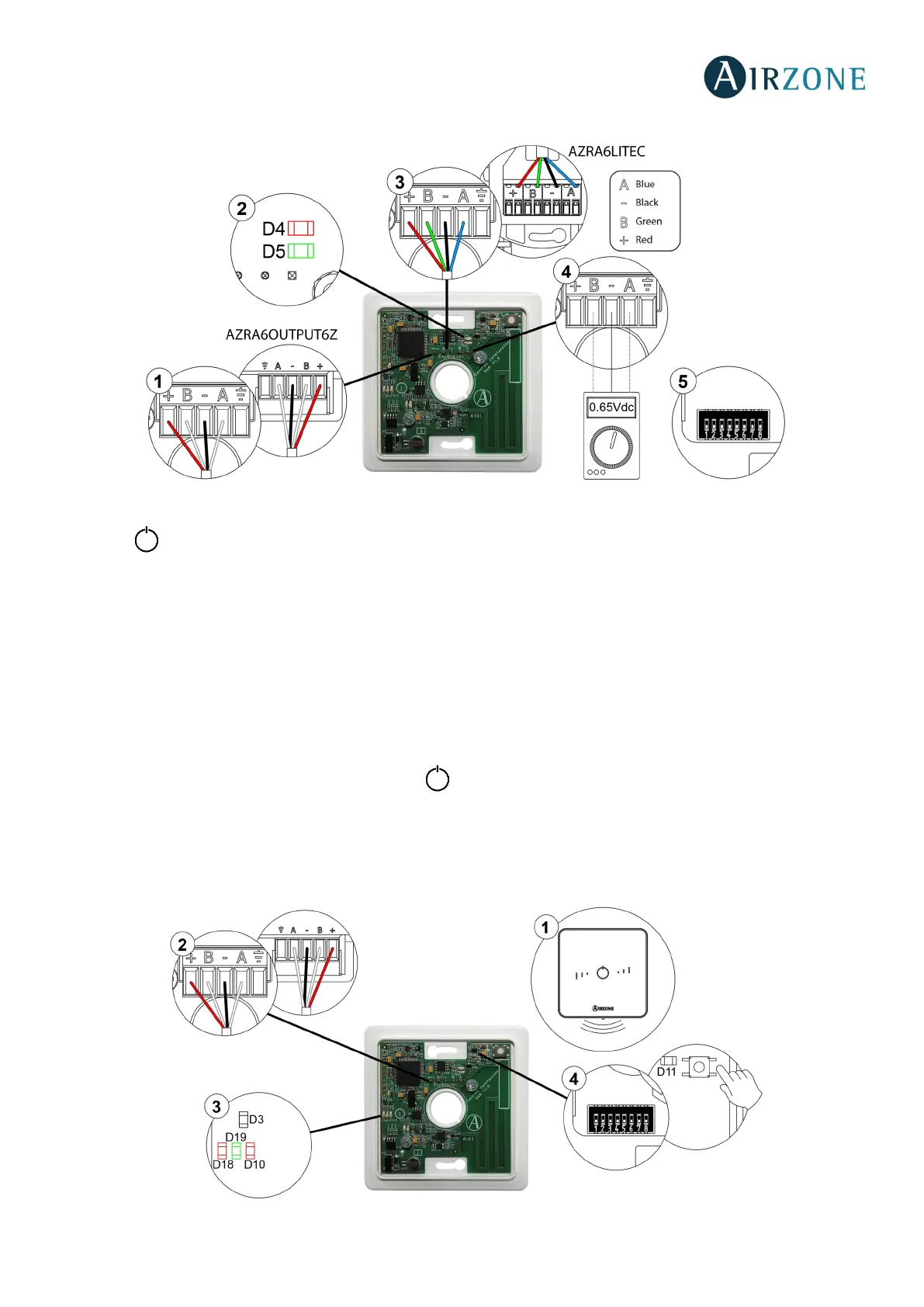
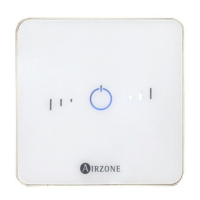
Status LED blinking red quickly: Wireless Lite Thermostat-Main control board communication error
This incident blocks the control of the zone. Check that "Error 1" not appear in all thermostats. If so, verify the proper operation
of the main board. To solve this incident, please check:
1. Thermostat status: Check the signal range of the thermostat with the main control board through the Information
parameter from remote zones or approach the thermostat to the main control board if the thermostat recovers the
communication, it is necessary to relocate it as it was out of range.
2. Main control board status: Correctly powered.
3. Main control board status: Proper operation of the LED of wireless communication.
4. Restart the zone and re-associate it with the system. To do this, pull down all the microswitchs, reinsert the thermostat
in its base and press on the thermostat. The LED will flash green twice when the reset process is completed. Note
that, if you need to associate wireless devices, the wireless association module must be previously open (from SW1
button or from any thermostat, pressing Wireless module inside Advanced settings, zone parameters.
5. Restart system: If the system is restarted, this error may be displayed in the thermostats at the beginning of the process.
This message should disappear after around 30 seconds.


 To Next Page