HM135/HM435 Programmer software guide
Preliminary version Page 7
3 PROGRAMMING
3.1 Running the programmer software
1) Make sure that the radio is turned off
2) Keep the F1 button pressed and switch the radio on by rotating clockwise the On-Off/Volume knob located in the front panel. After the
mechanical click, the status LED will steadily glow yellow and the display shows Programming… showing that the radio is switched on in
programming mode. In this case you can release the F1 key
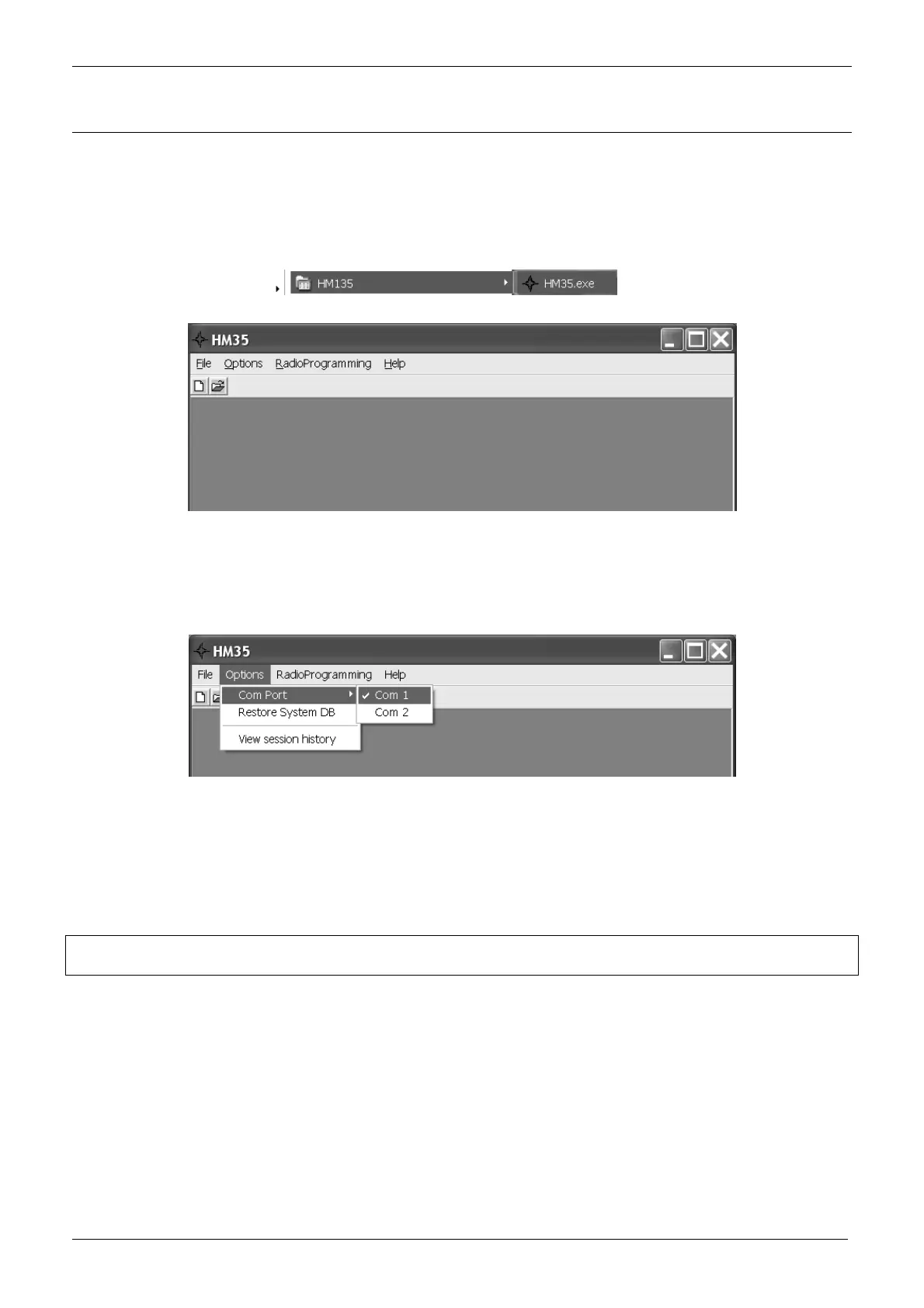
3) Click the Start button, point to Programs – HM135 folders, then click HM135 icon
4) The HM35 Programmer’s window will open (blank gray window)
The figure shows the blank window under Windows XP
3.2 Selecting the proper COM (serial) port
The serial port COM1 is automatically preset as default port. However, should you need to select the COM 2:
1) From the menu Options select Com Port: you will see the tick sign on Com 1.
2) Select Com 2: the tick will be moved on Com 2 and this port will be switched as default.
3.3 Checking the software version
If you want to see the software version and other additional info, from the menu Help select About. The About window will
open showing you the said data.
3.4 Mandatory operation for 1
st
time users
VERY IMPORTANT! If you have just installed the software or you are creating a new file for the first time, you
have to restore signal default database as follows:
1) From the menu Options select Restore System DB. A window will open with the message Restore the SYSTEM DB (Default Public
Data, CTCSS Definition and Selcal Definition)?
2) Press OK to restore the System DB. A window will confirm that the system DB has been restored successfully.
In case of mistakes, you can press Cancel at step 2) in order to exit without restoring the System DB
Should you need more information about restoring the signal default database, please see the par. 7.3
3.5 New or already stored data?
Now that you have properly run the software, and connected the programming cable to your PC, you can choose either the
first or the second following procedures depending if you want to create a new programming data set or you need to use a
previously stored one:



 To Next Page