HM135/HM435 Programmer software guide
Preliminary version Page 28
7.3 Restoring the default signal database
This option is basically useful in two conditions:
When a software upgrade has been performed. The Programmer software is in continuous development in order to add new features to
the radio and make your programming operations easier. So if you have just upgraded your software by substituting the “.exe” main file
with a new updated one, restoring the default signal database is mandatory.
If you have set up your own signaling standard (i.e. PERSONAL selcal) and you want to restore it to the default values.
To restore the signal default database:
1) Ensure you have not opened any programming file (i.e. the background of the programmer’s window must be blank gray), otherwise
close the file with the command File – Close radio
2) From the menu Options select Restore System DB. A window will open with the message Restore the SYSTEM DB (Default Public
Data, CTCSS Definition and Selcal Definition)?
3) Press OK to restore the System DB. A window will confirm that the system DB has been restored successfully.
In case of mistakes, you can press the Cancel button at step 3) in order to exit without restoring the System DB
7.4 Viewing session history
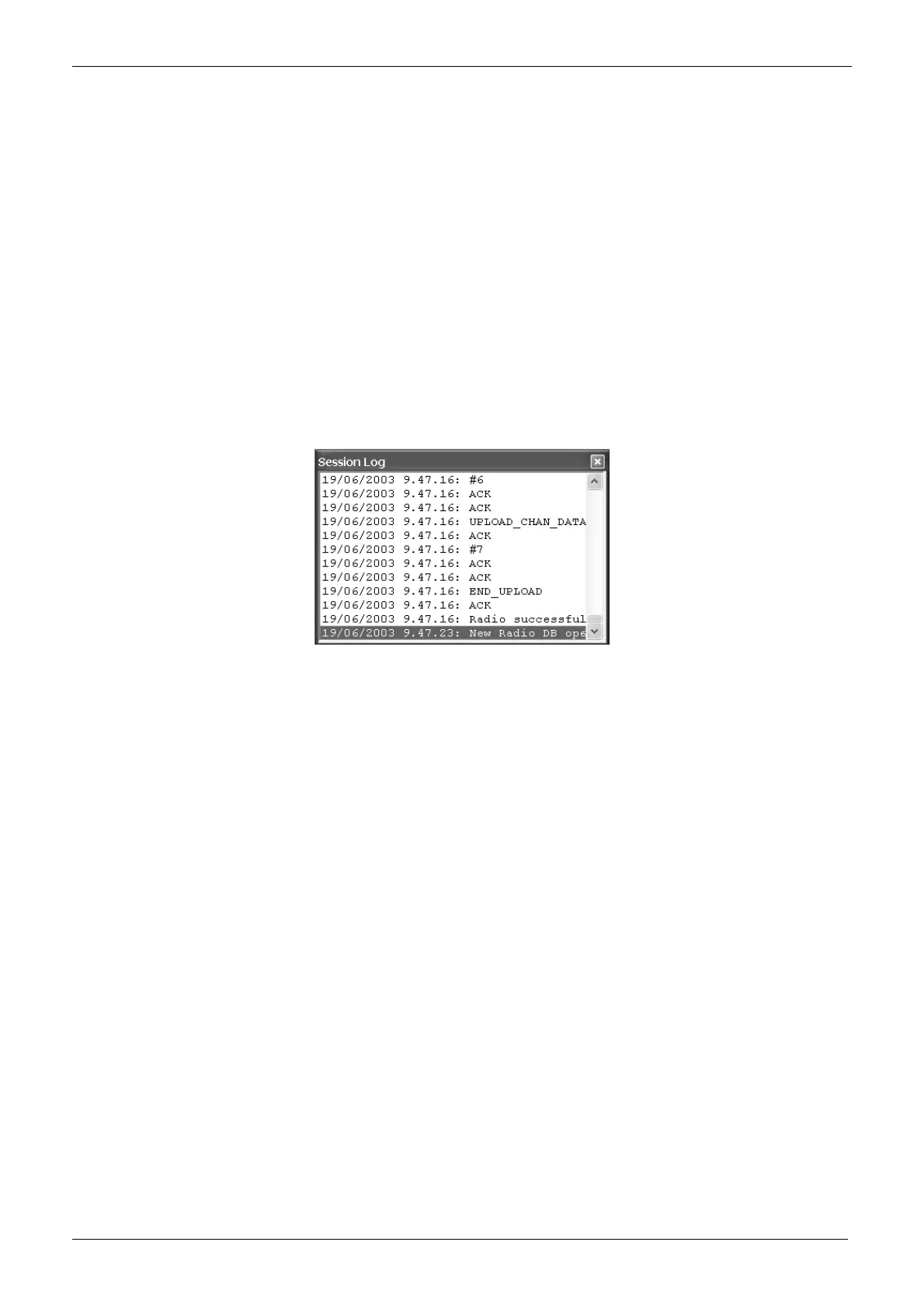
If you want to see the history of the various programming sessions, from the menu Options select View session history.
The
Session log window will open showing the log of the various programming sessions as per the following example:
You can scroll them using the vertical scrolling bar.
To close the
Session log window, press the X key on the upper-right corner.
7.5 Exit the programmer Software
From the menu File select Exit: the programmer software will close.



 To Next Page