APOC0274 Ed.3a
Page 11 of 35
+44 (0)1235 861 483 | aleretoxicology.co.uk
Alere™ DDS
®
2 Mobile Analyser User Guide | 2. Getting Started
The charging status light will only be illuminated when connected to mains A/C power.
In order to ensure maximum battery life, charge the analyser battery for a minimum of 5 hours
before running the analyser on battery power.
It is recommended to charge the printer every time the analyser is charged; if the Alere DDS2 Mobile Test
System is in storage, the analyser and printer should be charged every 2-3 months to ensure the batteries
remain in good condition.
2.8 Tilt sensor
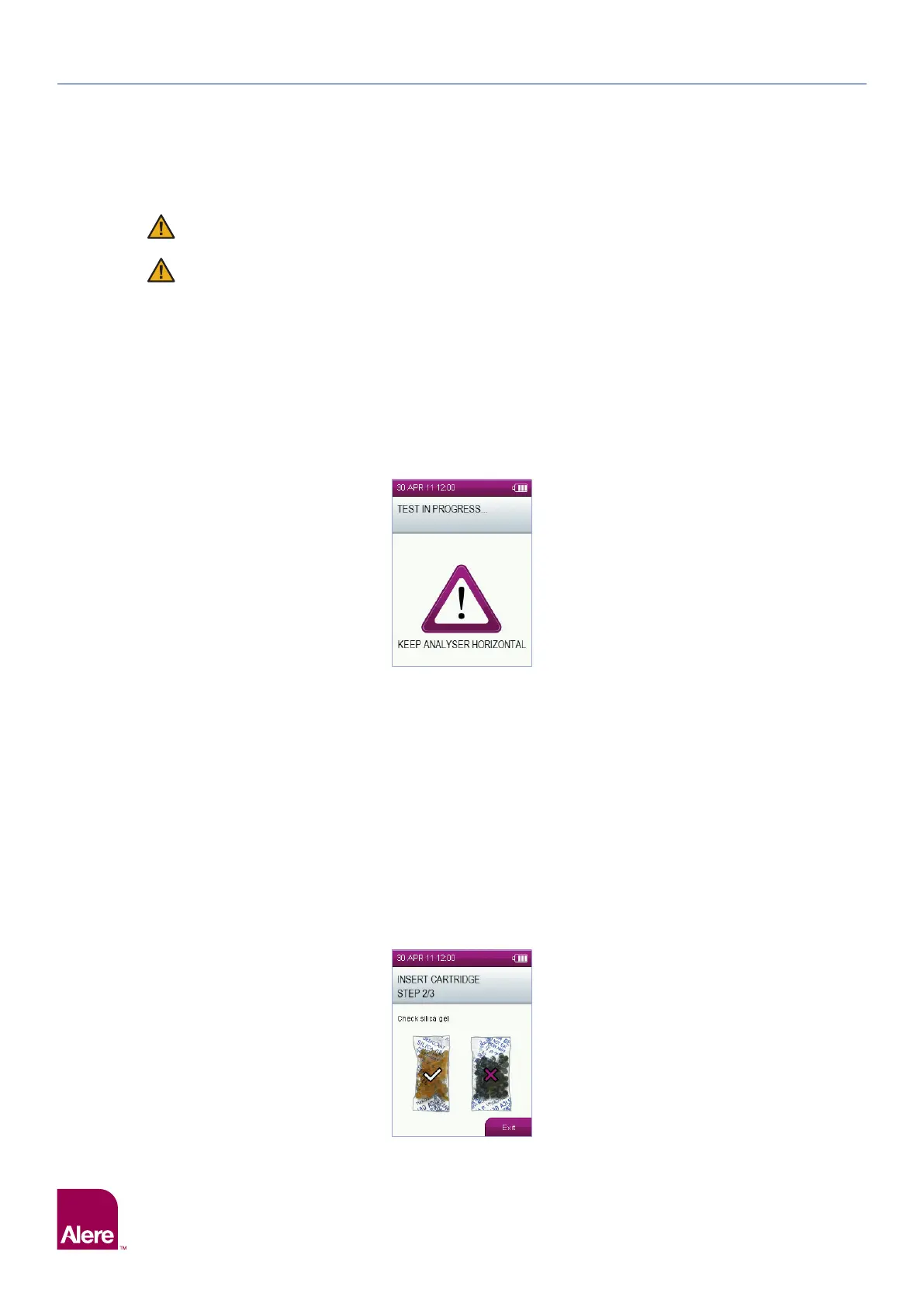
The Alere DDS2 Mobile Analyser should be used in a horizontal plane, and once the Alere DDS2 Oral Fluid
Collection Device has been inserted it must be kept as still and flat as possible throughout testing to prevent
disruption to the test. The analyser has an in-built tilt sensor which will display a warning on the screen when
the analyser is tilted beyond the acceptable range. If tilting is not corrected immediately, this may result in a
test error.
2.9 Silica gel packs
Each foil wrapped Alere DDS2 Test Cartridge is packed with a silica gel packet. The silica beads are
designed to change in colour when moist and act as an indication that the Alere DDS2 Test Kits have been
stored correctly and have not been exposed to water vapour in the air. The silica packs are made from an
environmentally friendly, synthetic silica indicating gel that is impregnated with a colour changing agent.
The silica gel packs are yellow/orange when dry, indicating that the test kit has been stored correctly and has
not been exposed to the external environment. When moisture has been absorbed, the silica packs will turn
to light green, indicating that water vapour has entered the packaging.
The silica gel pack should be checked each time a test cartridge is opened. If the silica gel pack is
green, discard the test cartridge and contact Product Support, as the performance of the product
may have been compromised. If the silica gel has burst, discard the test cartridge and contact
Product Support.
Slight discolouration of the silica beads is normal. When the majority of the beads within the pack are green,
the test cartridge should not be used.


 To Next Page