APOC0274 Ed.3a
Page 13 of 35
+44 (0)1235 861 483 | aleretoxicology.co.uk
Alere™ DDS
®
2 Mobile Analyser User Guide | 4. Start-up
4 Start-up
Important – Please read the instructions for use in full provided with the Alere DDS2 Test Kit, prior to
commencing a test.
Turn on the Alere DDS2 Mobile Analyser by pressing on the power button situated on the right hand side.
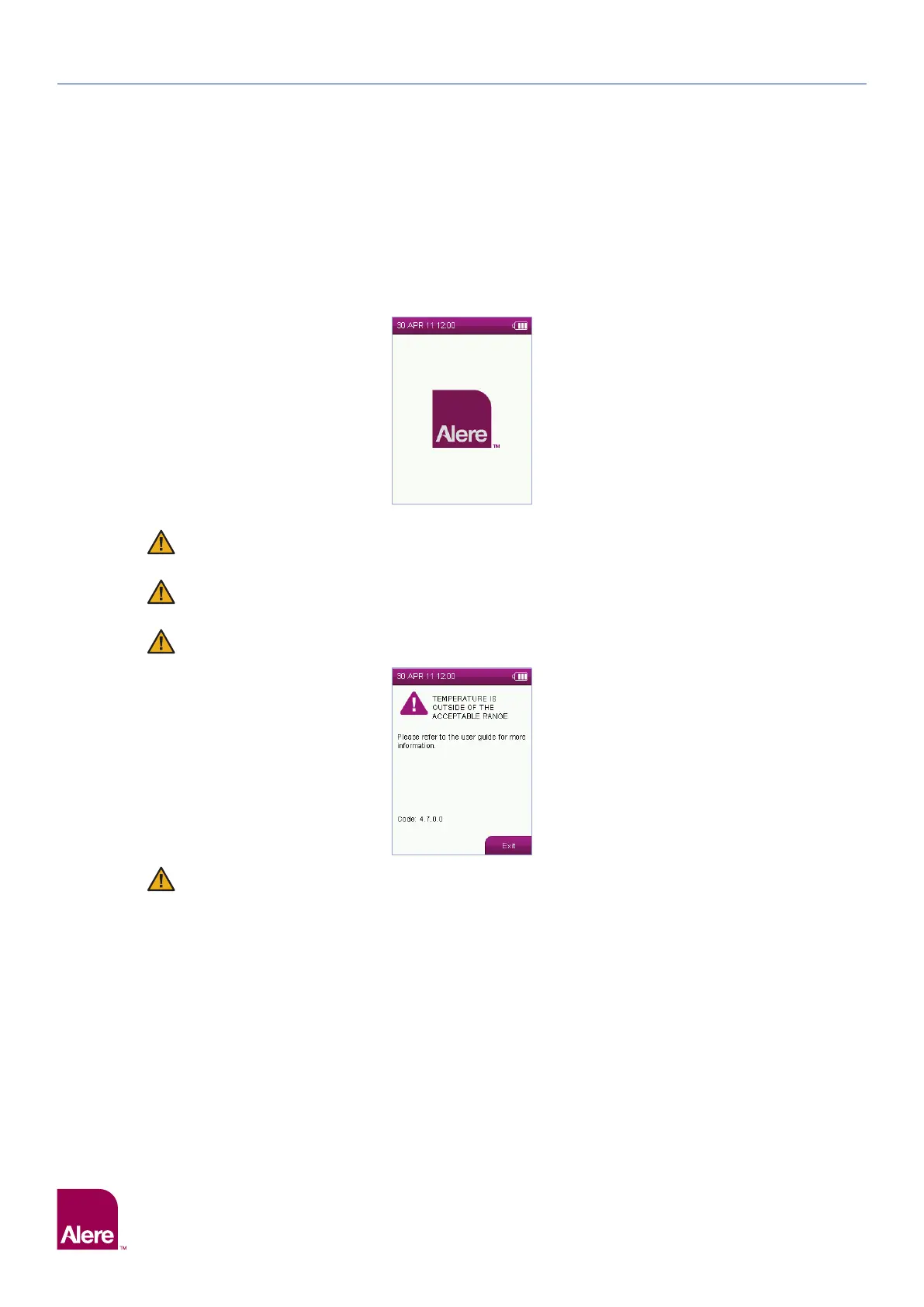
The analyser will perform start-up checks during the start-up process to make sure it is in a good operating
condition. During this testing, the start-up screen will be displayed:
The analyser will not be able to run start-up checks if a Alere DDS2 Test Cartridge is already
inserted. Please remove the test cartridge before switching on.
A new test cannot be initiated if the analyser is already connected to the Alere Software
Application Suite. Disconnect the USB cable before inserting a new test cartridge.
The operational temperature range for running a test is between 5°C to 35°C. Outside of this range
the following message will be displayed:
Allow the analyser to reach ambient temperature before use. If moving the analyser between
storage and operating environments of different temperatures or humidities, this may take
at least 30 minutes. If climatic differences are significant, allow more than 30 minutes for the
analyser to acclimatise.


 To Next Page