APOC0274 Ed.3a
Page 14 of 35
+44 (0)1235 861 483 | aleretoxicology.co.uk
Alere™ DDS
®
2 Mobile Analyser User Guide | 5. Using the Help Function
5 Using the Help Function
The Alere DDS2 Mobile Analyser will display instructions and prompts on the screen to guide the user
through the test process. When an action or user input has been completed, these screens will update
automatically to lead on to the next step.
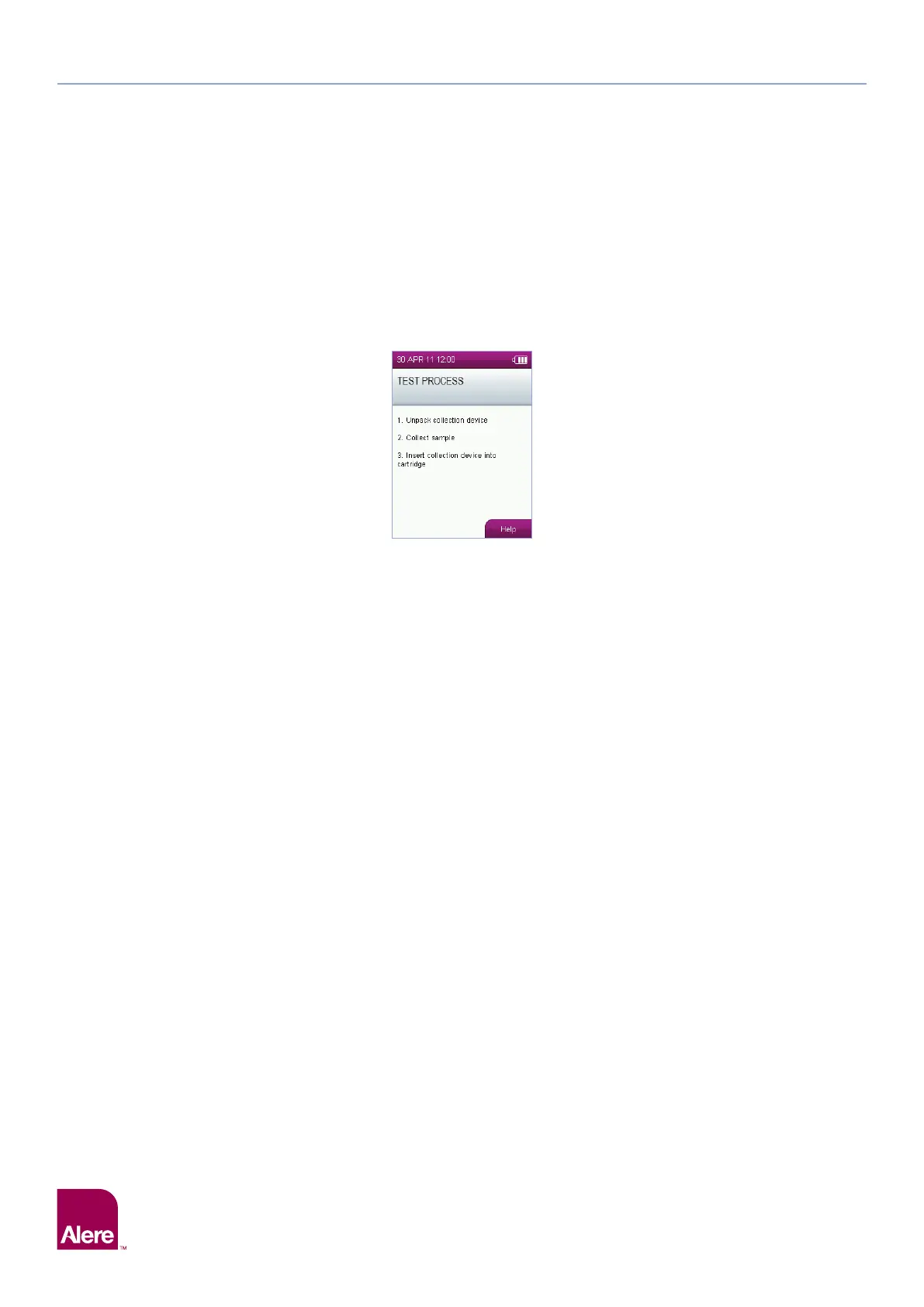
The analyser has an on-board help function which provides additional guidance. To access the help screens,
press the right select key when the help button is displayed on the screen. The help option can only be
accessed if the help button is shown – see the example below. If additional help is required, please contact
Product Support for assistance.


 To Next Page