12
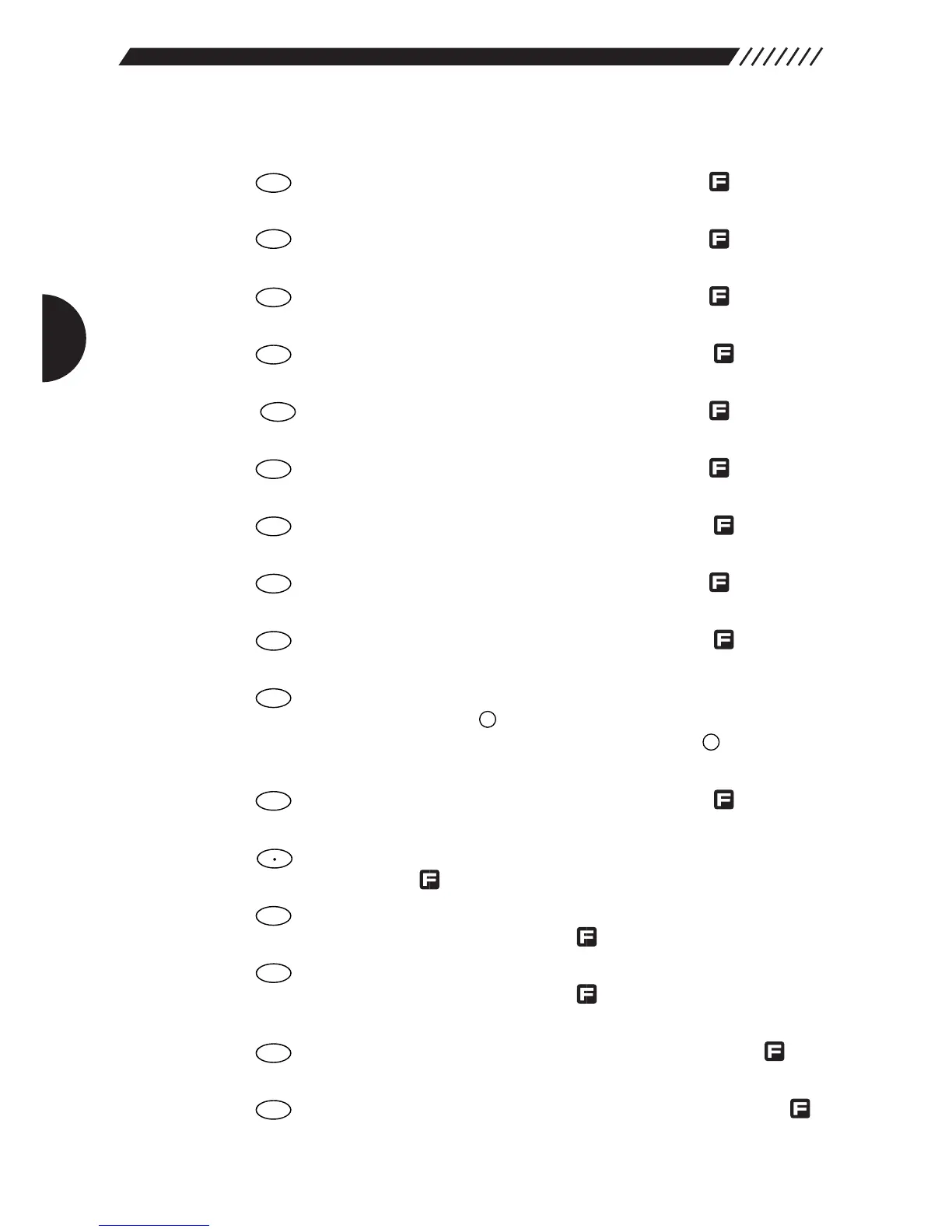
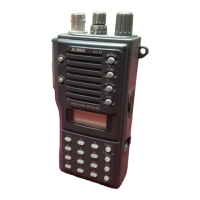
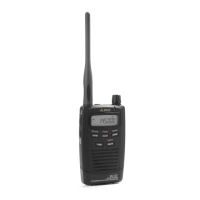
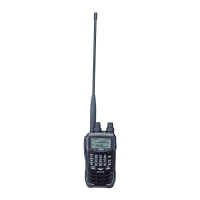
1.3.4 Key pad
1. Inputs 1. Press in combination with the key to
switch the modulation mode.
2. Inputs 2. Press in combination with the key to set
the frequency step.
3. Inputs 3. Press in combination with the key to turn
the attenuator ON/OFF.
4. Inputs 4. Press in combination with the key to
turn the directional microphone function ON.
5. Inputs 5. Press in combination with the key to turn
the auto memory write function ON/OFF.
6. Inputs 6. Press in combination with the key to
lock/unlock keys.
7. Inputs 7. Press in combination with the key to set
the Descrambler.
8. Inputs 8. Press in combination with the key to turn
the priority function ON/OFF.
9. Inputs 9. Press in combination with the key to set
the CTCSS decoder.
10. Clears settings. In VFO mode, press in combination
with the key to set VFO-link. In PMS and MR
modes, press in combination with the key to set
the scan pass frequency and skip channel.
11. Inputs 0. Press in combination with the key to
turn the recording function ON.
12. Inputs • (decimal point). Press in combination with the
key to set the Flash tune function.
13. Press to call up the Help-navigator. Press in
combination with the key to call up menus.
14. Press to turn the RF checker ON. Press in
combination with the key to turn the Memory
search function ON.
15. Starts scanning. Press in combination with the
key to scan between band A and band B.
16. Enters input values. Press in combination with the
key to turn the Transweeper ON.


 To Next Page