75
3
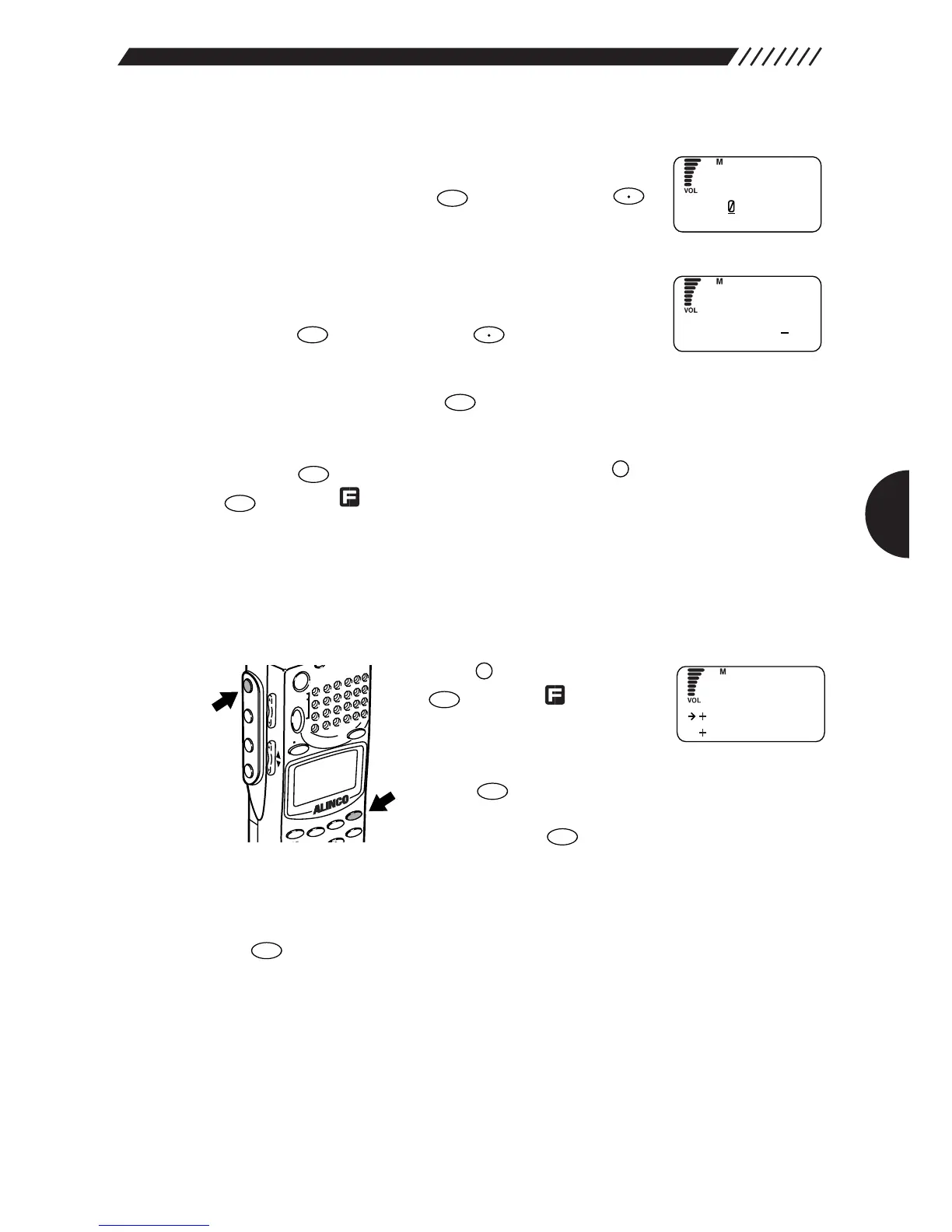
Select a source memory bank.
Using the dial or a numeric key, select the bank number
you want to copy. Press the key (Pressing the
key toggles from bank groups A through E).
4
Select a destination memory bank.
Using the dial or a numeric key, select the bank number
to which you want to copy the source memory bank.
Press the key (Pressing the key toggles from
bank groups A through E).
To retry the setting, press the key.
The display will return to the MR EDIT menu. Point the arrow at END and then
press the key (Alternatively you may press the key, and then press the
key while is shown on the display).
3.4.9 Copying memory channels
This function copies the contents of one memory channel to another.
1
Call up the MR EDIT menu.
Press the key, and then press
the key while is shown
on the display.
The MENU will appear. Point the
arrow at +MR using the dial or UP/DOWN key, and then
press the key.
The MR menu will appear. Point the arrow at +MR EDIT
and then press the key.
The MR EDIT menu will appear.
2
Call up the COPY CH screen.
Point the arrow at +COPY CH using the dial or UP/DOWN key, and then press
the key.



 To Next Page