62
3.2.2 Scanning between VFO's A and B
(AB SCAN)
This function is for scanning the band between the current frequencies of VFO-A
and VFO-B.
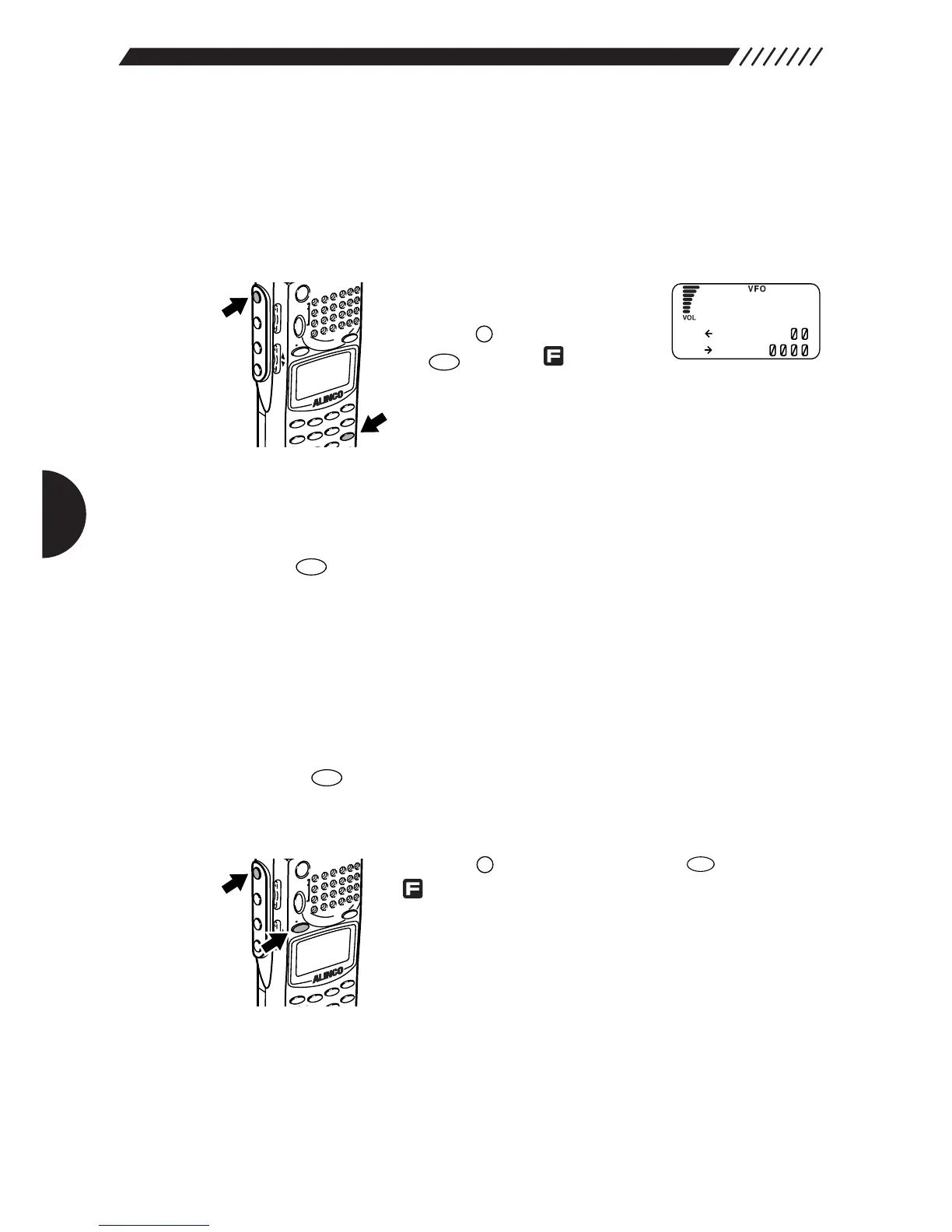
• To scan between VFO’s A and B
Set frequency on each band A
and B.
Press the key,and then press
the key while is shown
on the display.
This will start scanning and will display the arrow next to
both bands.
Scanning direction can be changed using the dial or the UP/DOWN key.
• To cancel AB scan
Press the key. This will cancel AB scanning.
3.2.3 Copying frequencies from
memories to the VFO
You can copy frequencies from a memory channel to the VFO.
1
Call up the frequency in memory.
Press the key to get the MR mode. Then set the memory bank No. and
channel No. you want .
2
Copy the frequency into the VFO.
Press the key, and then press the key while
is shown on the display.
The frequency in the selected memory channel will be
displayed on the upper line (currently used) band.



 To Next Page