48
3
Specify a priority interval.
Specify a priority interval in a range between 1 and 20 seconds in 1-second
steps using the UP/DOWN key, and then press the key (the initial setting is
5s).
The display will return to the PRIO menu. Point the arrow at END and then press
the key (Alternatively, you may press the key, and then press the
key while is shown on the display).
Note: If you exit the PRIO menu by pressing the key, the changed setting is
canceled.
3.1.22 Setting search resume condition
(SRCH MODE)
For the DJ-X2000 to perform the Channel Scope function, its receiver is used for
searching for signals, and the sound will be intermittent at the moment when the
search takes place.
This setting determines how often the search takes place in the Channel Scope
function. This is referred to as the “search mode”.
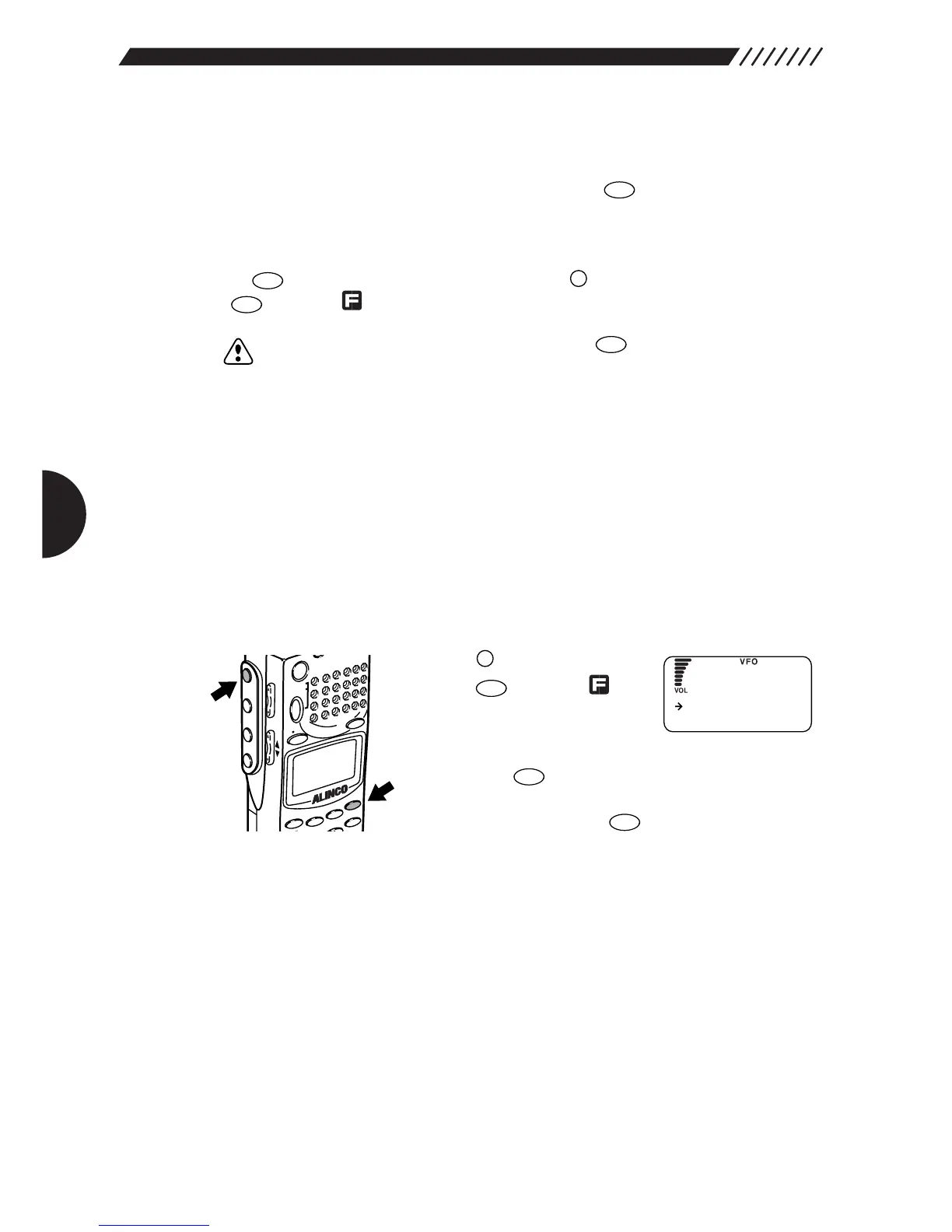
1
Call up the CH SCOPE menu.
Press the key, and then
press the key while is
shown on the display.
The MEMU will appear. Point the
arrow at +CONFIG using the dial or UP/DOWN key, and
then press the key.
The CONFIG menu will appear. Point the arrow at +CH
SCOPE and then press the key.
The CH SCOPE menu will appear.



 To Next Page