40
3.1.11 Selecting the BELL mode
In this mode, when the squelch is canceled, a buzzer sounds.
1
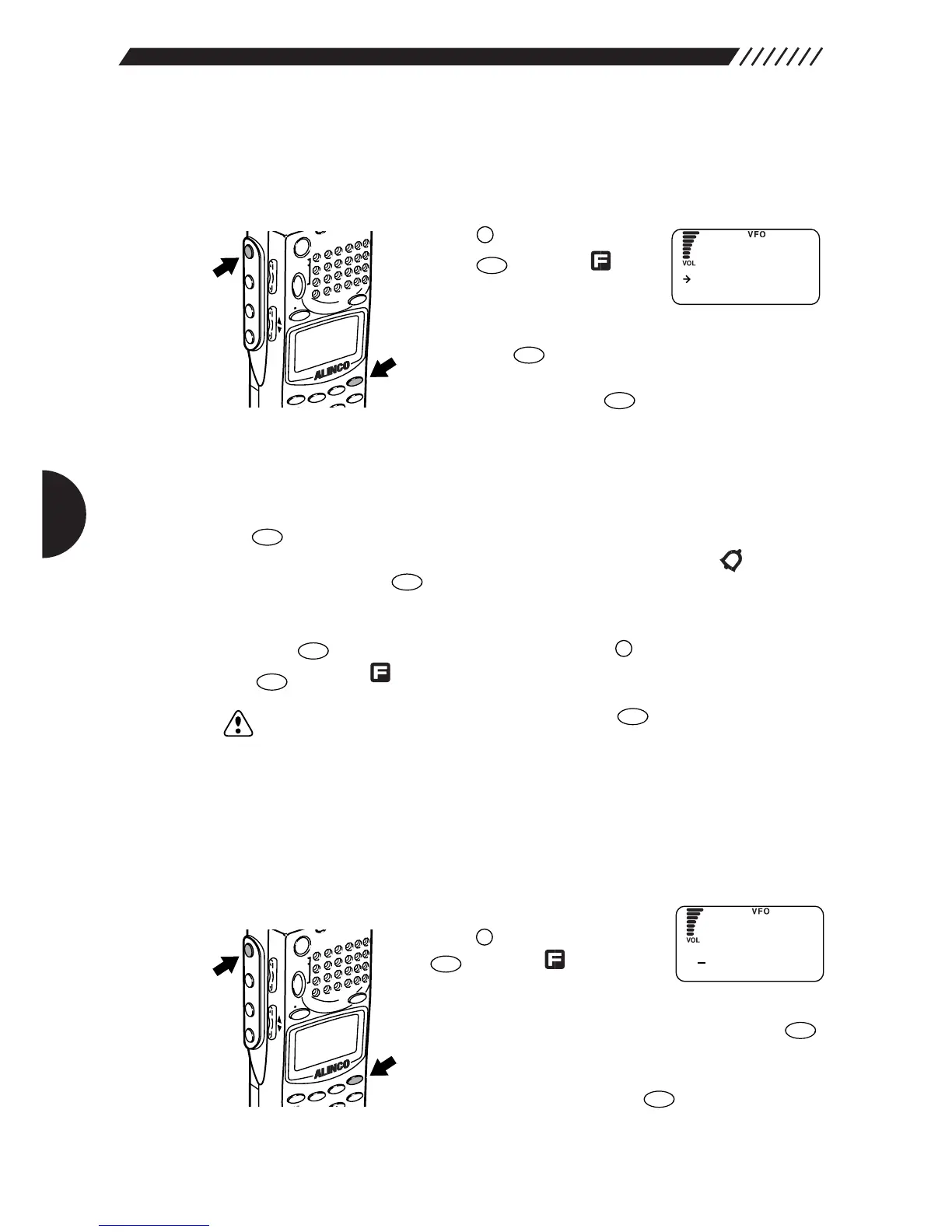
Call up the BELL screen.
Press the key, and then
press the key while is
shown on the display.
The MENU will appear. Point the
arrow at +CONFIG using the dial or UP/DOWN key, and
then press the key.
The CONFIG menu will appear. Point the arrow at
+BELL and then press the key.
The BELL screen will appear.
2
Turn the BELL mode ON/OFF.
Point the arrow at ON or OFF using the dial or UP/DOWN key, and then press
the key (the initial setting is OFF).
When squelch is canceled, the buzzer sounds for 10 seconds and starts
blinking. Pressing the key cancels this blinking.
The display will return to the CONFIG menu. Point the arrow at END and then
press the key (Alternatively, you may press the key, and then press
the key while is shown on the display).
Note: If you exit the CONFIG menu by pressing the key, the changed setting
is cancelled.
3.1.12 Changing the initial message
The initial message that appears after the power has been turned ON can be
changed as follows:
1
Call up the MESSAGE screen.
Press the key, and then press
the key while is shown
on the display.
The MENU will appear. Point the arrow at +CONFIG
using the dial or UP/DOWN key and then press the
key.
The CONFIG menu will appear. Point the arrow at
+MESSAGE and then press the key.
The MESSAGE screen will appear.



 To Next Page