30
2.14.2 PMS mode
The PMS mode has a total of 20 programmable bands, 10 each for the capital P
and lower case p.
1
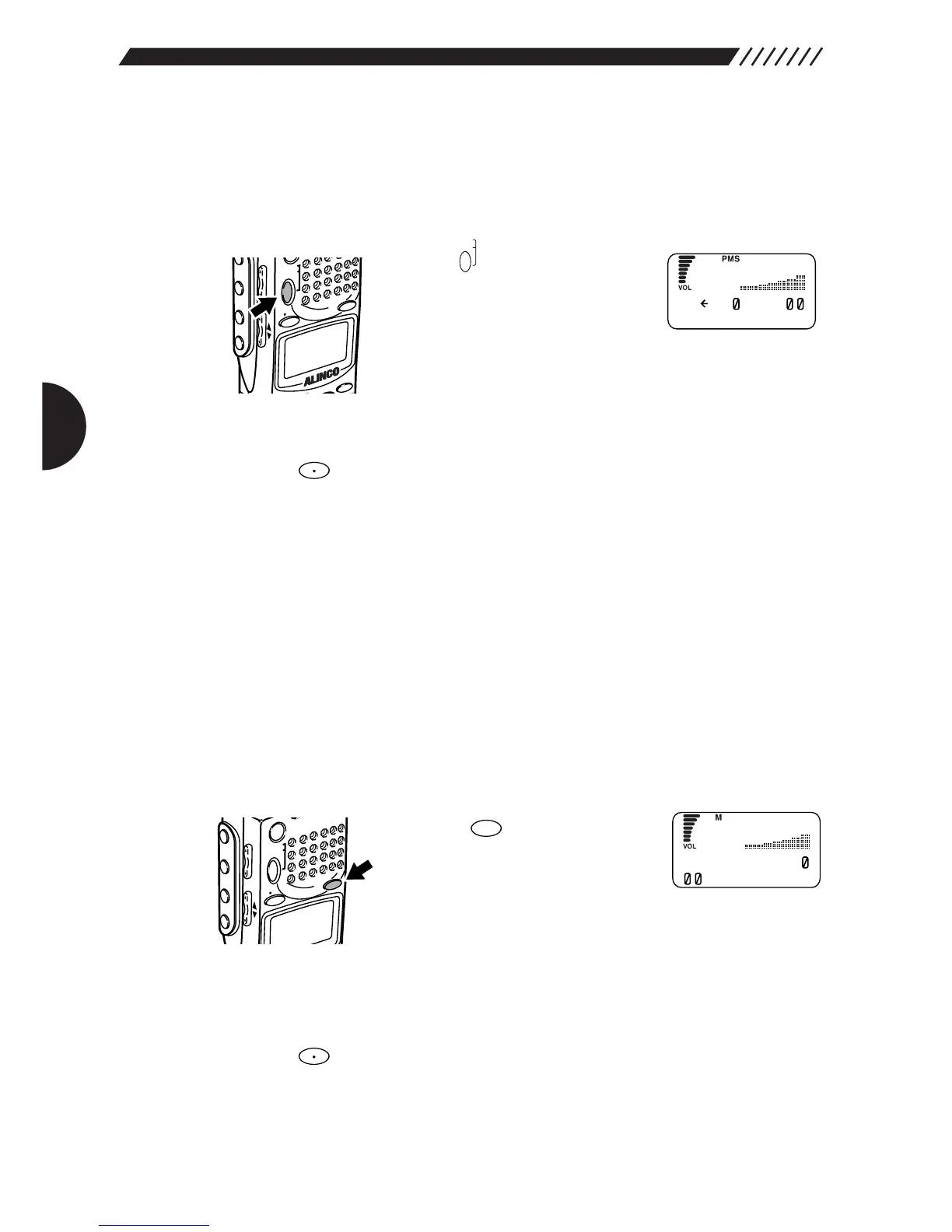
Enter the PMS mode.
Press the key. This will engage
the PMS mode. Then, select a
registered band and start scanning.
Bands are preregistered before the
DJ-X2000 is shipped from the factory, but they can be
changed in the expert's mode. (See "3.3.1 Programmed
scan operations" on page 64.)
2
Select between P and p.
Press the key to switch back and forth between the capital P and the lower
case p.
3
Select a memory bank group.
Press the numeric key for the bank you want. The corresponding programmed
scanning will start. The scanning direction can be changed using the dial or
UP/DOWN key. If you press another numeric key, the corresponding
programmed scanning will start.
2.14.3 MR mode
The memory mode provides five bank groups from A through E. Each bank
group has 10 banks (0-9), each of which allows you to assign a maximum of 40
channels of frequencies (00-39).
1
Enter the MR mode.
Press the key. This will
engage the MR mode and will
display registered frequencies and
names.
Frequencies are preregistered before the DJ-X2000 is
shipped from the factory, but they can be changed in the
expert's mode. (See "3.4.1 Memorizing frequencies" on
page 69.)
2
Select the memory bank group.
Press the key to switch between memory bank groups A, B and C.
3
Select a bank.
Press the numeric keys for the bank No. you want in the selected group.


 To Next Page