71
3.4.4 Setting memory scan radio
system (MODE SEL)
By setting a mode in the “MODE SEL” menu, the DJ-X2000 will selectively scan
the memory channels of the specified mode.
1
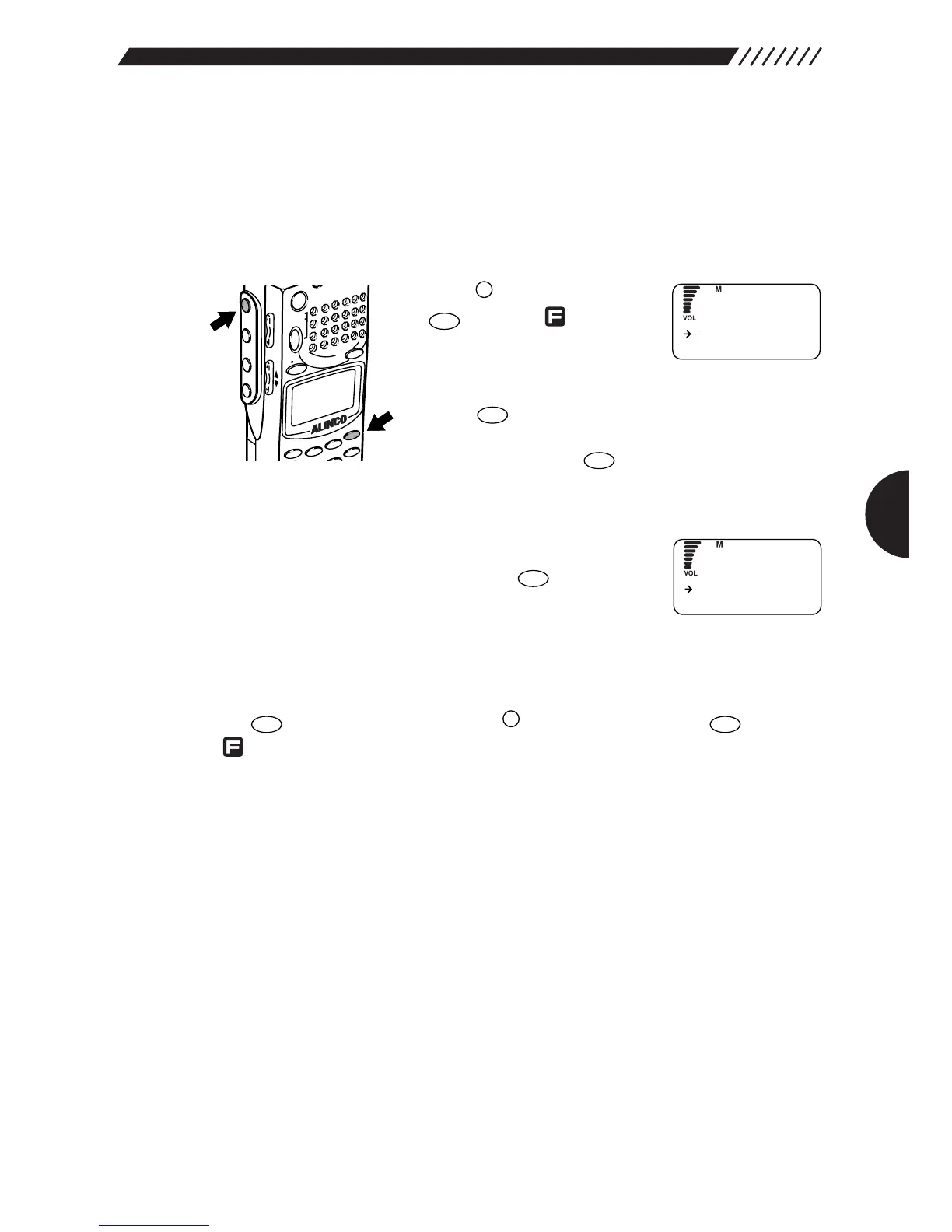
Call up the MODE SEL screen.
Press the key, and then press
the key while is shown
on the display.
The MENU will appear. Point the
arrow at +MR using the dial or UP/DOWN key, and then
press the key.
The MR screen will appear. Point the arrow at +MODE
SEL and then press the key.
2
Select the modulation mode you are scanning.
Using the dial or UP/DOWN key, point the arrow at the
radio type you are scanning. Press the key. The
radio type can be selected from ALL, AM, NFM, WFM,
USB, LSB, and CW. If ALL is selected, all the channels
will be scanned regardless of the modulation mode (the initial setting is ALL).
The display will return to the MR screen. Point the arrow at END and then press
the key (Alternatively, press the key, and then press the key while
is shown on the display).



 To Next Page