49
2
Select a search resuming option.
Point the arrow at the desired option using the dial or UP/DOWN key, and then
press the key. The available options are described below (the initial setting
is INTERVAL):
SINGLE The search is carried out only once when the key is
pressed. It is not carried out a second time until the first
search is canceled and the key is pressed again.
INTERVAL A search is carried out
once every about 10 seconds updating the spectrum
condition. Sound is muted the moment the search takes
place.
CONTINUE Searching is continuous and the spectrum condition is
renewed continuously. In this case, no sound is heard
from the DJ-X2000.
The display will return to the CH SCOPE menu. Point the arrow at END and then
press the key (Alternatively, you may press the key, and then press the
key while is shown on the display).
Note: If you exit the CH SCOPE menu by pressing the key, the changed
setting is canceled.
3.1.23 Flash tune
The DJ-X2000 automatically tunes in to the detected radio frequency, allowing
you to instantaneously tune in to and receive unknown radio frequencies.
• Selecting the Flash tune.
The Flash tune is available in two modes, FLASH TUNE and F COUNTER.
1
Call up the FLASH TUNE screen.
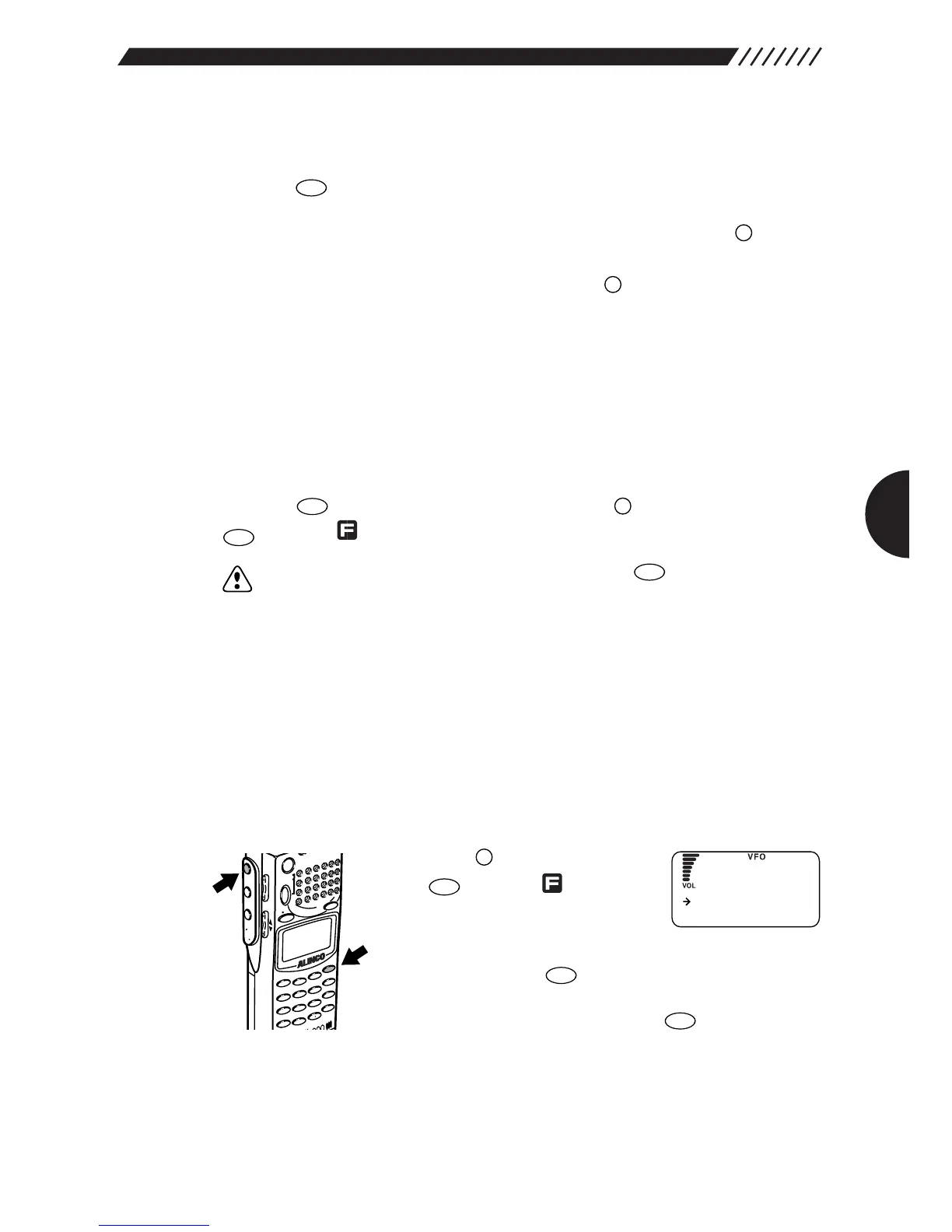
Press the key, and then press
the key while is shown
on the display.
The MEMU will appear. Point the
arrow at +SPECIAL using the dial or UP/DOWN key,
and then press the key.
The SPECIAL screen will appear. Point the arrow at
+FLASH TUNE and then press the key.
The FLASH TUNE screen will appear.



 To Next Page