46
2
Call up the PRI MODE screen.
Point the arrow at +PRI MODE using the dial or
UP/DOWN key, and then press the key.
The PRI MODE screen will appear.
3
Select a priority option.
Select a priority option using the dial or UP/DOWN key, and then press
the key. The available options are listed below (the initial setting is STOP).
BUSY When signal is received on the priority channel, the DJ-X2000
stays on the priority frequency until ithe signal vanishes.
STOP When signal is received on the priority channel, the DJ-X2000
stays on the priority frequency even after the signal vanishes.
TIMER Once signals are received on the priority channel, they will be
received for a given interval. For specifying this interval, see
“3.1.21 Specifying a priority interval” (page 47).
The display will return to the PRIO menu. Point the arrow at END using the dial
or UP/DOWN key, and then press the key (Alternatively, you may press the
key, and then press the key while is shown on the display).
Note: If you exit the PRIO menu by pressing the key, the changed setting is
canceled.
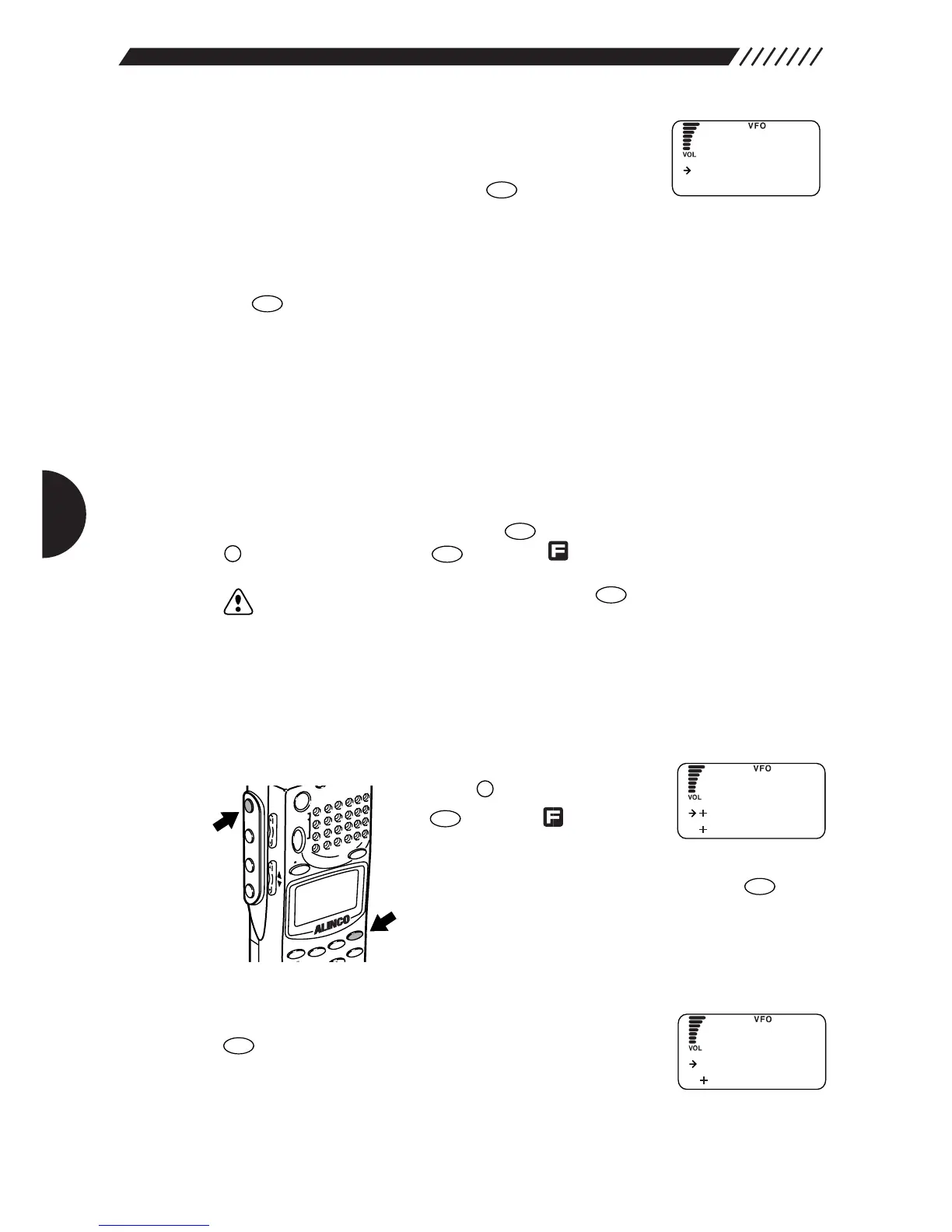
3.1.20 Setting a priority channel
This setting allots a memory channel for the priority scan. The priority scan must
be ON for this setting to be effective.
1
Call up the PRIO menu.
Press the key, and then press
the key while is shown
on the display.
The MENU will appear. Point the arrow at +PRIO using
the dial or UP/DOWN key, and then press the key.
The PRIO menu will appear.
2
Call up the PRIO FREQ menu.
Point the arrow at +PRIO FREQ and then press the
key.
The PRIO FREQ menu will appear.



 To Next Page