44
3
Select an S-meter level.
Point the arrow at ON using the UP/DOWN key. Select a level from 1 through 7
using the dial, and then press the key. If you do not want to select any S-
meter level, select OFF and then press the key (the initial setting is OFF).
Higher levels require stronger signals to stop scanning.
The display will return to the SCAN mode. Point the arrow at END and then
press the key (Alternatively, you may press the key, and then press
the key while is shown on the display).
Note: If you exit the SCAN menu by pressing the key, the changed setting is
canceled.
3.1.17 Setting the scanning pause
period
The scanning pause period for the TIMER option can be set.
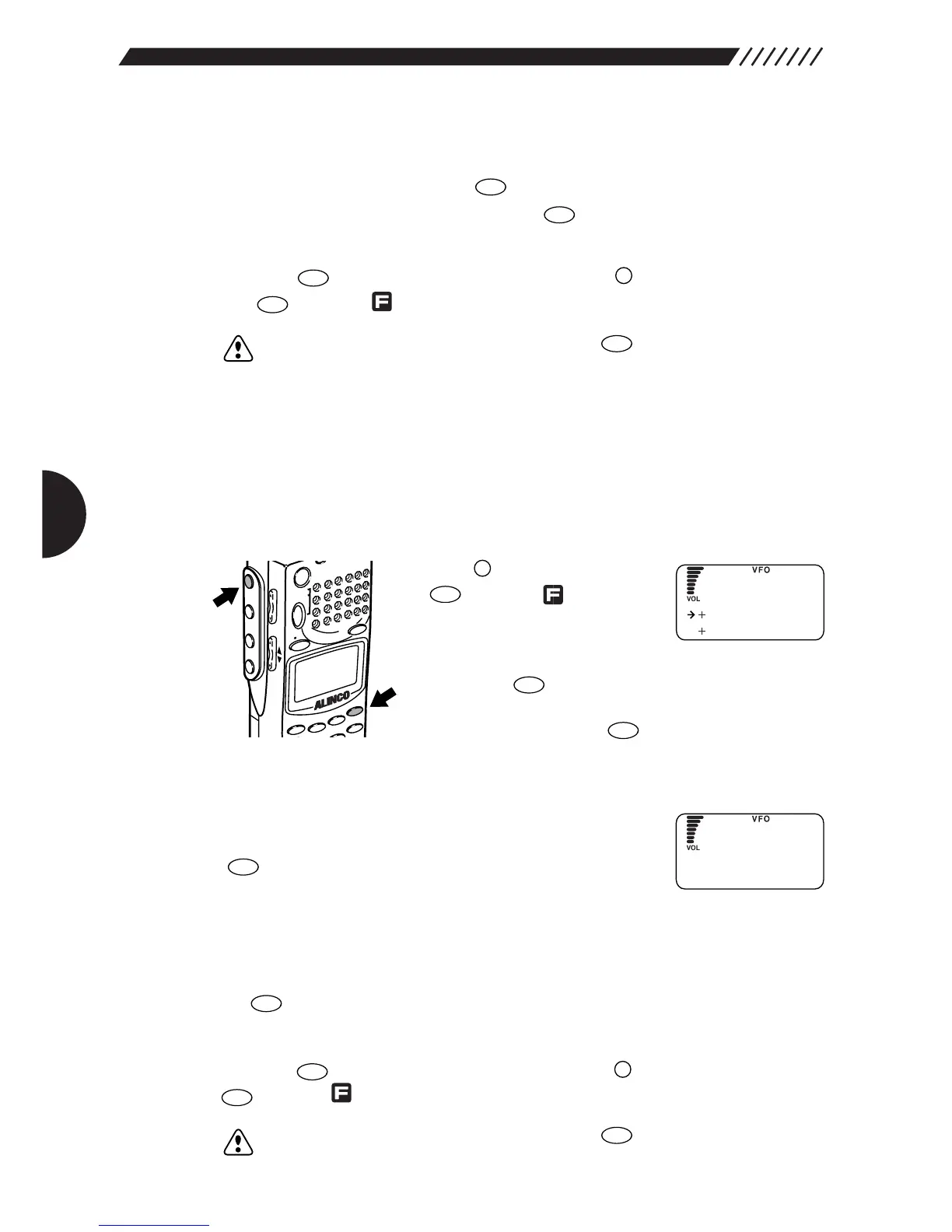
1
Call up the SCAN menu.
Press the key, and then press
the key while is shown
on the display.
The MENU will appear. Point the
arrow at +CONFIG using the dial or UP/DOWN key, and
then press the key.
The CONFIG menu will appear. Point the arrow at
+SCAN and then press the key.
The SCAN menu will appear.
2
Call up the BUSY TIMER screen.
Point the arrow at +Busy Timer and then press the
key.
The BUSY TIMER screen will appear.
3
Set the scanning pause period.
Set the scanning pause period using the dial or UP/DOWN key, and then press
the key (the initial setting is 5s).
The display will return to the SCAN menu. Point the arrow at END and then
press the key (Alternatively, you may press the key, and then press the
key while is shown on the display).
Note: If you exit the SCAN menu by pressing the key, the changed setting is
canceled.



 To Next Page