74
3.4.7 Scanning the memory channels
selected in the PMR screen
This function is used to scan only the memory channel selected on the PMR
screen (See “3.4.6 Selecting memory channels for scanning” (page 72)).
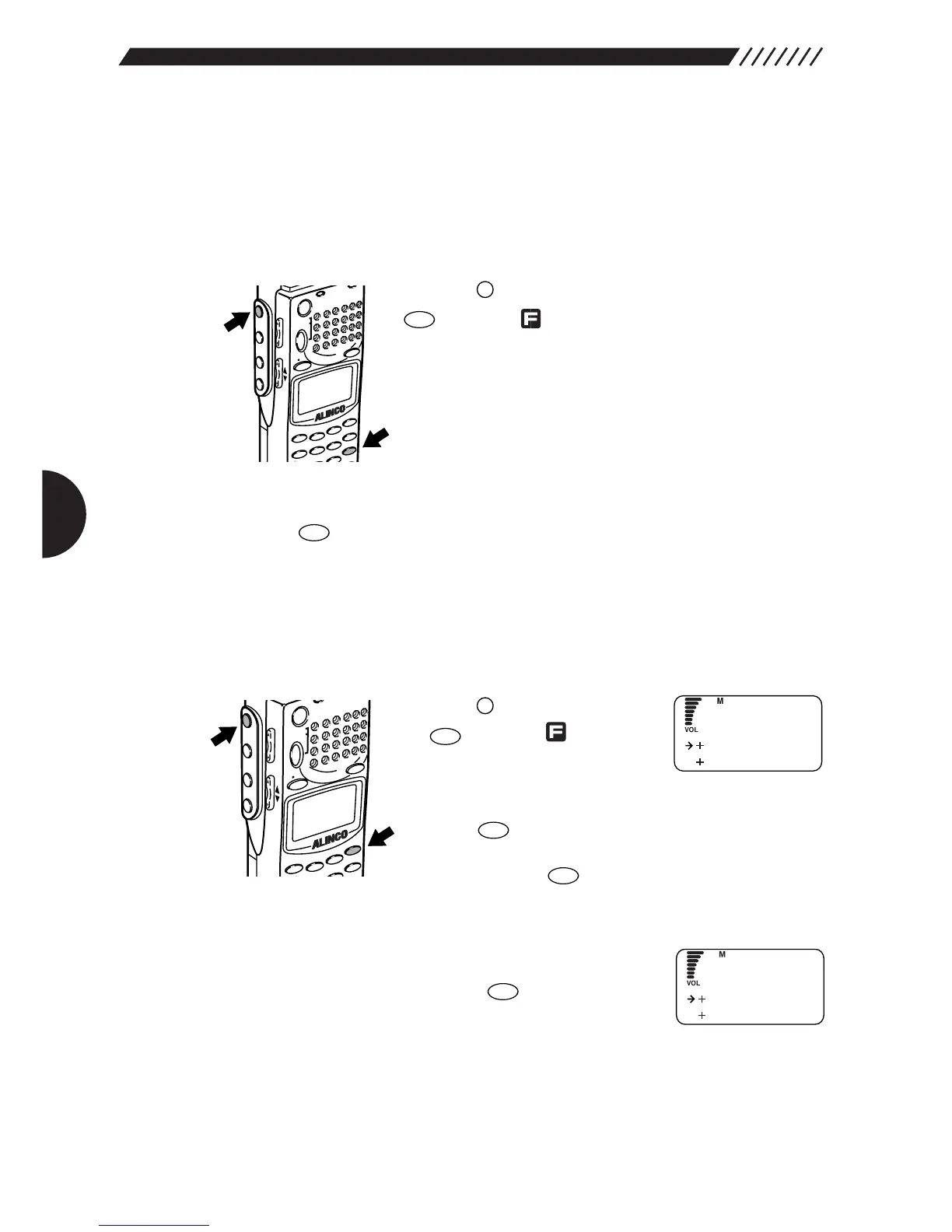
• Scanning only the memory channels selected on the PMR screen.
Press the key in the MR mode, and then press the
key while is shown on the display.
Only the channels selected on the PMR screen will be
scanned.The scanning direction can be changed using
the dial or UP/DOWN key.
• Stopping the scan
Press the key again. The scanning will stop.
3.4.8 Copying memory banks
This function copies channels from one memory bank to another.
1
Call up the MR EDIT menu.
Press the key, and then press
the key while is shown on
the display.
The MENU will appear. Point the
arrow at +MR using the dial or UP/DOWN key, and then
press the key.
The MR menu will appear. Point the arrow at +MR EDIT
and then press the key.
The MR EDIT menu will appear.
2
Call up the COPY BANK screen.
Point the arrow at +COPY BANK using the dial or
UP/DOWN key, and then press the key.



 To Next Page