EasyManua.ls Logo

Alinco DJ-X2000 - List of Help Menu Items

Alinco DJ-X2000
88 pages
Print Icon
To Next Page IconTo Next Page
To Previous Page IconTo Previous Page
Loading...
84
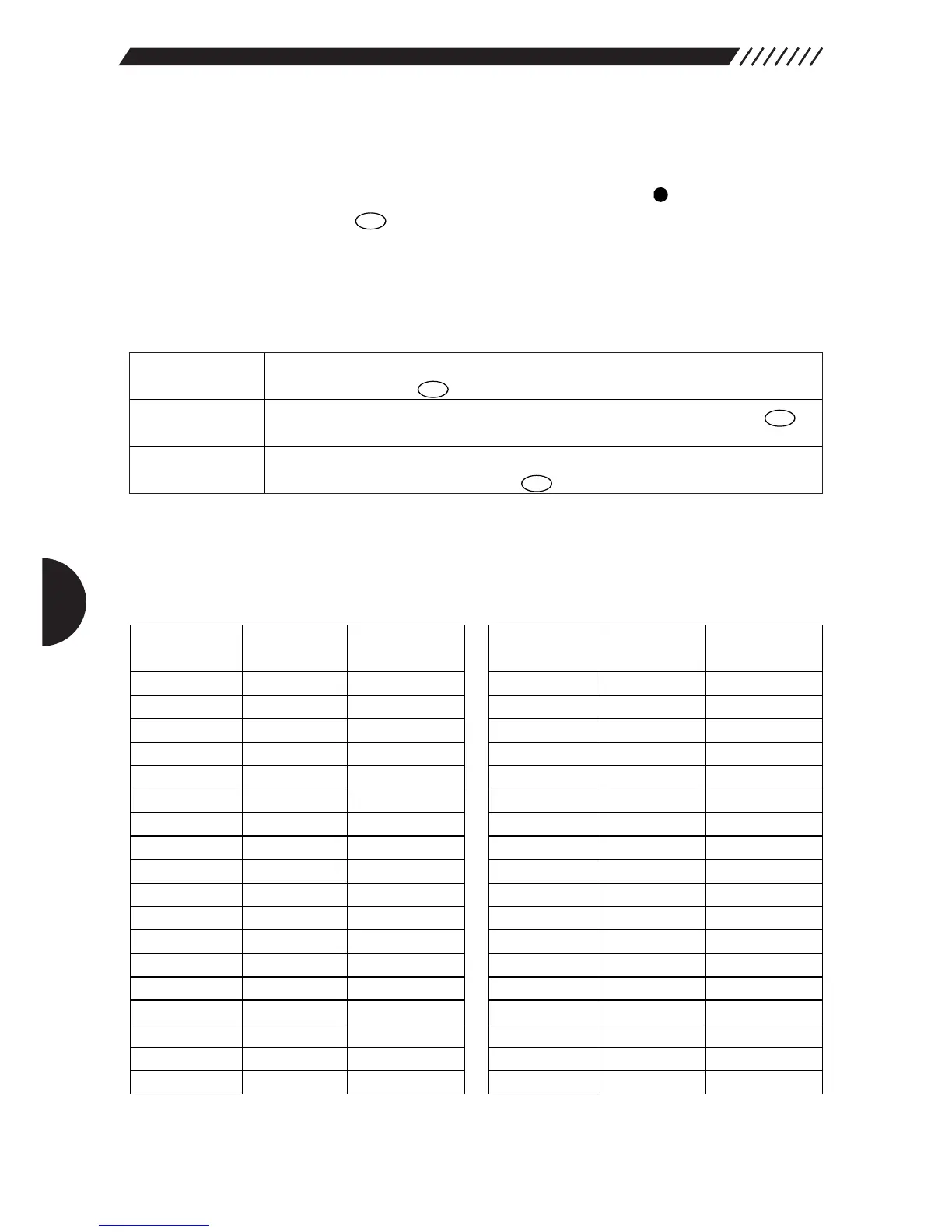
4.4 List of Help menu items
The list of Help menu items is given below. For the items marked with in the column for
"Function involved", when the key is pressed, the currently
displayed function or setting is executed.
For the operation procedure for the Help menu, see "2.15 Using Help menu" (page 31).
Organization of Help menu
Keys
ENT
TF
Describes how to use the Help information. Point the arrow at HELP
and then press the key.
Describes each key. Point the arrow at +KEY and then press the
key.
Describes the operation procedure for each function. Point the arrow at
+FUNCTION and then press the key.
Help
Keys
Function
ENT
TF
ENT
TF
ENT
TF

Operational
explanation available
●
●
●
●
●
●
●
●
●
●
●
●
●
●
●
●
●
●
Operational
explanation available
Menu
[SET]
[POWER]
[DIAL]
[VOL]
[SQL]
[F]
[MONI]
[F]&[MONI]
[LAMP]
[SRCH]
[F]&[SRCH]
[VFO]
[A=B]
[MR]
[MW]
[PMS]
[ENT]
[CLR]
Function involved Function involved
Menu
[SCN]
[RFC]
[.]
[MODE]
[STEP]
[ATT]
[MIC]
[
AUTOMW
]
[KL]
[MNAME]
[PRIO]
[CTCSS]
[A〜BS]
[SKIP]
[REC]
[FTUNE]
[TF]
[SCRT]

Table of Contents

Related product manuals