21
Note: If you enter any frequency that cannot be divided by the set frequency step,
“S
” appears on the display.
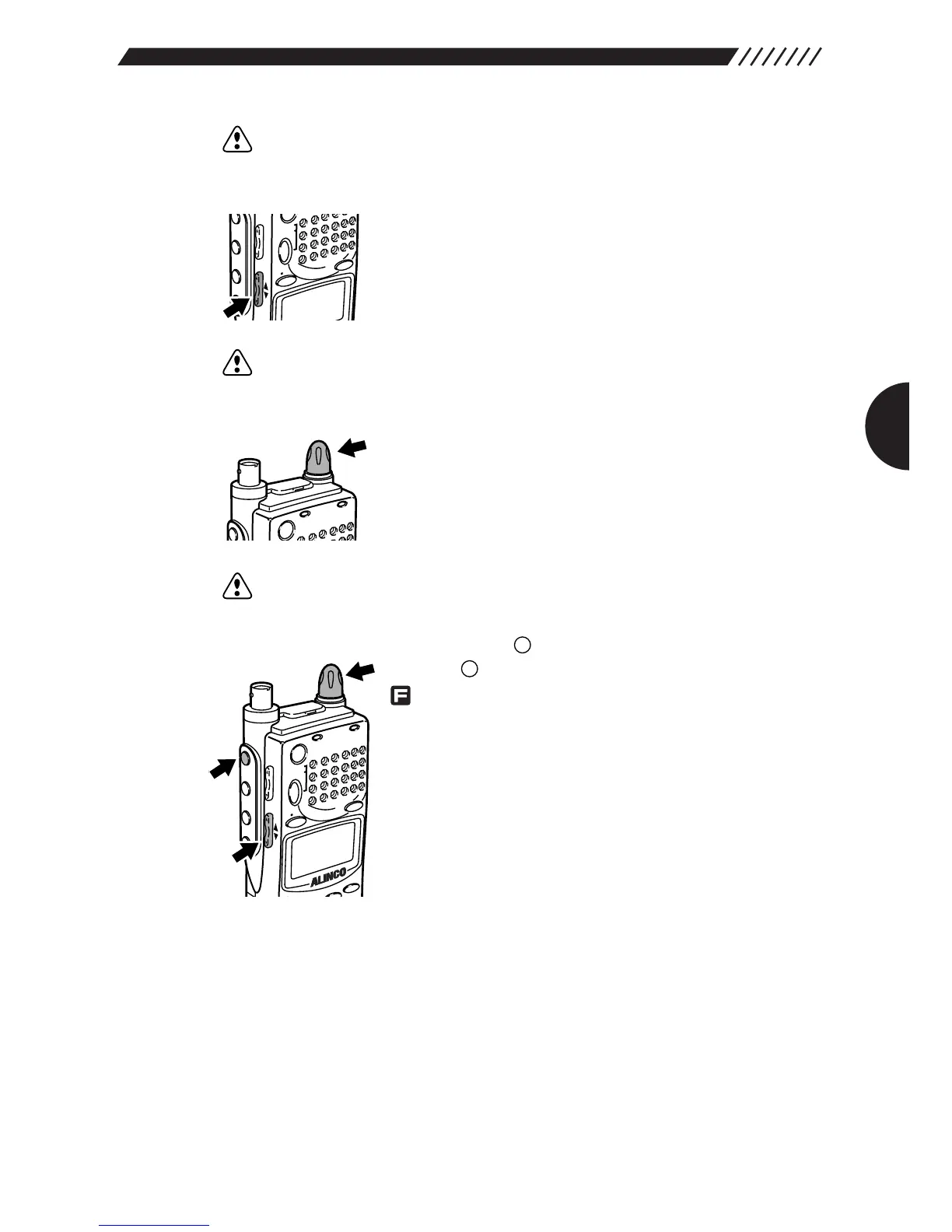
• Setting with the UP/DOWN key
For higher frequencies, press the UP key. For lower
frequencies, press the DOWN key. The frequency will
increase/decrease in the set frequency steps.
Note: For changing the frequency step, see “3.1.2 Setting the frequency step”
(page 32).
• Setting from the dial
For higher frequencies, turn the dial clockwise. For lower
frequencies, turn it counterclockwise. The frequency will
increase/decrease in the set frequency steps.
Note: For changing the frequency step, see “3.1.2 Setting the frequency step”
(page 32).
• Setting with the combination of the key and the dial
Press the key, and then press the UP/DOWN key while
is shown on the display. An under-bar will appear at
the digit of 100, 10, or 1 MHz. Now turning the dial allows
you to change the number at that digit. Pressing the
UP/DOWN key shifts the digit at which the number can be
changed.



 To Next Page