38
• Meter display mode
1
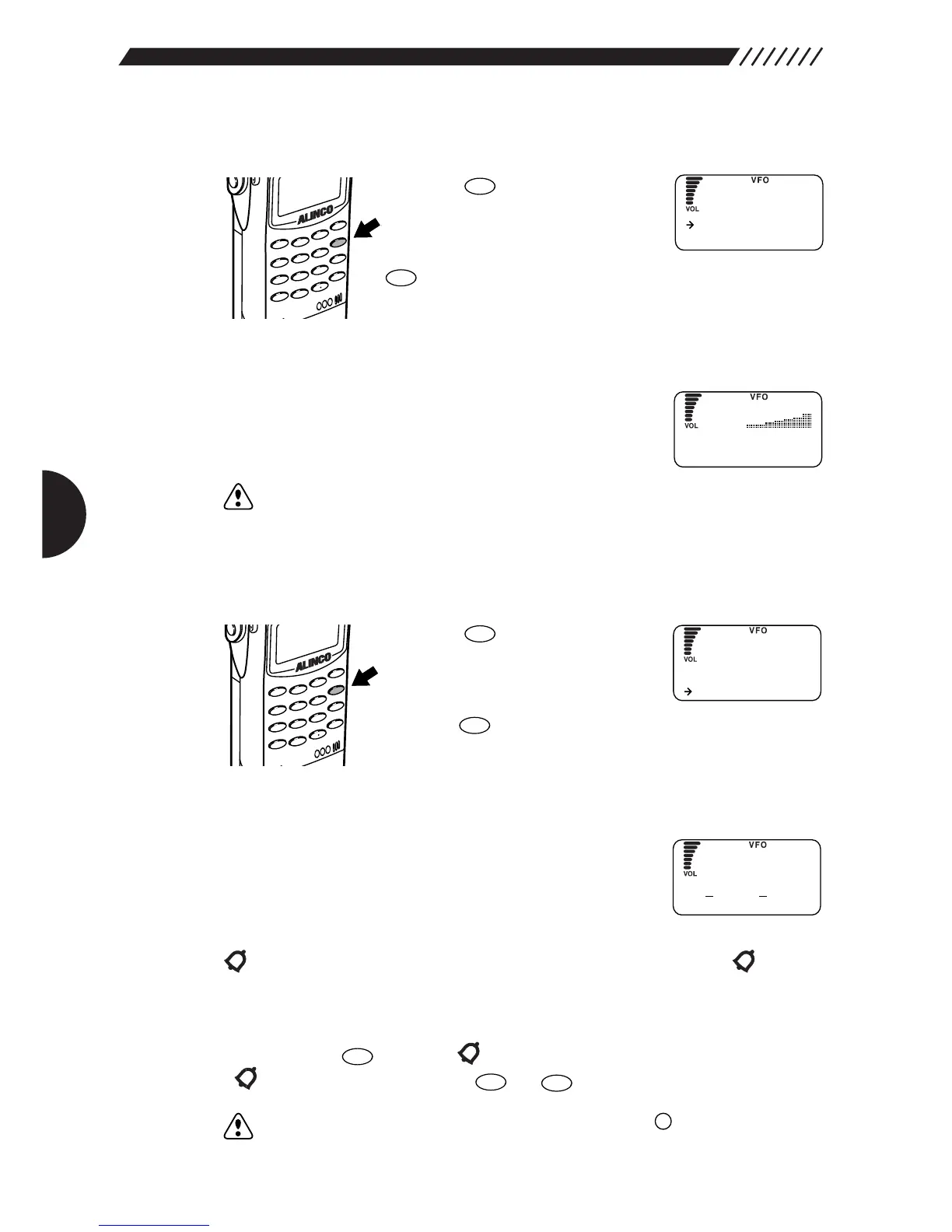
Call up the RF CHECK menu.
Press the . The RF CHECK
menu will appear. Point the arrow
at CHECKER using the dial or
UP/DOWN key, and then press the
key.
2
Measure the electric field strength.
As the electric field strength increases, the S-meter
shows higher levels with faster beeping.
Note: Since the electric-field meter is intended to measure nearby strong electric
field strength, it reacts at a sensitivity of approximately -50 dBm minimum.
The sensitivity varies depending on the frequency.
• Set level mode:
1
Call up the CALL WAIT screen.
Press the key. The RF
CHECK menu will appear. Point
the arrow at CALL WAIT using the
dial or UP/DOWN key, and then
press the key.
2
Set up the set level mode.
Set the level by selecting a number from 1 through 9 (the
initial setting is 3) using the dial, the UP/DOWN key, or a
numeric key.
When the electric field strength exceeds the set level, the buzzer sounds with
blinking on the display. The buzzer sounds for 10 seconds and
continues to blink.
• Canceling the set level mode
If you press the key when is blinking, this blinking stops.
If is not blinking, pressing the or key cancels this mode.
Note: In the set level mode, only the POWER switch and key are valid.



 To Next Page