53
• CTCSS scanning
This function is used to scan for CTCSS tones.
1
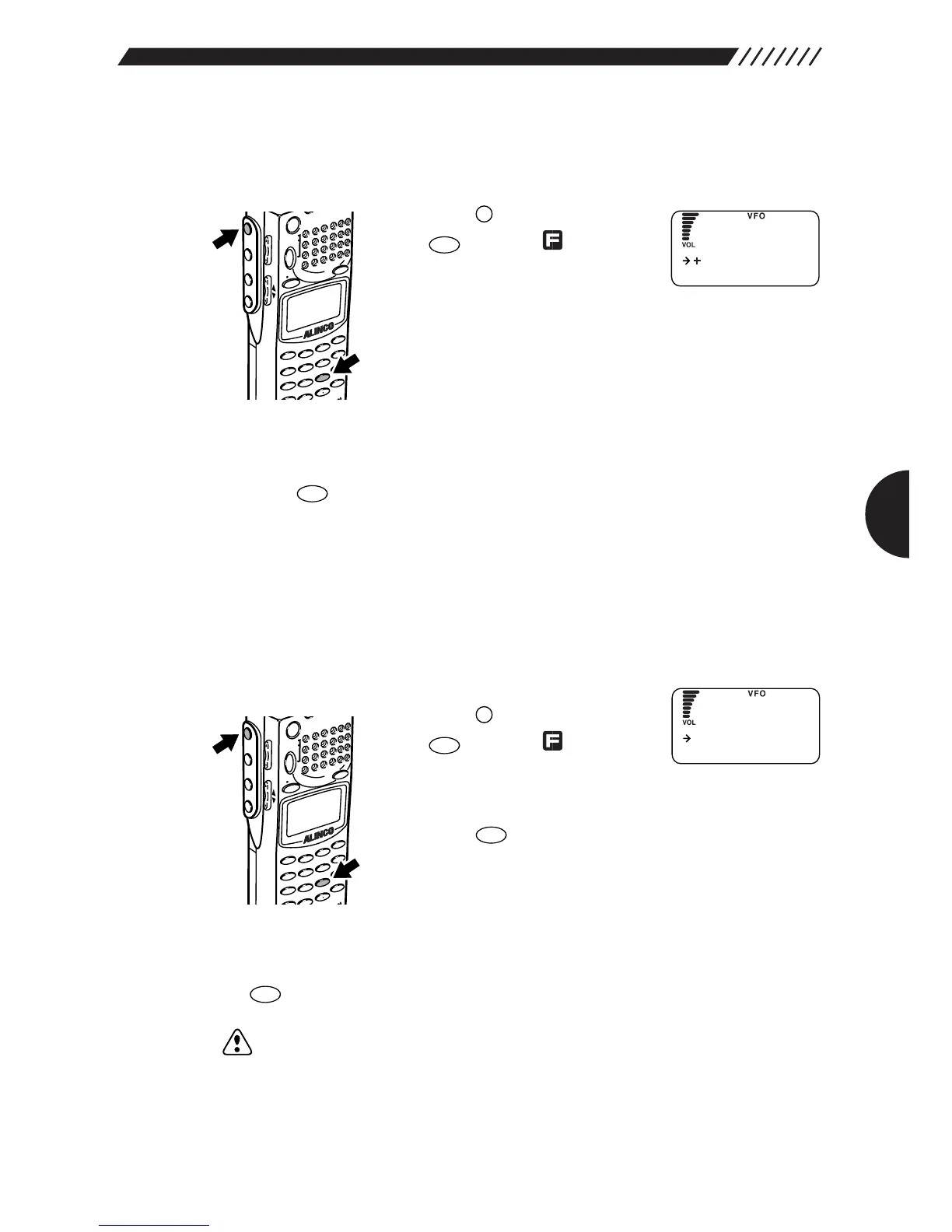
Call up the CTCSS SET menu.
Press the key, and then press
the key while is shown
on the display.
The CTCSS SET menu will appear.
2
Start scanning
Point the arrow at CTCSS SCAN using the dial or UP/DOWN key, and then
press the key. This will start scanning.
Once CTCSS tones are detected, the scanning stops.
• CTCSS reversing
This function used to reverse the CTCSS decoding function. When it is set to ON,
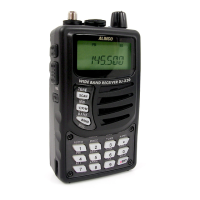
the DJ-X2000 receives those signals that do not match the CTCSS tones.
When the DJ-X2000 receives those signals that match the CTCSS tones, their
sounds are muted.
1
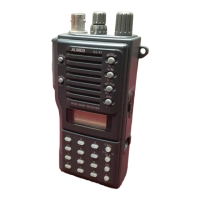
Call up the CTCSS REVERSE screen.
Press the key, and then press
the key while is shown
on the display.
The CTCSS SET menu will appear. Point the arrow at
+REVERSE using the dial or UP/DOWN key, and then
press the key.
The CTCSS REVERSE screen will appear.
2
Select ON/OFF for the CTCSS reversing function.
Point the arrow at ON or OFF using the dial or UP/DOWN key, and then press
the key.
Note: This function may fail if signals are too weak or include too many noises.


 To Next Page