12
Part names
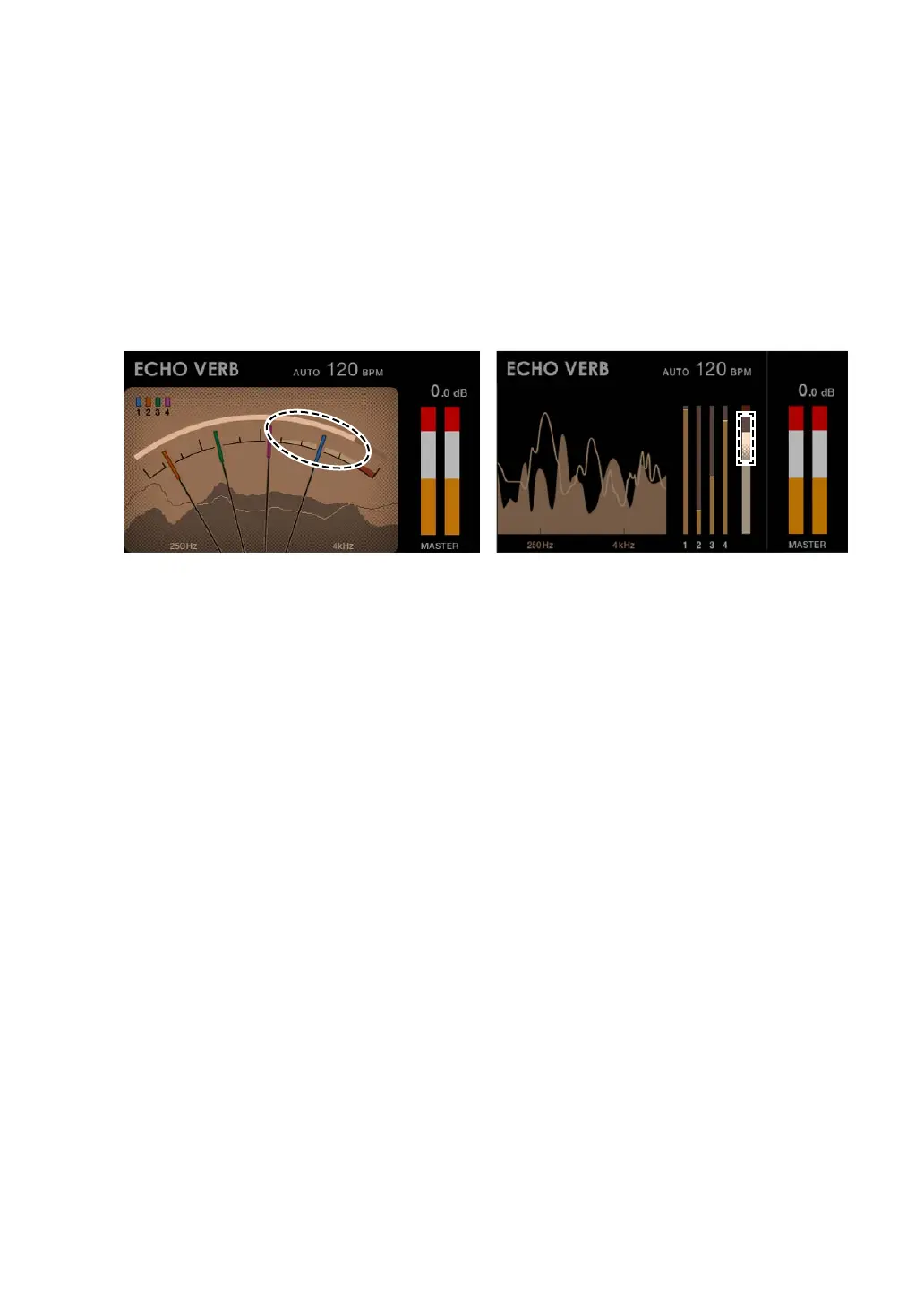
7. Mix Level Meter
Shows the volume of each channel (sound adjusted with the channel rotary fader) and
the master sound (doesn’t reflect the setting of the [MASTER LEVEL] knob). You can
compare the relative volume of each sound.
• Depending on the sound being played, the volume of the master sound may be
shown as lower than the volume of the channel sound.
• You can add a moderate amount of saturation to the master sound by adjusting the
volume of the master sound so it’s in the white range shown below.
8. Channel numbers
The numbers indicate the channels assigned to the Mix Level Meters.
• In the Needle View, the colors assigned to the numbers correspond to the colors on
the needles.
• In the Digital View, the channel number assigned to each Mix Level Meter is shown
below the meter.



 To Next Page