18
PC/Mac setup
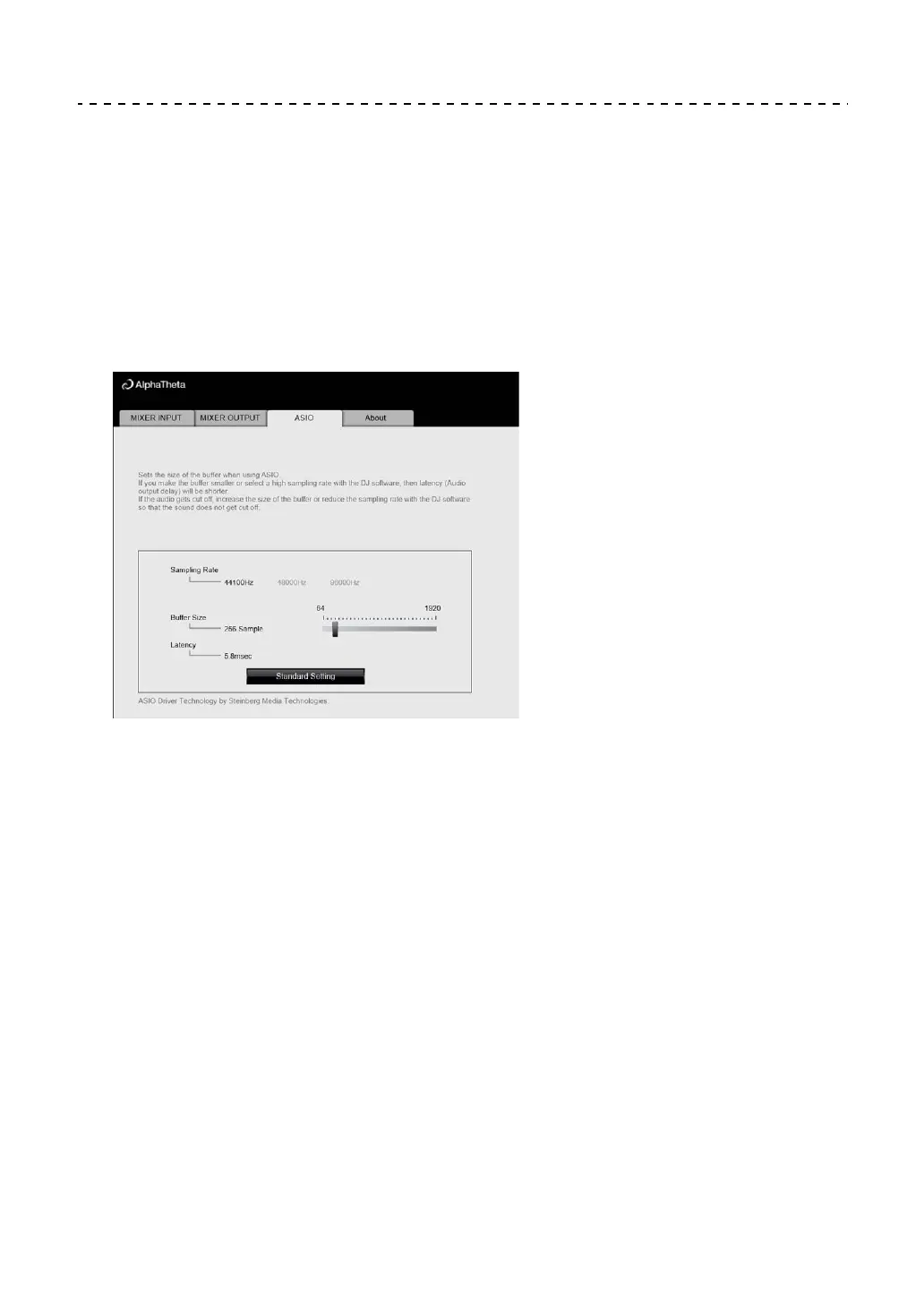
Adjusting the buffer size (for Windows ASIO)
• Close any running applications (DJ applications, etc.) which use the unit as the default
audio device before adjusting the buffer size.
1 Click the [ASIO] tab.
2 Adjust the buffer size with the slider.
• Breaks in sound are less likely to occur if you set a large buffer size, but this
increases lag time due to the latency of audio data transmission.



 To Next Page