20
4
Setting the Pay Ending Day/Date
・Press Sunday (button ②) to set Sunday is the Pay Ending Day. (Weekly/Bi-Weekly Period)
・Press Saturday (button ③) to set Saturday is the Pay Ending Day. (Weekly/Bi-Weekly Period)
・Press Friday (button ④) to set Friday is the Pay Ending Day. (Weekly/Bi-Weekly Period)
・Press Others+ (button ⑤) to set the other days for Weekly/Bi-Weekly and any date of month for
Monthly Pay Period pay period .
Keep OTHER pressed to speed scroll. (Only
available for the OTHER button.)
5
Press NEXT (button ⑥).
・The Pay Period Ending Day/Date registered and then the programming card is rejected.
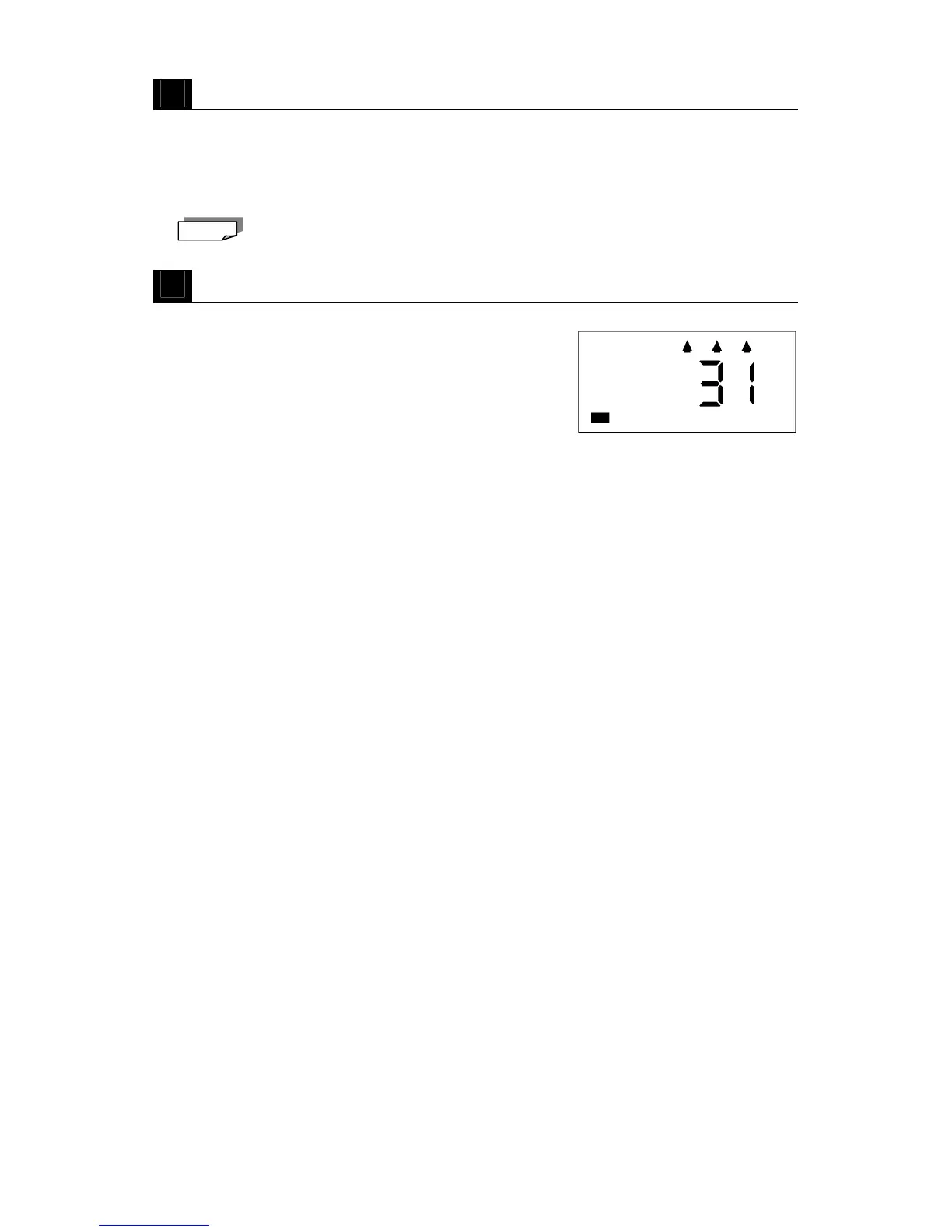
Example: Pay Ending Date is end of month. The display
shows “31”.
Note



 To Next Page