41
3
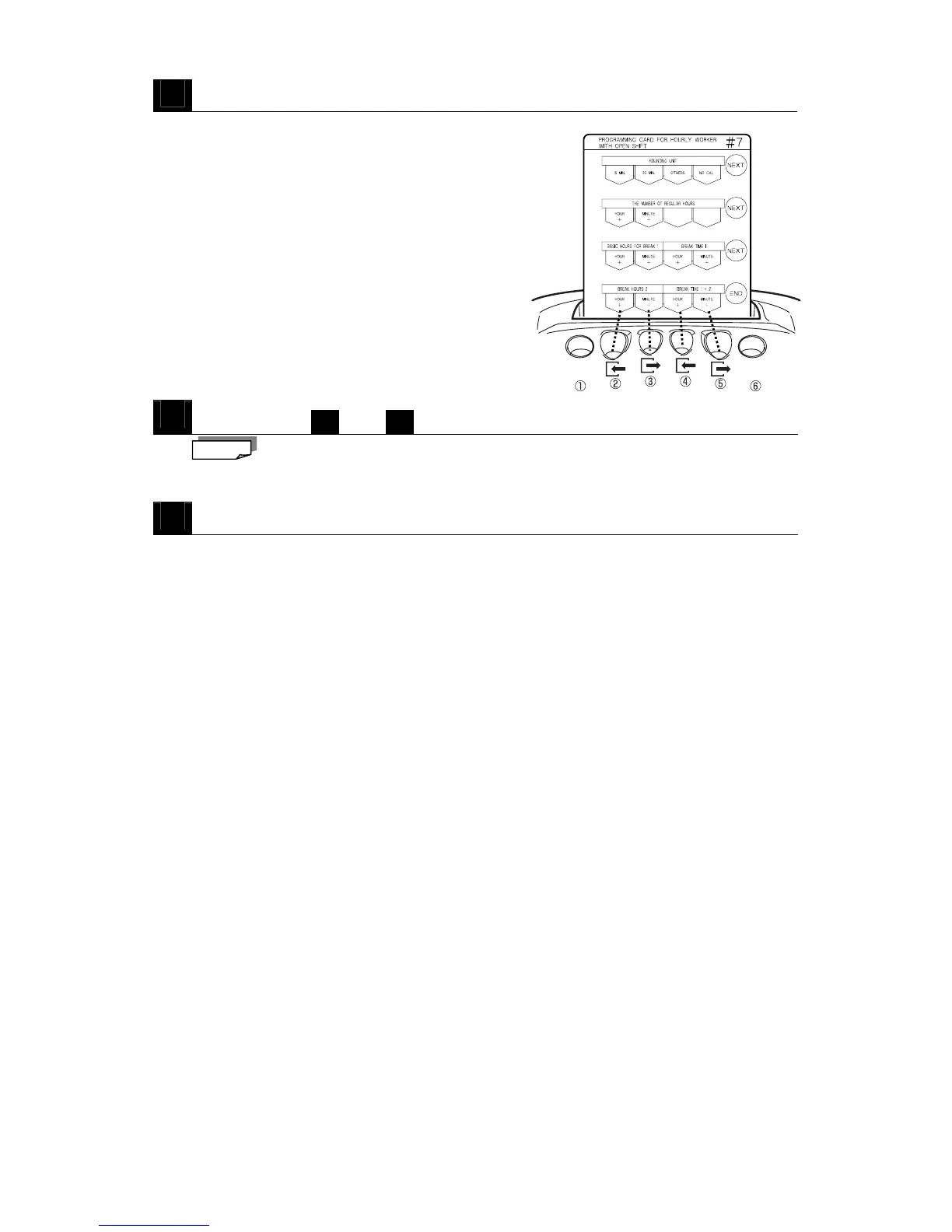
Press NEXT (button ⑥).
・The Basic Hours for Break 1 and Break Time 1
are confirmed and then the card is scrolled to
Break Hours 2.
4
Repeat steps
2
and
3
to configure Break Hours 2 and Time 1 + 2
You can't set Break Hours 2 and Time 1 + 2 to a shorter time than Basic Hours for Break
1 and Break Time 1.
5
Press END (button ⑥) to exit.
・The configured break time is registered and the programming card is ejected.
Note



 To Next Page