60
B
Employee Card Registration
Employee Card Registration for Current Month
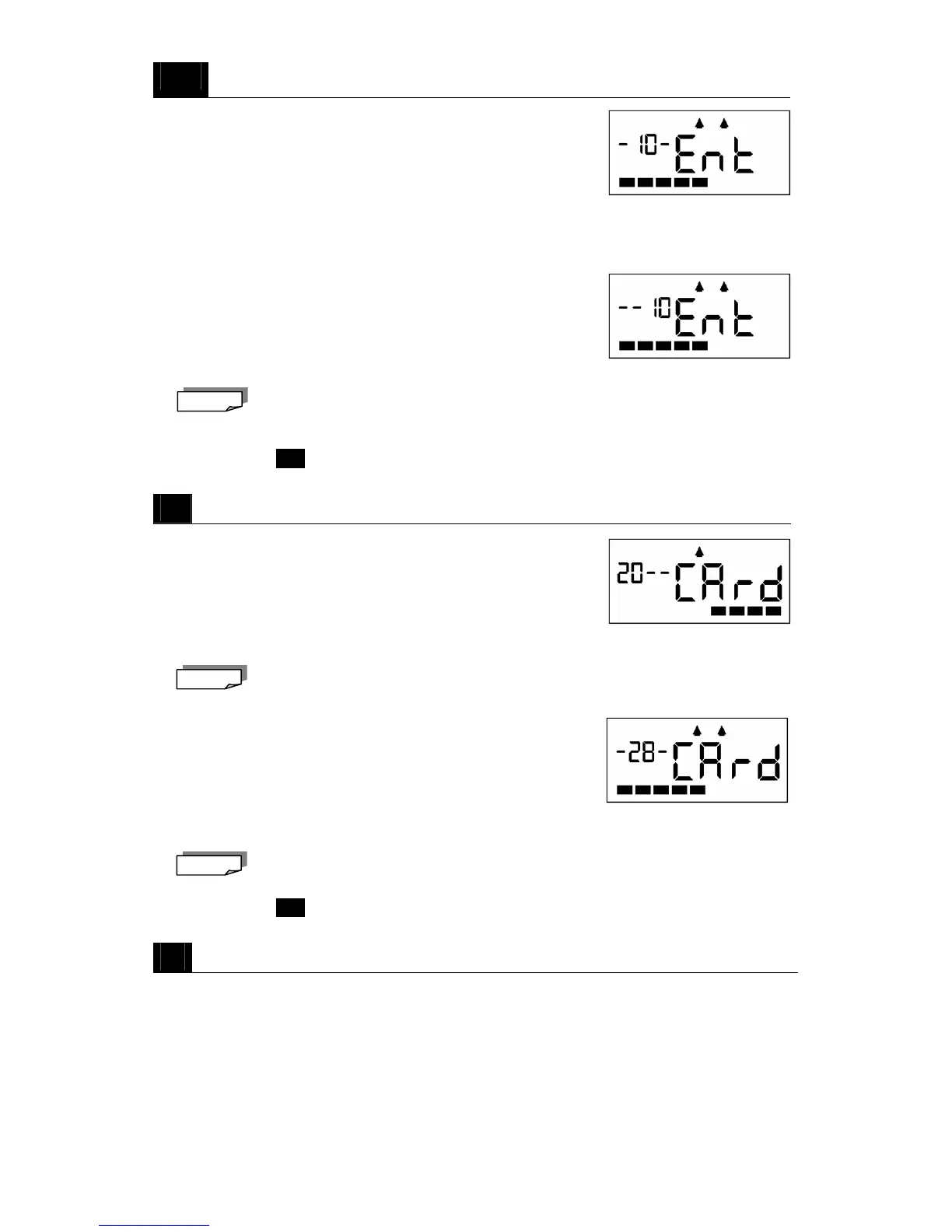
・Hold down the Registration Current M button for two seconds. A
beep will sound and the display will appear as shown on the right.
・Insert a new time card.
・The card will be registered (imprinted) and then ejected.
Employee Card Registration for Next Month
・Hold down the Registration Next M button for two seconds. A beep will sound and
the display will appear as shown on the right.
・Insert a new time card.
・The card will be registered (imprinted) and then ejected.
・For details regarding "Current Month" and "Next Month" please see page 53.
・You can continue with the next time card.
→ Go to step
2
C
Total Hours Print
Total Hours Print for Previous Month
・Hold down the Total Prev. M button for two seconds. A beep will
sound and the display will appear as shown on the right.
・Insert an imprinted time card from last month.
・The total hours will be calculated and printed and then the card will be ejected.
You can continue with the next time card.
Total Hours Print for Current Month
・Hold down the Total / Curr. M button for two seconds. A beep will
sound and the display will appear as shown on the right.
・Insert a time card currently being used.
・The total hours will be calculated and printed and then the card will be ejected.
You can continue with the next time card.
→ Go to step
2
2
Close the top cover.
・The current time is displayed signifying the completion of the respective operation.
Note
Note
Note



 To Next Page