8.2 Selecting or deleting a product
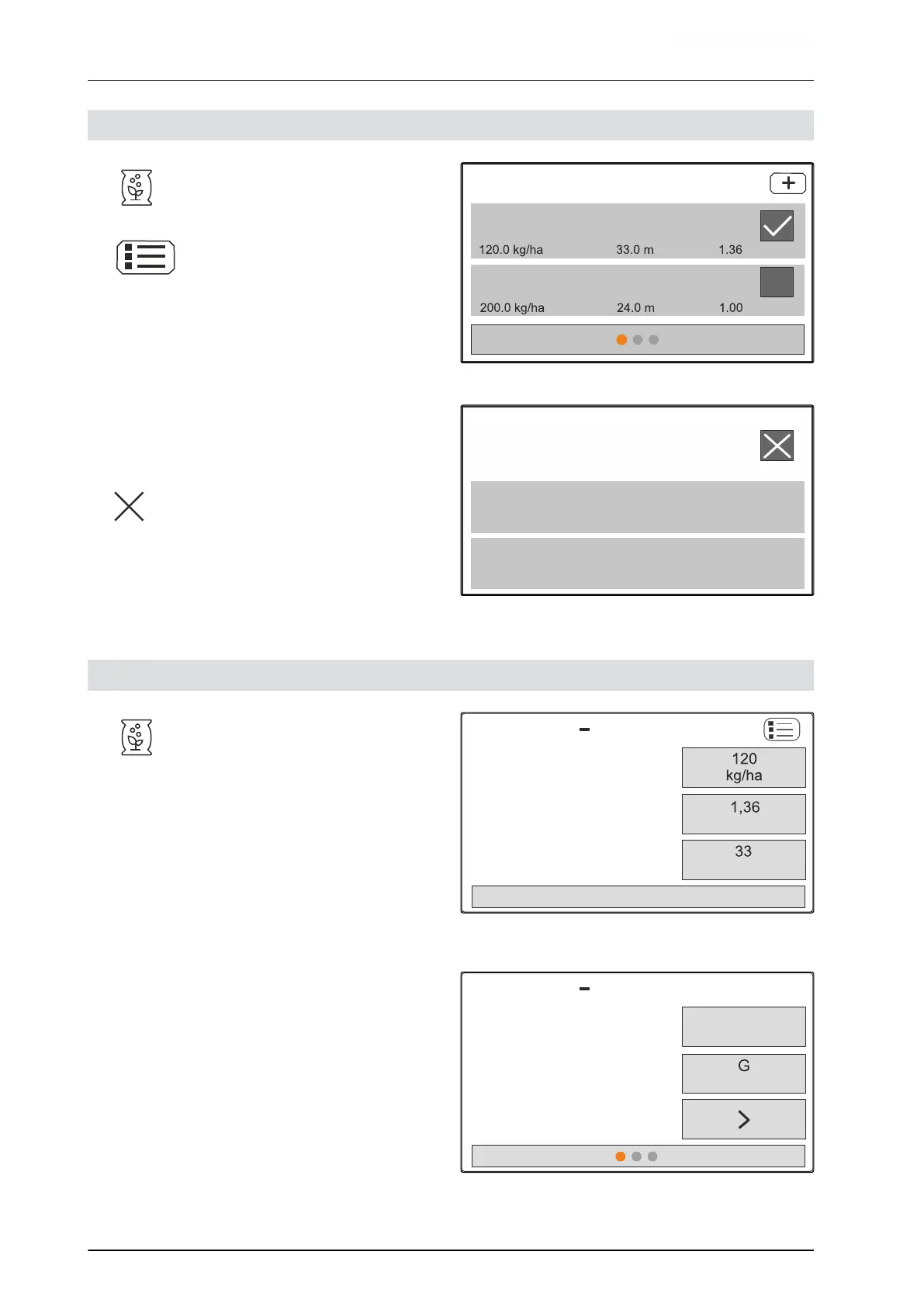
1. Call up the "Product" menu.
2. Select the product list.
3. Scroll if necessary.
4. Select the product and confirm.
SELECT FERTILIS.
Calcium cyanamide
Fertiliser
CMS-I-00006133
5. Edit the product with "Select", "Delete"
or
Cancel.
CMS-I-00006136
8.3 Entering the product data
1. Call up the "Product" menu.
2. Enter the desired "target spread rate".
3. Enter the "Calibration factor" from the setting
chart.
4. Enter the desired "Working width".
5. Select "Other fertiliser settings".
FERT.
Setpoint app. rate
Calibration factor
Working width
Calcium cyanamide
Other fertiliser settings
CMS-I-00006169
6. Select the product under "Fertiliser type".
7. Under "Limiter position", enter the value from the
setting chart for the desired boundary spreading
type.
8. Select "Spreader unit".
FERT.
Fertiliser type
Limiter position
Working width
Calcium cyanamide
Calcium
cyanamide
CMS-I-00006132
CMS-T-00009043-B.1
CMS-T-00008941-B.1
8 | Managing products
Selecting or deleting a product
MG7387-EN-II | B.1 | 12.01.2022
26











 To Next Page