Printing a Screen
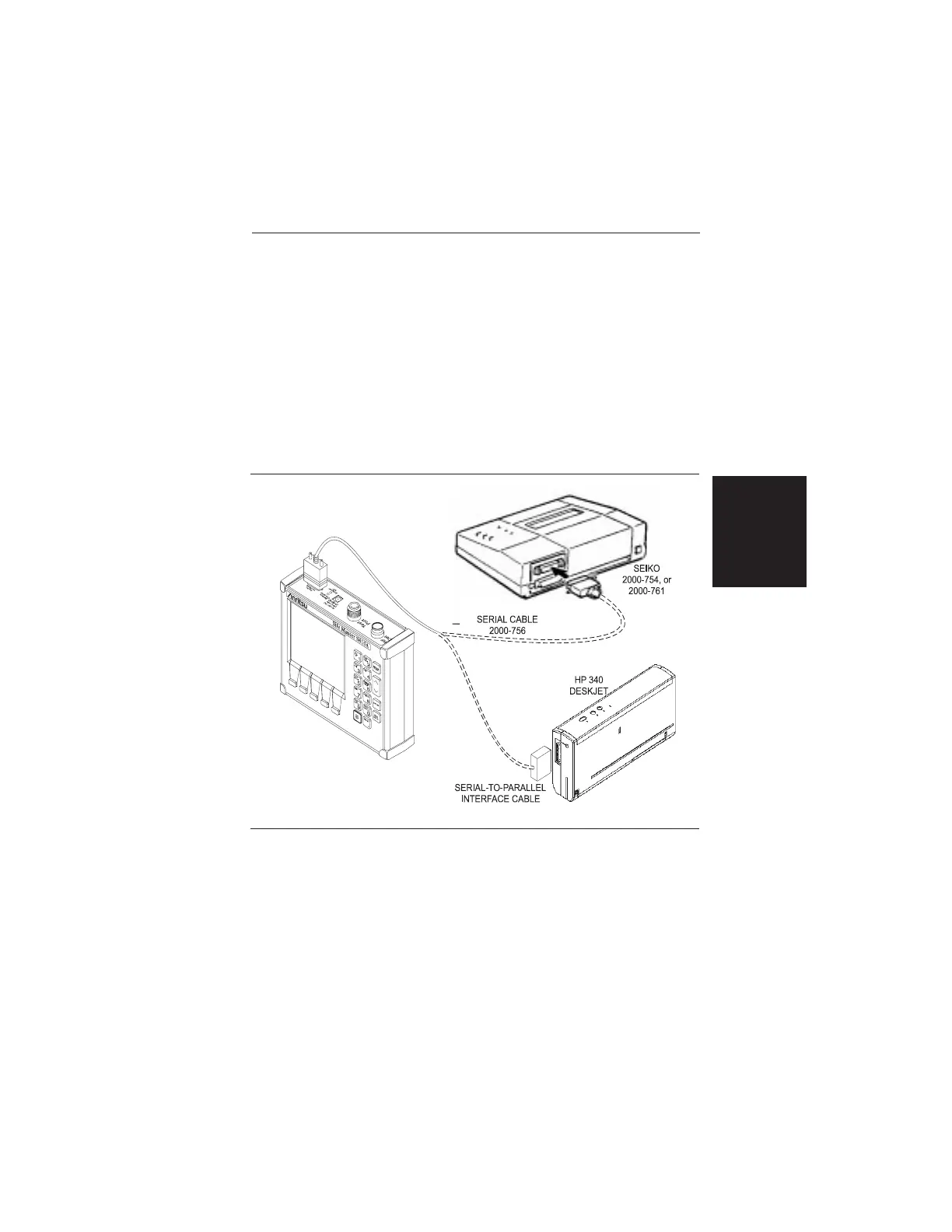
Step 1. Connect the printer as shown in Figure 2-11.
Step 2. Obtain a SWR, RL, CWL, or Distance-to-Fault meas-
urement display.
Step 3.
Select the printer using the B6 soft key from the Op-
tion Sub-Menu (page 2-14).
Step 4.
Press the PRINT key (Figure 2-1. page 2-0).
2-51
Chapter 2 Operation
Figure 2-11. Printer Setup













 To Next Page