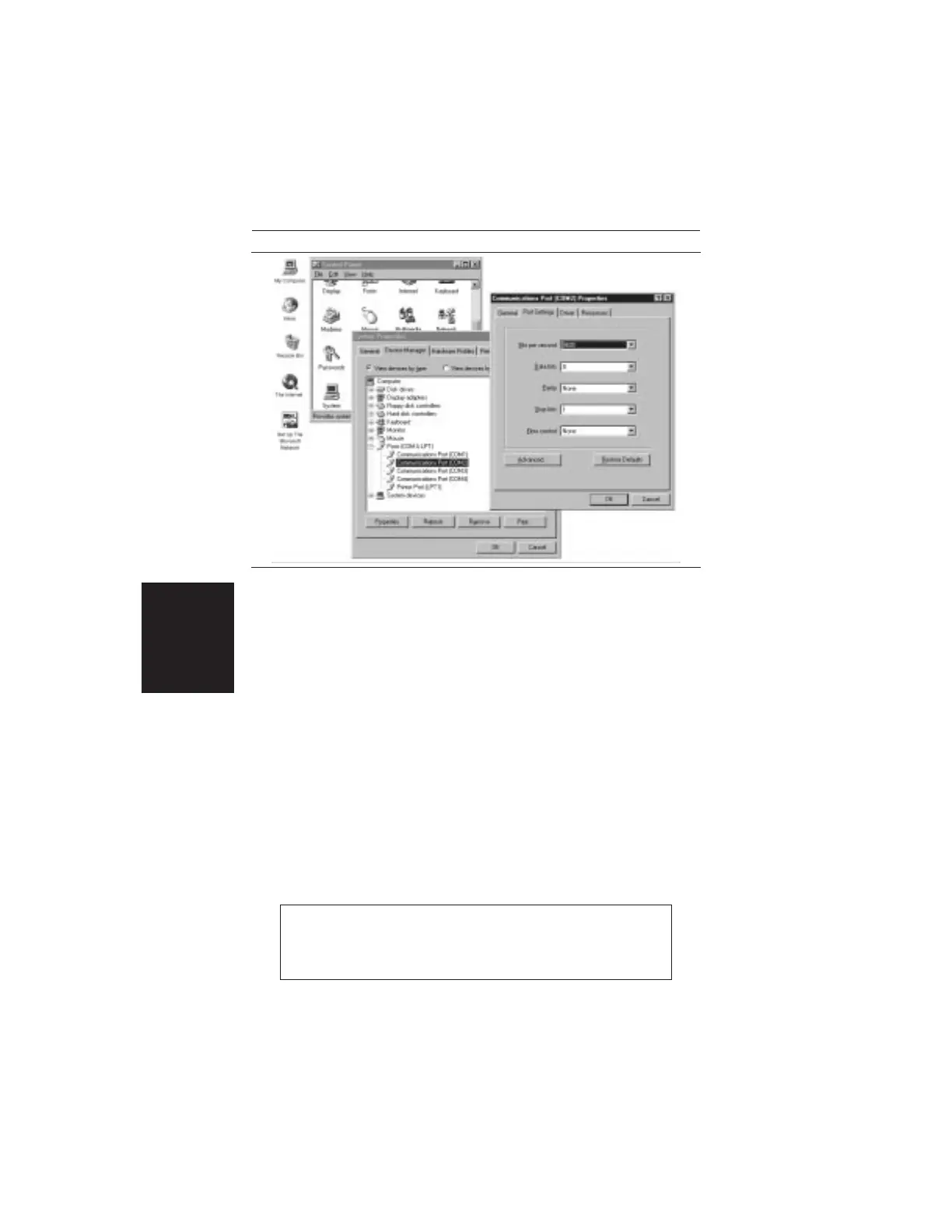
Changing COM Port Settings–Windows 95
Refer to Figure 3-2 while performing the following procedure.
Step 1.
Open the Windows Control Panel.
Step 2.
Double click on the SYSTEM icon. The System
Properties window appears.
Step 3.
Select Device Manager. The Device List appears.
Step 4.
Double click on the item Ports (COM & LPT) in the
device list.
Step 5.
Double click on the Communications Port you want
to set. The Communications Port Properties window
appears.
NOTE:
If Windows doesn’t show any available COM Ports,
consult your computer manufacturer.
3-4
Chapter 3 Screen Capture Program
Figure 3-2. Windows 95 COM Port Setting Dialog Boxes













 To Next Page