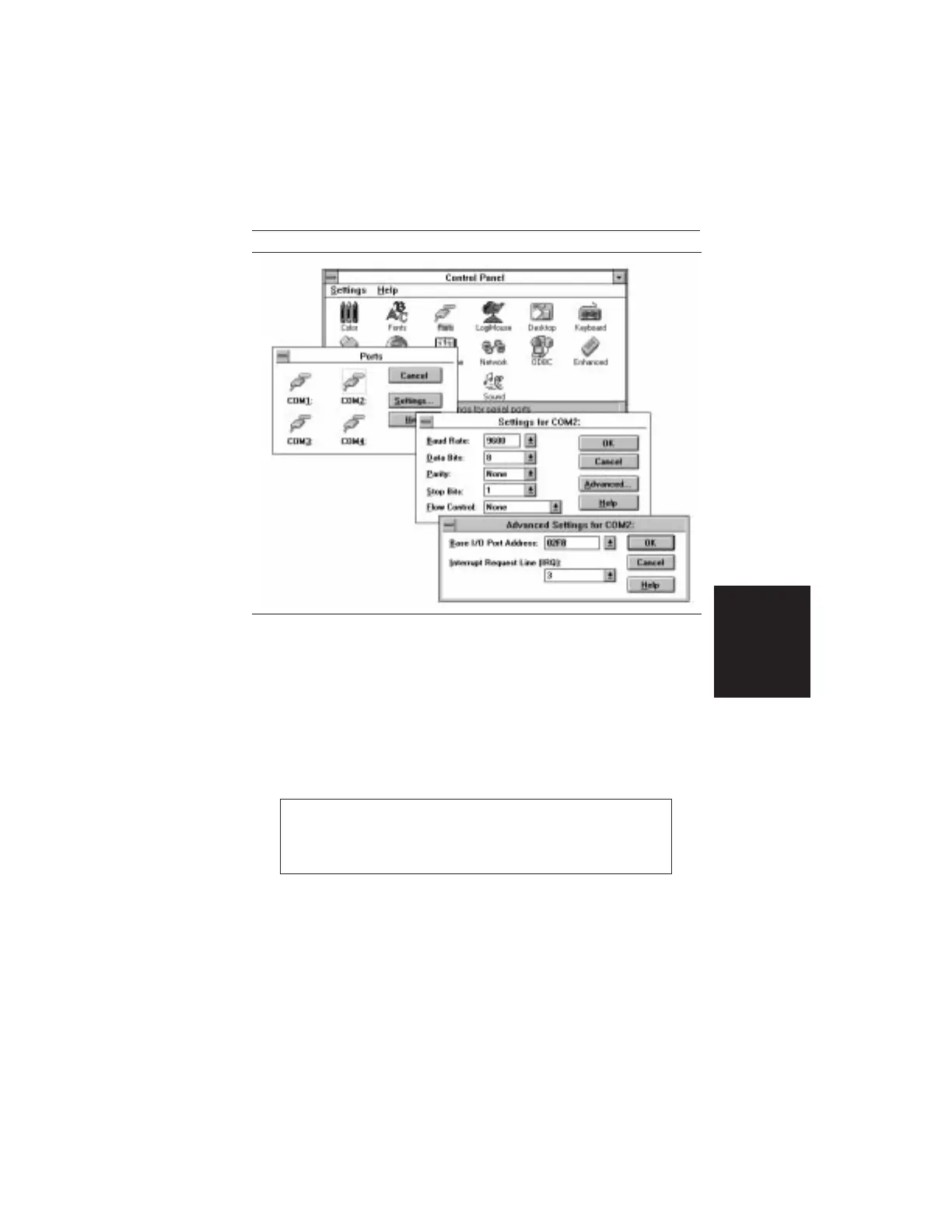
Step 5.
Click on the Advanced... button. At the Advanced
Settings dialog box verify the COM Port Base Ad-
dress and IRQ. Click OK when done.
Step 6.
Click OK again and then Close to close the COM
Port Setting Windows.
Note:
If you changed the COM Port Base Address and/or
IRQ, you will need to restart Windows.
3-3
Chapter 3 Screen Capture Program
Figure 3-1. Windows 3.1 COM Port Setting Dialog Boxes













 To Next Page