NOTE: Trace scale can be captured as per
Site Mas-
ter
or as autoscale by the capture program. To select
per
Site Master
or autoscaling, click on Settingsand
Default Plot Settingsfrom the top menu bar and
pull- down menu.
Capture multiple to database
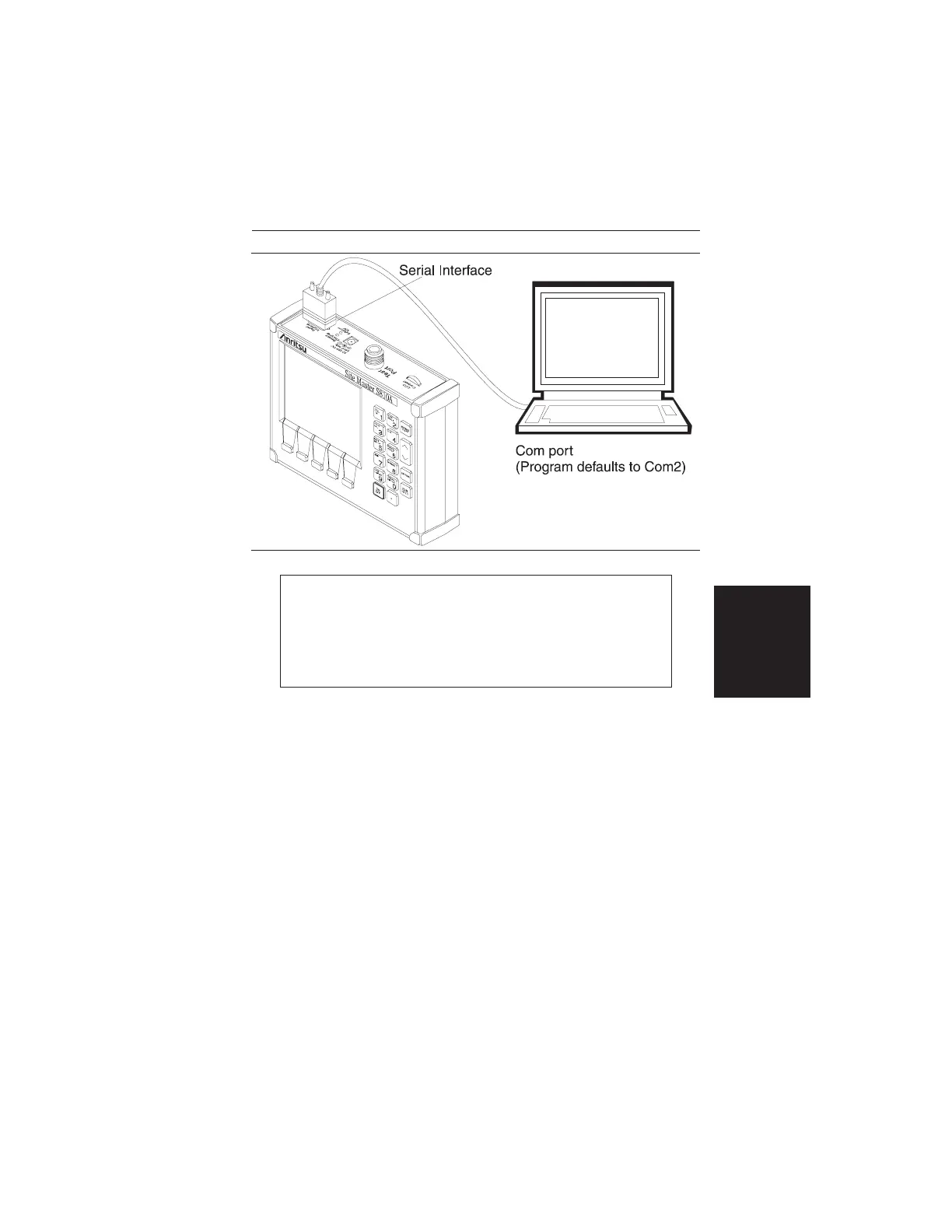
Step 1. Connect the supplied cable as shown in Figure 3-3.
Step 2.
Open the “Site Master Software Tools” group, in
the Windows Program Manager.
(Select the Windows pull-down menu from the Pro-
gram Manager menu bar, and select Site Master
Software Tools.)
Step 3.
Double-click on the “Site Master Software Tools”
icon to open the program.
Step 4.
Click on Capture, in the top menu bar, and select
Capture Multiple To Database from the drop-down
menu.
3-7
Chapter 3 Screen Capture Program
Figure 3-3. Equipment Setup for Site Master Tools Operation













 To Next Page