5-2 Opening the Spectrum Master Case Chapter 5 — Assembly Replacement
5-2 PN: 10580-00279 Rev. E MS272xC MM
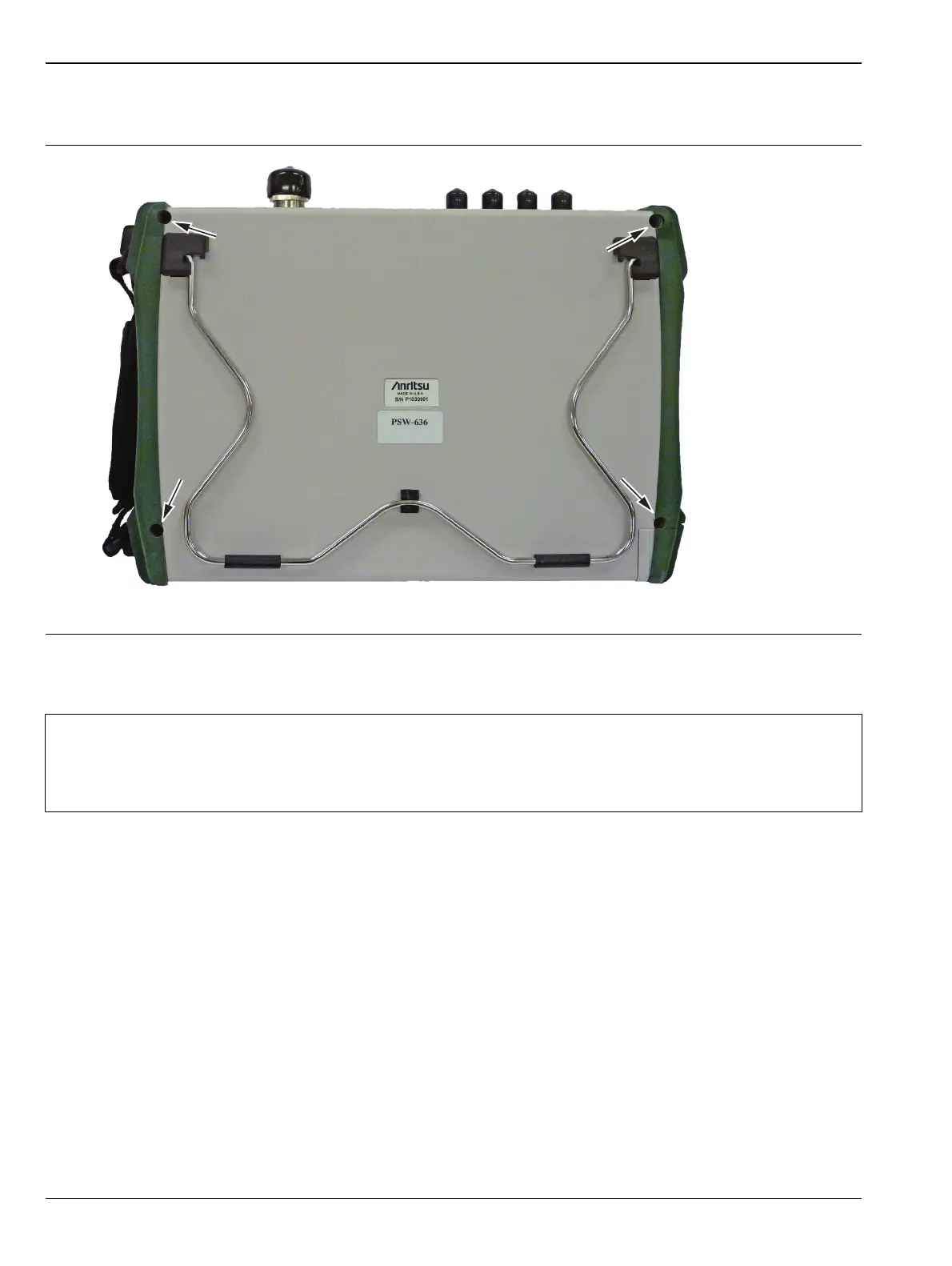
4. Use a Phillips screwdriver to remove the four screws securing the two halves of the Spectrum Master case
together (Figure 5-2).
5. Carefully lift up on the side of the case shown and begin to separate the two halves.
Figure 5-2. Remove the Four Screws
Caution
Do not force or pull the two halves of the case apart completely, there are delicate cables attached
between the two halves that must be disconnected first. Refer to Figure 5-3 and Figure 5-4.
Note the position and routing of the cables, they should be similarly routed when the unit is
reassembled.
Carefully lift
this side first
Location of the 4 screws to remove.














 To Next Page