Patient monitor User’s manual
Chapter 11-4
the monitor will start the measurement continually repeated in the set interval
after the first measurement.
Warning: Prolonged NIBP measurements in Auto mode are associated
with purport, ischemia and neuropathy in the limb wearing
the cuff. When monitoring a patient, examine the
extremities of the limb frequently for normal color, warmth
and sensitivity. If any abnormality is observed, stop the
Select smartkey, or select NIBP parameter area, and select【STAT】
to start or stop the STAT measurement. The measurement will last 5 min.
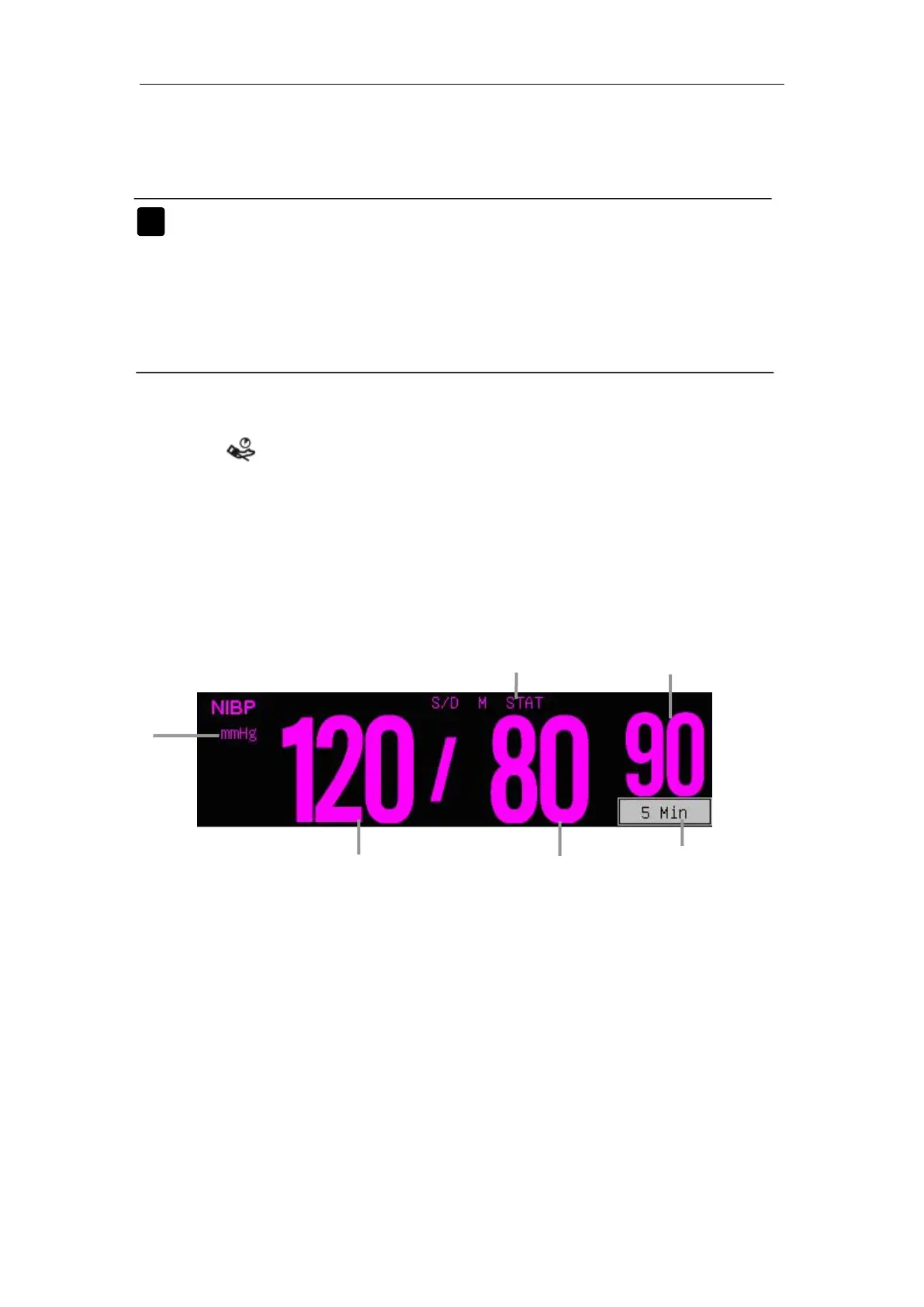
There is no waveform displayed for NIBP measurement, the NIBP readings
are displayed in the parameter area. The following figure shows the NIBP
display screen, the display on your monitor may be looked slightly different.
3. Mean arterial blood pressure
——Auto mode: indicates the interval of auto measurement;
——
Manual mode: indicates the time from last measurement;
——STAT mode: indicates the running time for 5min timer.
5. Diastolic blood pressure
6. Systolic blood pressure



 To Next Page