Patient monitor User’s manual
Chapter 12-3
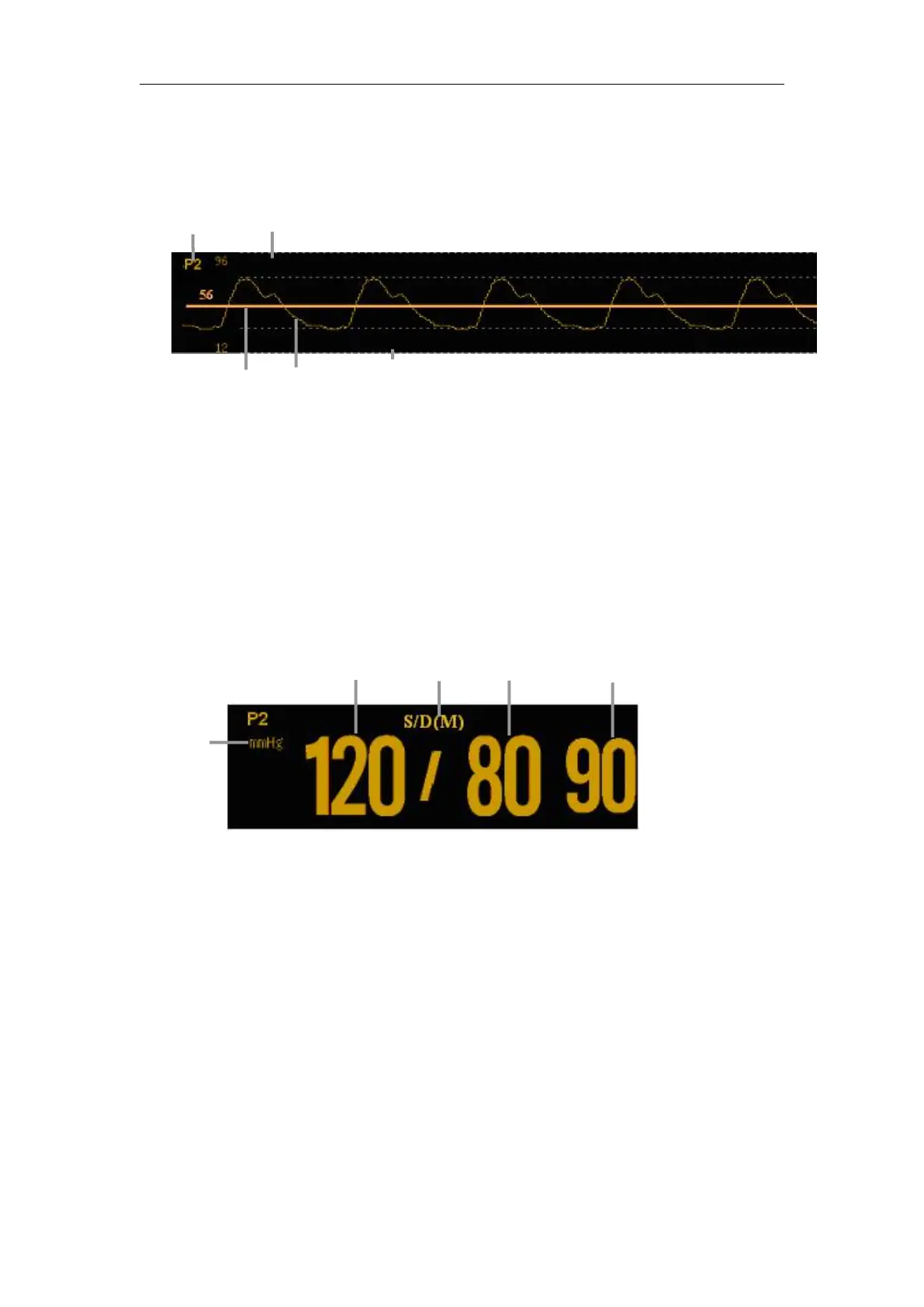
1. IBP label
2. Upper scale of pressure
3. High resolution cursor
4. IBP waveform
5. Lower scale of pressure
1. Pressure unit: mmHg,kPa or cmH
2
O
2. Systolic blood pressure
4. Diastolic blood pressure
5. Mean arterial blood pressure
Select IBP parameter area to enter IBP parameter setting menu.



 To Next Page