Patient monitor User’s manual
Chapter 24-1
This monitor uses the thermal recorder which supports various record
types. It can output the patient information, measurement data, review data
and three waveforms at best.
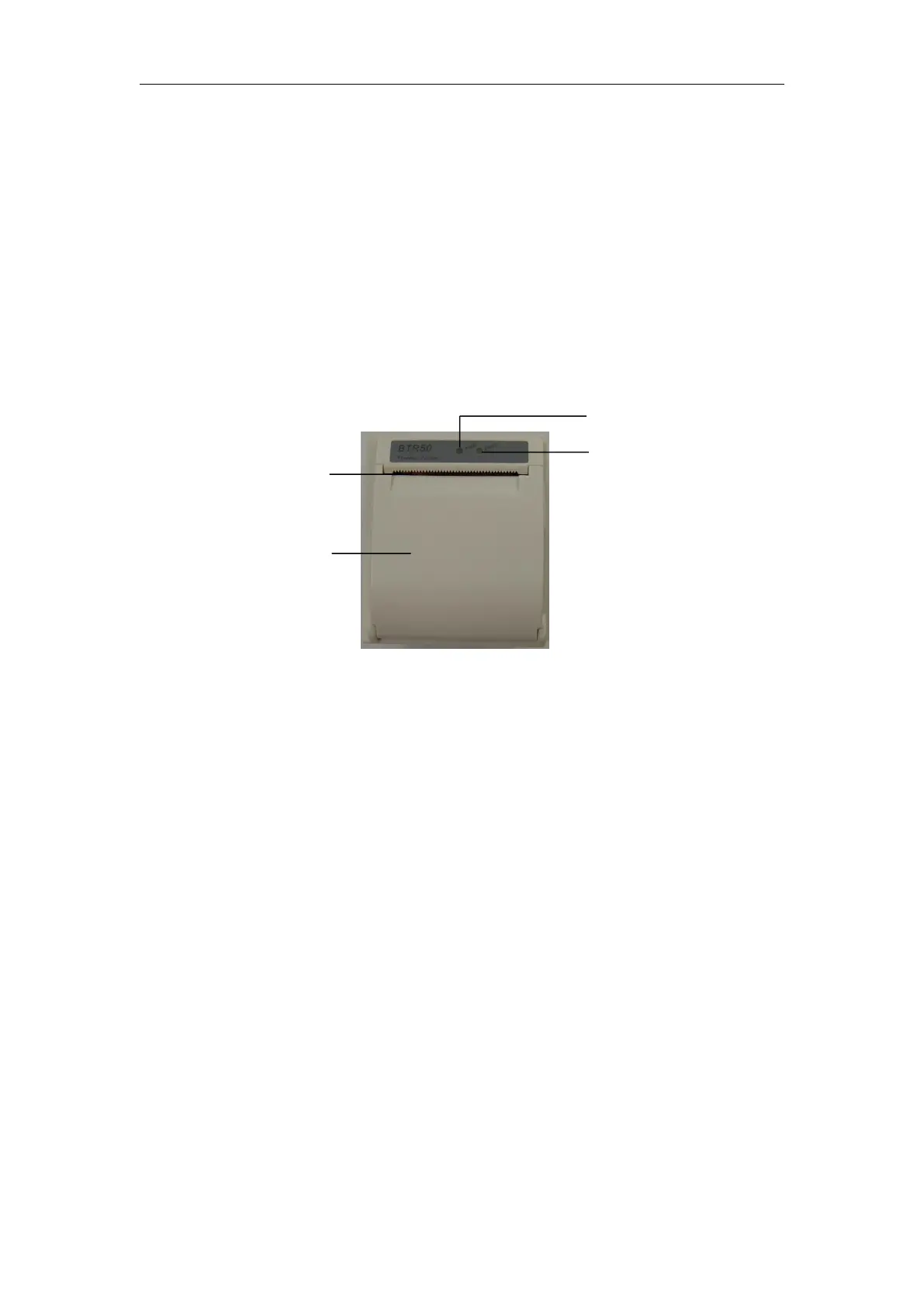
——ON: The recorder works well.
——OFF: The monitor is powered off.
2. Trouble indicator lamp
——ON:There is something wrong with the recorder, such as short of paper,
door of the recorder not fasten up and something like that.
——OFF:The recorder goes well.
The records can be divided into the following types according to trigger
1. Real-time record of manual startup;
2. The circular record of automatic startup of the recording meter in line
with the given time interval;



 To Next Page