Patient monitor User’s manual
Chapter 15-6
In the hemodynamic window, you can:
a) Select 【Range 】 , the unit of the parameter will disappear, and
turn into the logical range of them. Select【Unit】to display unit.
b) Select
【
Record
】
, the current page will be printed out.
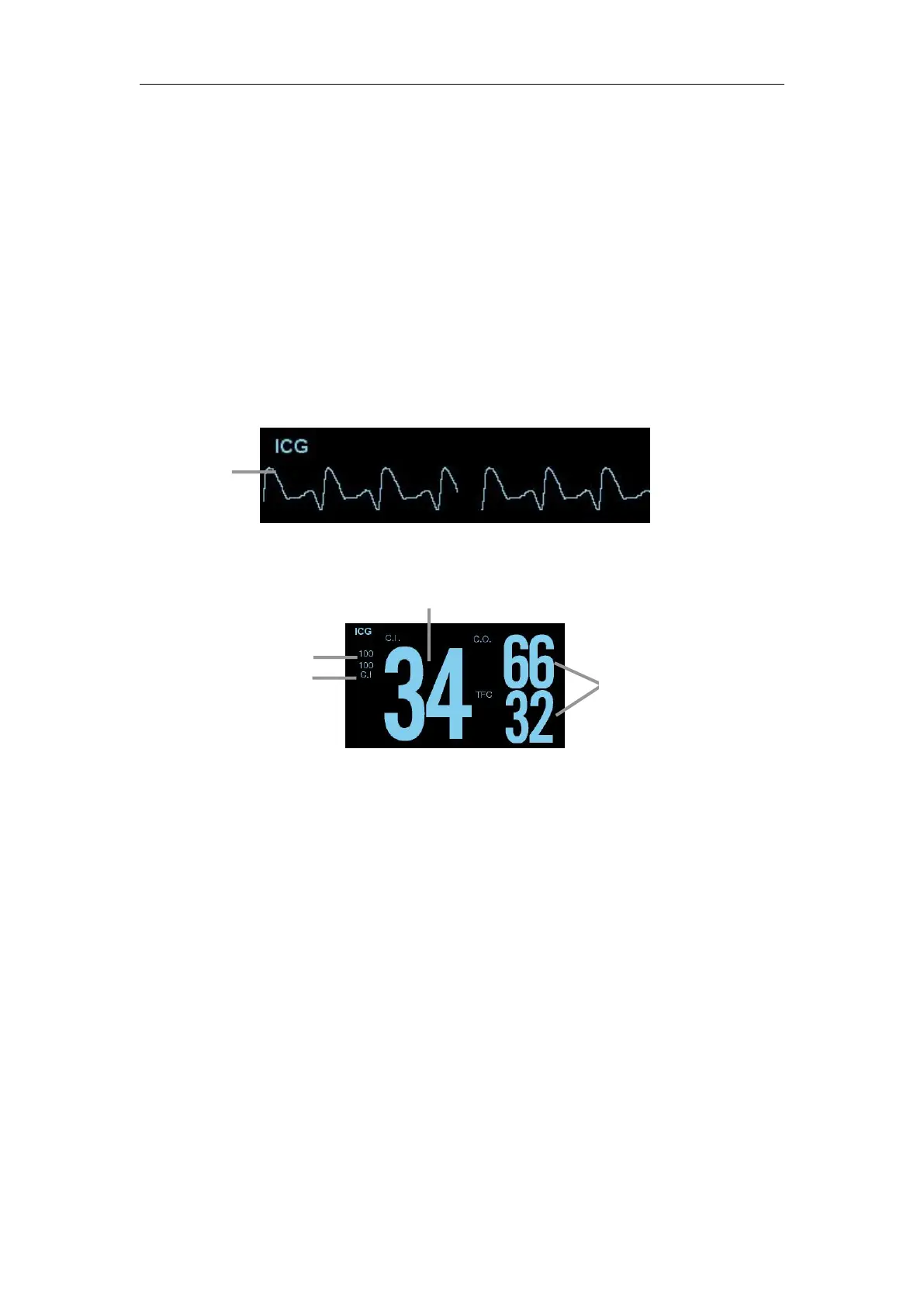
The screen shows an ICG waveform and ICG parameters. The primary
parameter (C.I.) and two secondary parameters are displayed in the ICG
parameter area.
15.7 Setting ICG Parameter
Select ICG parameter area, and enter ICG parameter setting menu.
Select secondary parameter A or B
You can select the parameters as required, the options are
【
C.O.
】
,
【TFC】, 【SI】, 【SV】, 【SVR】, 【SVRI】, 【TFI】and 【HR】.The
parameter A and B can not be select to the same.
Select【Wave Speed】in the ICG waveform setting menu, and select the
wave speed in the options as required.
15.8 Measurement Limitation
When patients present with the following conditions or anomalies may
demonstrate reduced accuracy:



 To Next Page