Patient monitor User’s manual
Chapter 19-9
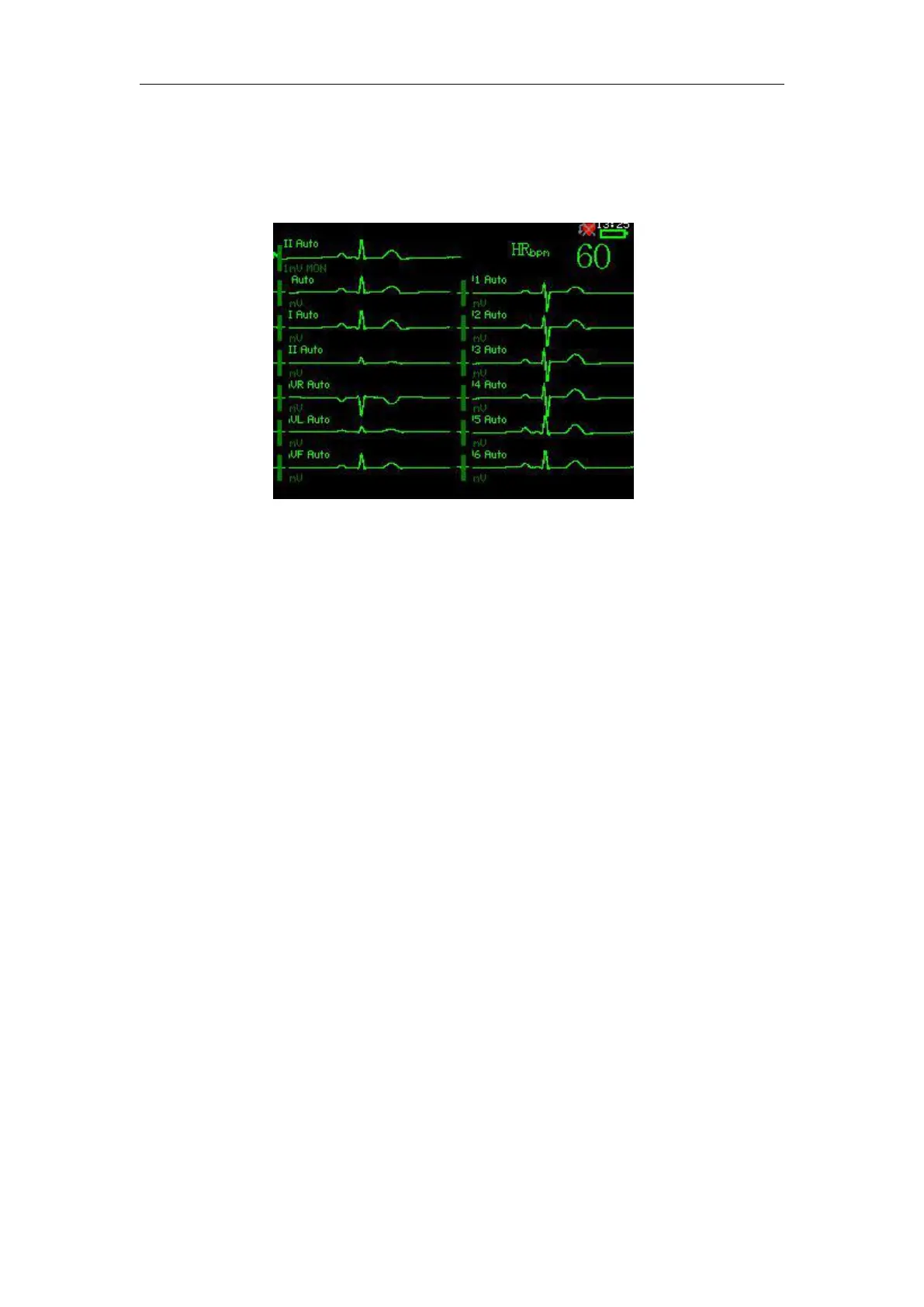
Twelve ECG waveforms and an HR parameter are displayed at the same
Enter the main menu, select 【 System Setup 】 → 【 Display Setup 】 →
【Language】to enter the setup window
a. Main Sweep Speed selection
Enter the main menu, select【System Setup】→【Display Setup】→ 【Main
Wave Speed】,choose the appropriate speed you need.
b. Resp Sweep Speed selection
Enter the main menu, Select 【 System Setup 】 → 【 Display Setup 】 →
【RESP Wave Speed】, choose the appropriate speed you need.
Enter the main menu, Select 【 System Setup 】 → 【 Display Setup 】 →
【Screen Angle】to enter the setup window.
Enter the main menu, Select 【 System Setup 】 → 【 Display Setup 】 →
【Screen Time Setup】to enter the setup window.
Enter the main menu, Select 【 System Setup 】 → 【 Display Setup 】 →
【Brightness】to enter the setup window.



 To Next Page