Patient monitor User’s manual
Chapter 19-20
g. Setting SpHb Average Mode
You can select the averaging mode for SpHb value, select【SpHb Average
Time 】 in the SpO2 parameter setting menu, and you can select 【 Slow 】 ,
You can select
【
SpHb Unit
】
in the SpO
2
parameter setting menu, and select
the unit as required. The options are
【
g/dL
】
and
【
mmol/L
】
.
You can select【Resp. Out】in the SpO
2
parameter setting menu, and select
In the SpO2 setting menu, select【 Alarm Delay 】 , and you can select the
delay time in the alarms as required in the options.
Note: More details about Temp measurement principle, safety
information and monitoring steps turn to Chapter 10: Section
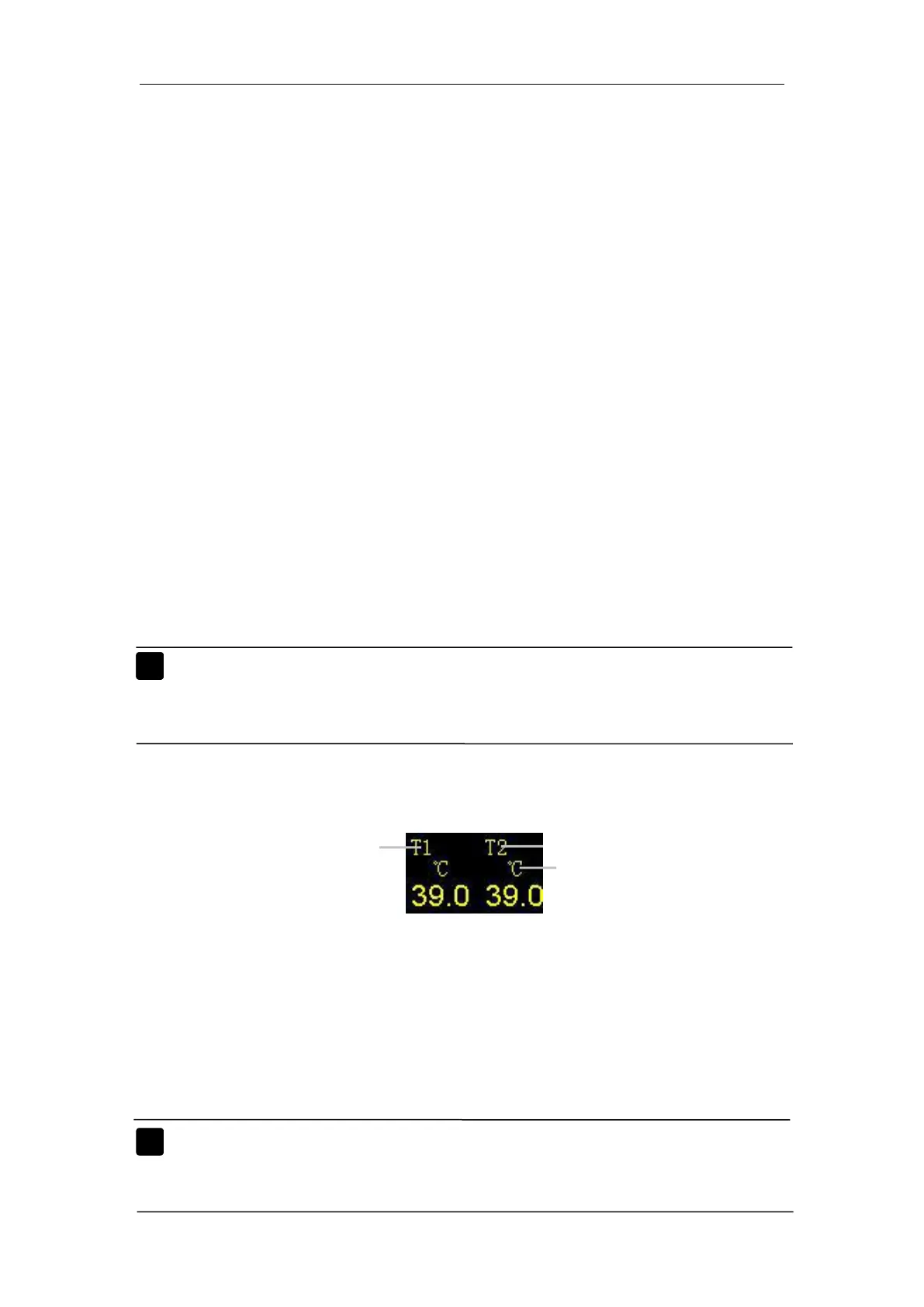
Enter the main menu, Select
【
Module Setup
】
→
【
T1 Setup
】
, a Temp Setup
window appears. In the window you can set Temp measurement. You only
need to set the unit, select【Unit】, you can choose between【℃】and 【℉】.
Note: More details about NIBP measurement principle, safety
information and monitoring steps turn to Chapter 11: Section



 To Next Page