Patient monitor User’s manual
Chapter 4-7
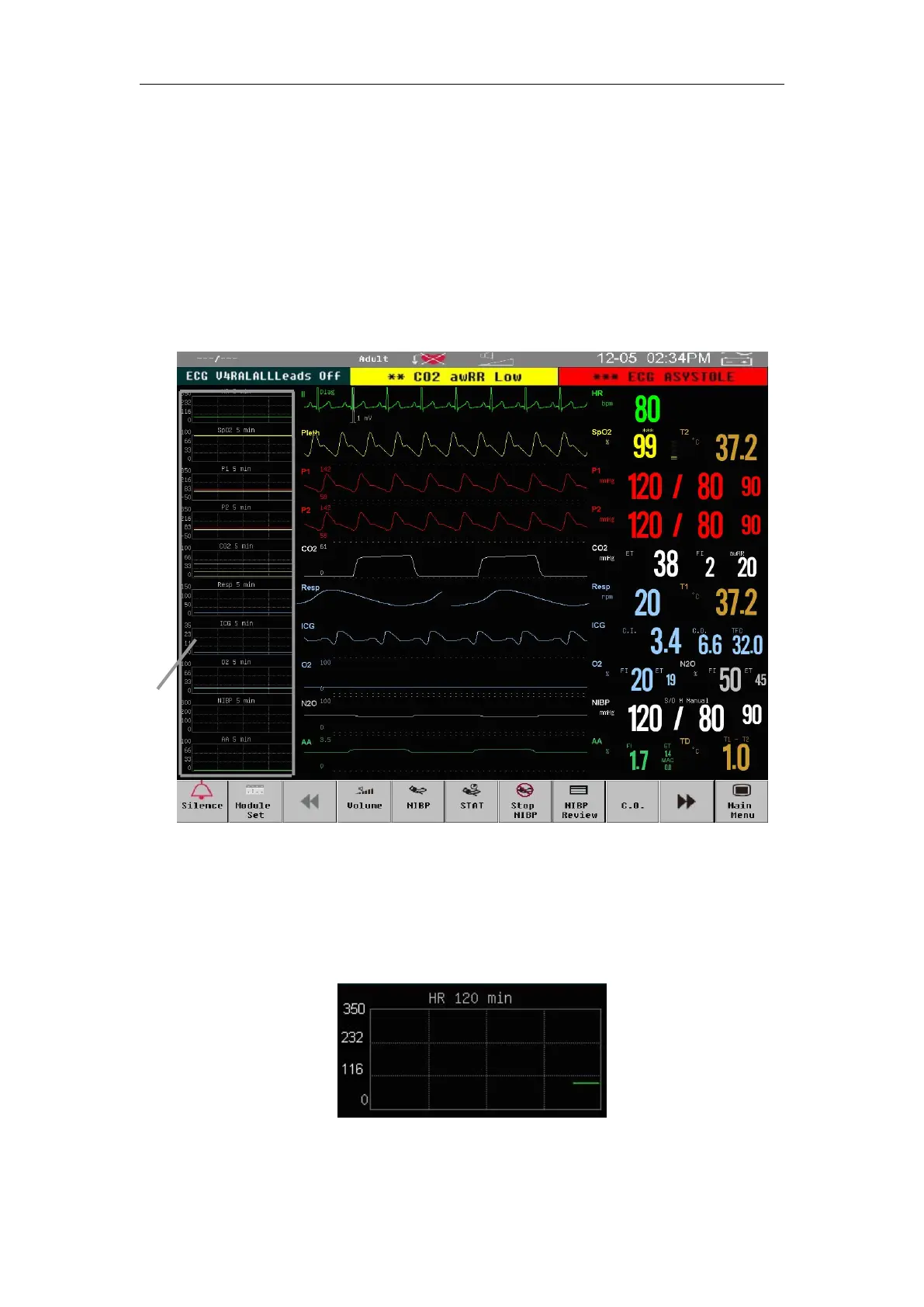
To enter high resolution trend screen:
Select【Main Menu】smartkey→【Main Screen Select】→【HI RES
Or select
【
Main Screen
】
smartkey→
【
HI RES Trend
】
.
The HI RES Trend graph relevant to the parameters is displayed on the left
corner of the waveform, it shows the graphic trend for some time of each
parameter. Label and duration of trend display above the each trend, while
scale display on the left.
Select a HI RES Trend of parameter to enter the setting menu, and select
【Trend time】to select the trend time length of the HI RES Trend.



 To Next Page