Chapter 5 Analyze the Experiment
Analyze the Experiment
Applied Biosystems 7500/7500 Fast Real-Time PCR System Getting Started Guide for Standard Curve
Experiments
70
Notes
How To Display Multiple Plots
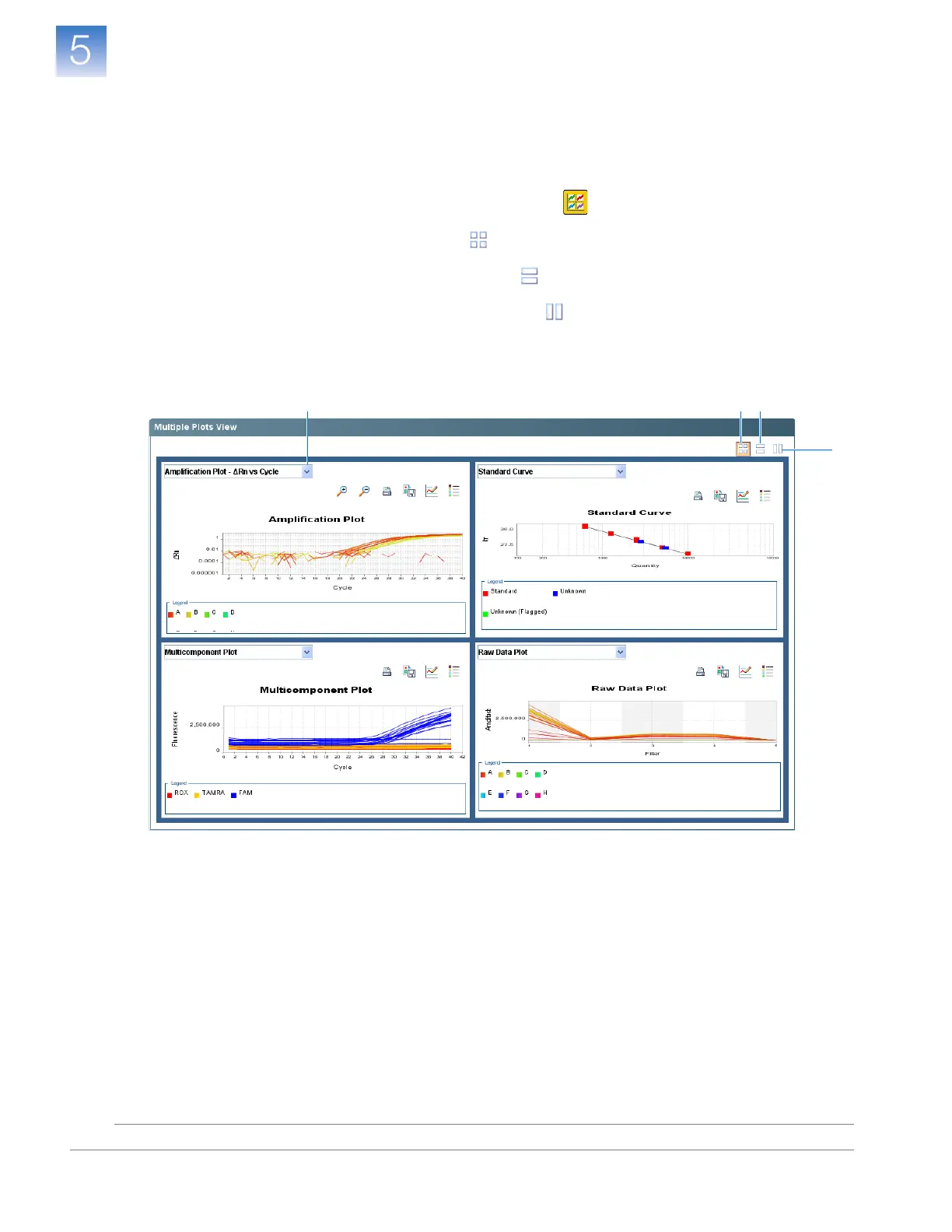
Use the Multiple Plots screen to display up to four plots simultaneously. To navigate
within the Multiple Plots screen:
1. In the navigation pane, select Analysis Multiple Plots View.
2. To display four plots, click (Show plots in a 2 ✕ 2 matrix).
3. To display two plots in rows, click (Show plots in two rows).
4. To display two plots in columns, click (Show plots in two columns).
5. To display a specific plot, select the plot in the drop-down list above each plot
display.
4
2 35












 To Next Page