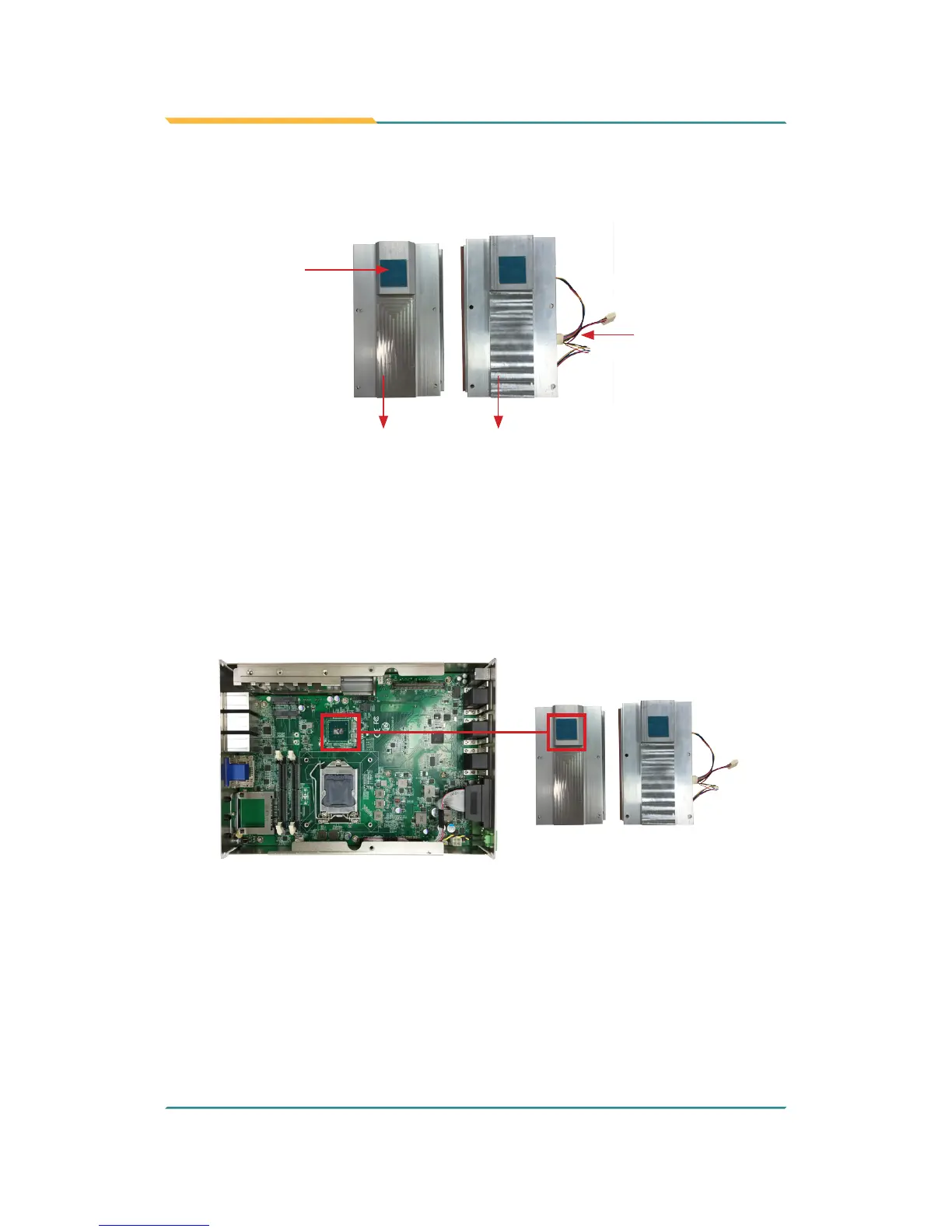
3. Find the heat sink in the accessory box. Attach the thermal pad to the
heatsink, and remove the blue release liner.
Heat sink for
fanless models
Thermal pad for
PCH chipset
Heat sink for models w/
SMART FAN
Fan connectors
4. Apply the thermal paste to the CPU.
5. Place the heat sink on the CPU and PCH. Make sure that the thermal
pad is in complete contact with the PCH chipset and the heat sink is in
complete contact with the CPU to avoid overheating problem. If not, it
would cause your system or CPU hanged, unstable or damaged.
6. For heat sink w/ SMART FAN, connect the fan cable of each fan to the
connectors on the system board.



 To Next Page