!
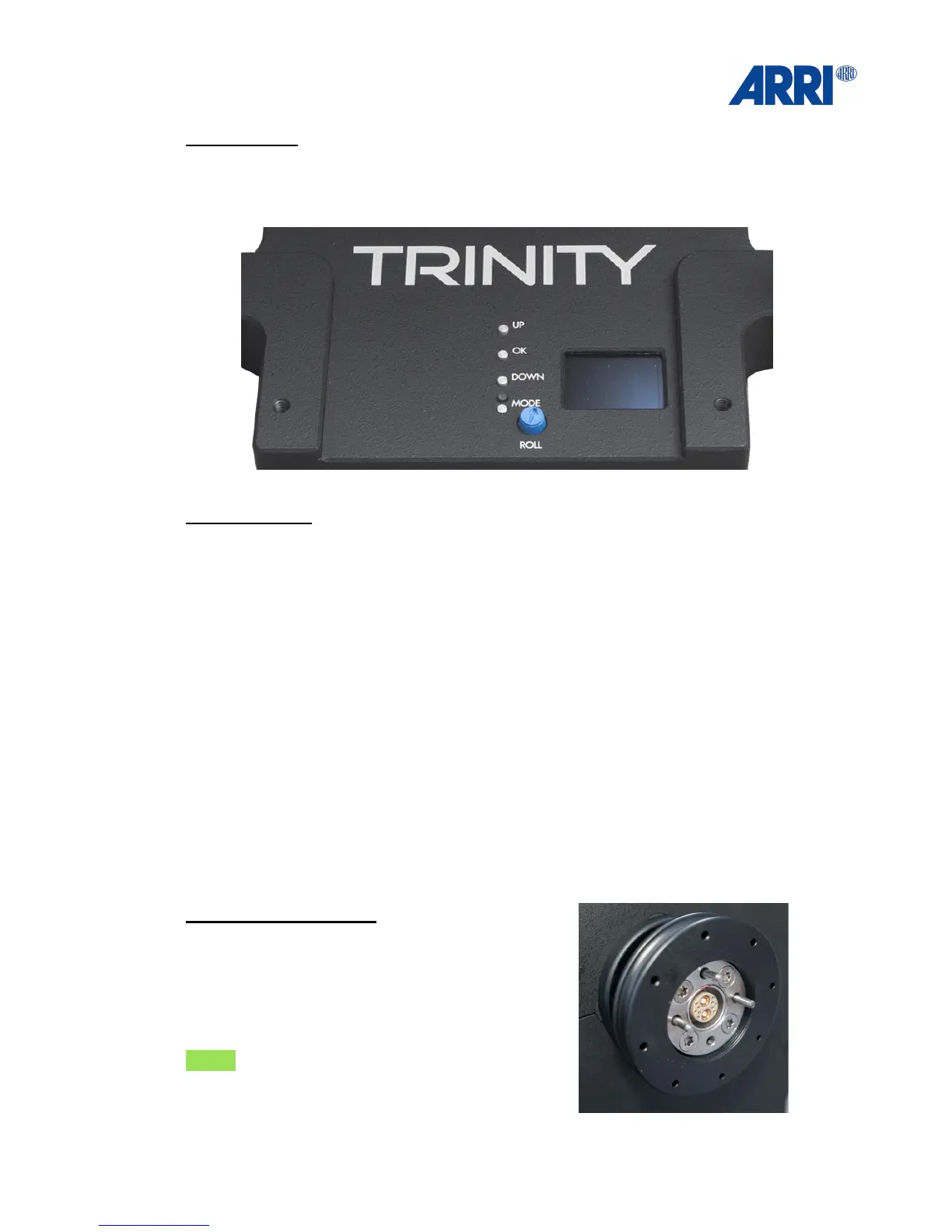
Top View Base
Overview:!
User Interface to access the 5 customizable presets and to perform basic adjustments. !
!
Control buttons:!
!
UP: !
After pressing the MODE button, you can move the cursor upwards by pressing the UP button.!
!
OK: Press OK to confirm.!
!
DOWN: !
After pressing the MODE button, you can move the cursor upwards by pressing the DOWN
button.!
!
MODE:!
By pressing MODE, you can recall one of your five personal profiles.!
!
ROLL: The blue turn knob „ROLL“ allows you to adjust the horizontal position of the camera.!
NOTICE!
Make sure the camera is levelled horizontal before you balance the rig.!
!
!
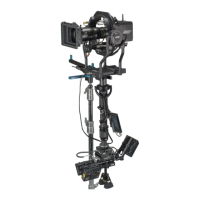
Bottom - Post Connector
There are 3 different Post connectors:!
1. artemis 3B / 2.5“!
2. artemis 2B / 2.5“!
3. GPI Pro.!
!
NOTE:!
All three versions will need the artemis
Docking Bracket / 1.8“ (K2.0010319)


 To Next Page