10.1 Changing the User Modes
NOTICE!
Five personal presets can be programmed, stored and recalled.
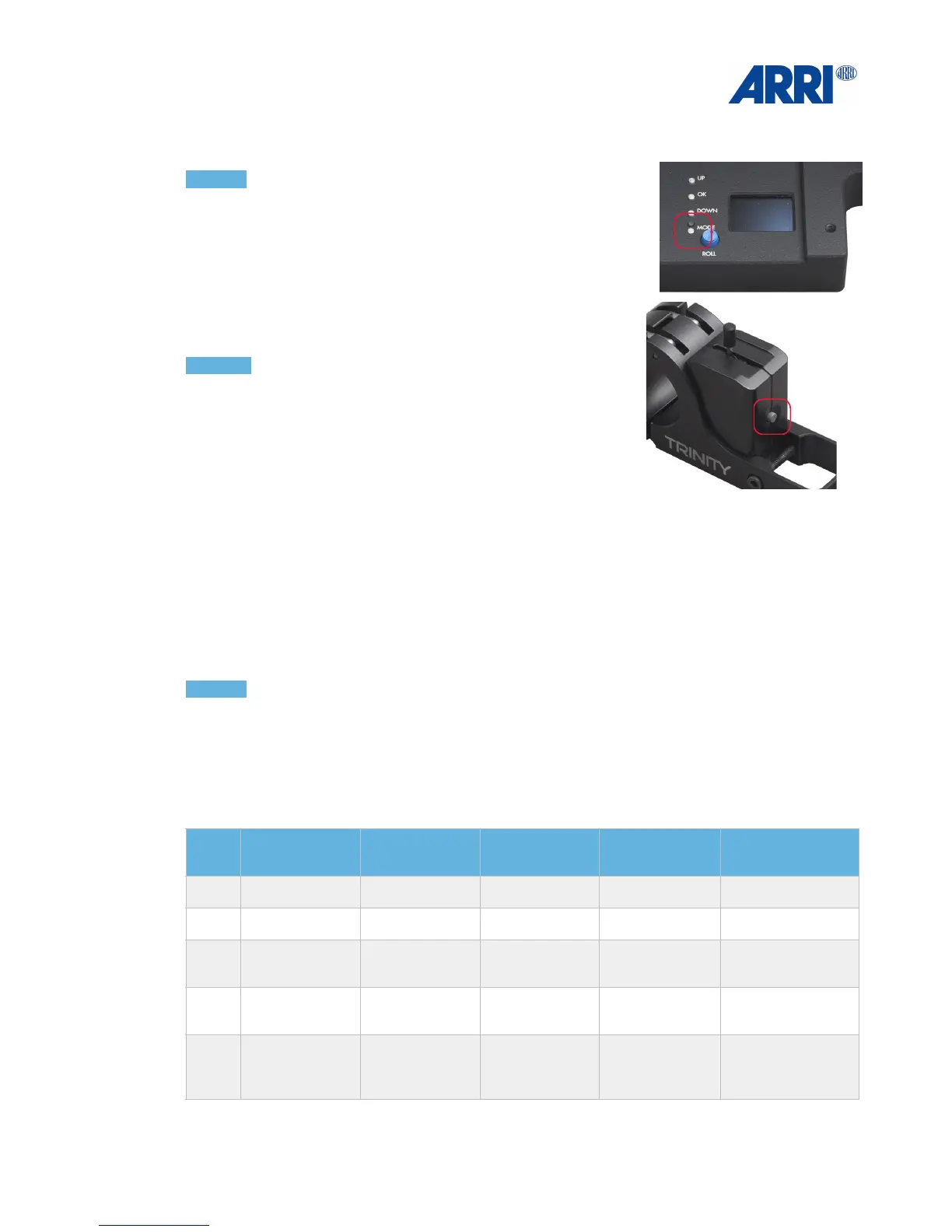
By pressing the MODE button one time you will recall
recall user mode ONE.
By pressing the MODE button twice, you will recall !
user mode TWO and so on.
NOTICE
You can use the MODE button at the base of the TRINITY
head,
you use the grey MODE button at the Joystick while
operating.
10.2 Factory presets!
The MAXIMA comes with 5 preprogrammed factory presets (user modes).
All 5 user modes are based on the same motor power settings (P / I / D).
These presets will fit camera configurations like the Alexa MINI with a prime lens and a light
matte box. Or in other words, a camera configuration which is up to 7 Kg / 15.4lb.
NOTICE!
Follow Mode: Means that the camera will follow the movement of the TRINITY / operator.!
Fully Stabilized: Means the camera will stay in the same position, facing the same direction,
even when the TRINITY is moved in all 3 axes.
Below you can see the values of the factory presets of the 5 user modes.


 To Next Page