10.0 Using the TRINITY GUI!
!
Foreword:!
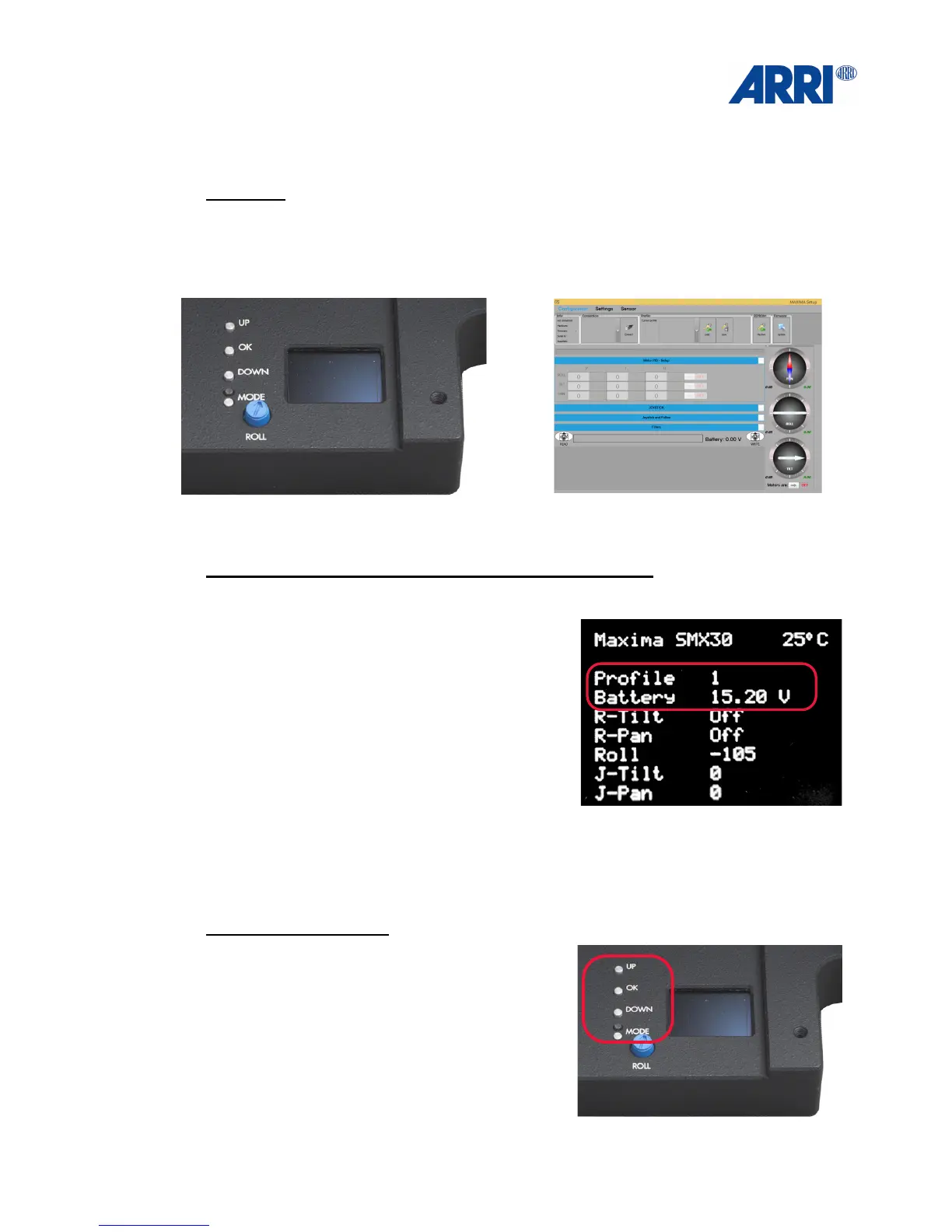
There are two ways to interact with the TRINITY.
TRINITY user interface GUI on Windows 8 or 10
This is what you will see, when you switch on the TRINITY.
Most interesting for you will be the highlighted
information:
• Selected profile!
• Battery charging state!
• Value tilt axes!
• Value pan axes!
• Value tilt axes
• Value pan axes
• Value roll axes
The main push buttons:
• UP!
• OK
• DOWN!
• MODE
!


 To Next Page